
Excel to PDF Converter
Convert Microsoft Excel (XLS and XLSX) spreadsheets into high-quality PDF documents while preserving tables, charts, formulas, and formatting. Fast, secure, and free to use.
Converting your document...
Your document is being processed. Please wait a few seconds and do not close or refresh this page.
Processing your document...
Conversion Complete!
document.pdf
Your Excel spreadsheet has been successfully converted to PDF. Your download will start automatically. If it doesn't, you can download it again below.
XLS
Supported
XLSX
Supported
25 MB
Maximum File Size
Secure
File Processing
Features
✓ XLS & XLSX Support
Convert Microsoft Excel spreadsheets into PDF instantly.
✓ Preserve Tables & Charts
Maintain formulas, cell grids, tables, charts and formatting.
✓ High Quality PDF
Create print-ready PDF documents with excellent grid alignment.
✓ No Registration
Convert files without creating an account.
✓ Free Online Tool
No software installation required.
✓ Multiple Devices
Use on desktop, tablet and mobile.
How to Convert Excel to PDF
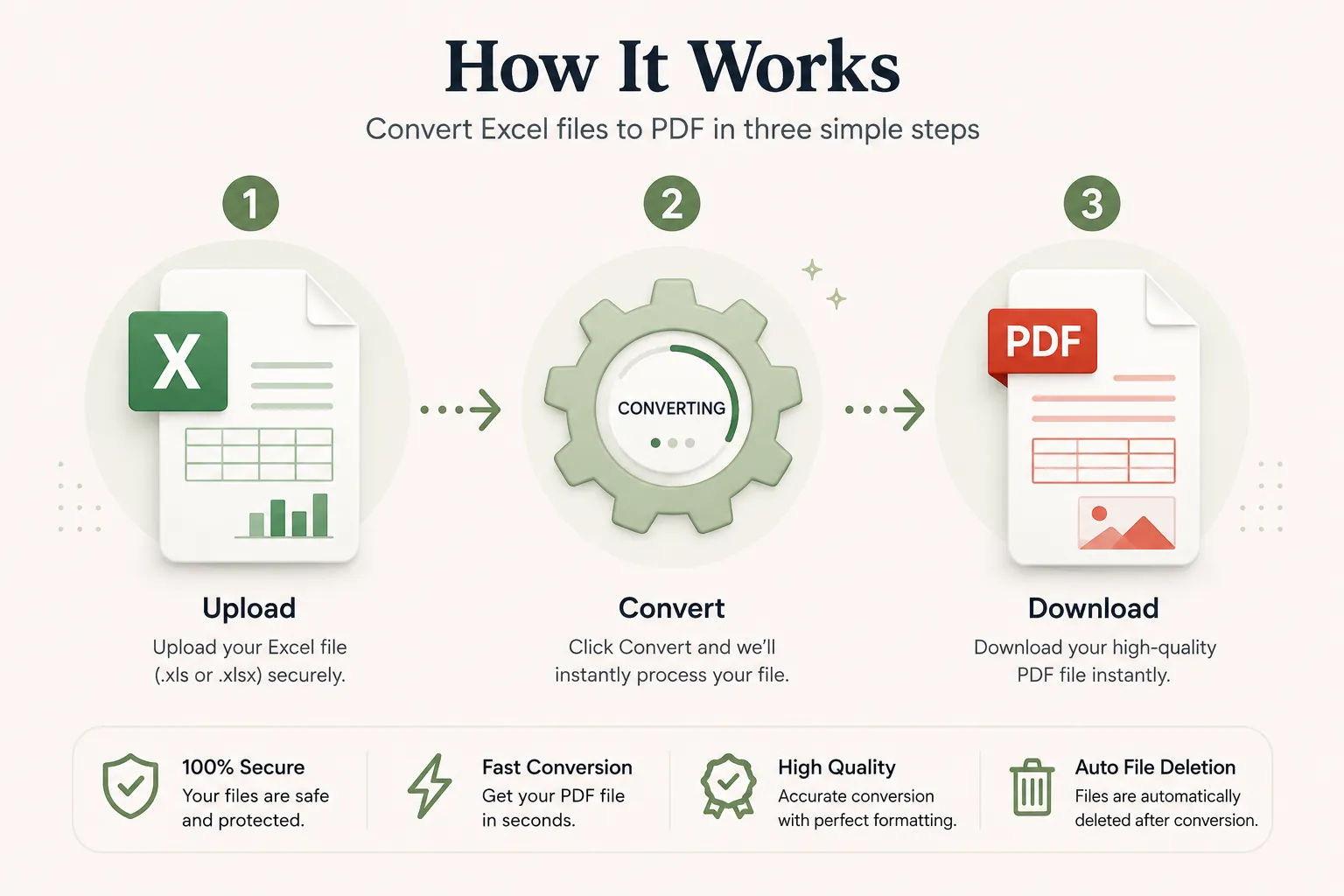
Convert your Microsoft Excel spreadsheet into a PDF in just three simple steps. No registration or software installation is required.
Upload Your Excel File
Click Select File or drag and drop your XLS or XLSX file into the upload area.
Convert to PDF
Click the Convert button. Your spreadsheet is processed while preserving tables, formulas, charts, and sheet layouts.
Download Your PDF
Your PDF will be ready in seconds. Download it instantly and share or print it whenever you need.
Why Choose Our Free Excel to PDF Converter?
Our Excel to PDF converter is designed for accountants, financial analysts, businesses, students, project managers, and anyone who needs clean spreadsheet outputs. Convert XLS and XLSX files into high-quality PDF documents while preserving tables, cell alignment, gridlines, mathematical formulas, embedded charts, and sheet page layouts.
Preserve Table & Grid Layouts
Your converted PDF keeps cell formatting, column widths, row heights, font styling, charts, and page margins intact.
Fast Conversion
Upload your Microsoft Excel workbook and receive your PDF within seconds without complicated software.
Secure Processing
Files are processed securely and automatically removed after conversion to protect your private data.
Works on Every Device
Compatible with Windows, macOS, Linux, Android and iPhone browsers.
What is an Excel to PDF Converter?
An Excel to PDF converter is an online tool that transforms Microsoft Excel workbooks (XLS and XLSX) into Portable Document Format (PDF) files. PDF documents lock in the original table alignment, grid formulas, charts, cell borders, and page orientations, ensuring that your financial reports and data sheets render identically on every device and screen.
Unlike raw spreadsheet files where columns can shift or overflow across different monitors, PDFs provide a fixed, printable layout. They are widely used for invoices, balance sheets, audit reports, financial statements, project schedules, and printable data summaries.
Our free online Excel to PDF converter makes the conversion quick and simple. Upload your XLS or XLSX workbook, convert it in seconds, and download a presentation-ready PDF without installing additional desktop software.
Why Convert Excel Spreadsheets to PDF?
Converting an Excel workbook to PDF offers essential benefits for data sharing and presentation. PDF files lock in row and column spacing, ensuring that figures and charts remain readable and unmodified.
- Preserve financial formatting, formulas, and chart graphics.
- Prevent accidental editing of formulas or cell values before distribution.
- Ideal for printing and executive report sharing.
- Compatible with Windows, macOS, Linux, Android and iPhone.
- Smaller file size for quick email sharing.
- Professional appearance for invoices, balance sheets, and proposals.
- Easy to archive and store audit logs.
- Widely accepted by financial institutions, clients, and corporate partners.
Supported Excel File Formats
Our converter supports standard Microsoft Excel file formats.
| Format | Description |
|---|---|
| XLS | Legacy Microsoft Excel spreadsheet format. |
| XLSX | Modern OpenXML Microsoft Excel spreadsheet format. |
Both spreadsheet formats are converted into standard PDF files suitable for viewing, printing and sharing.
Why Choose Doccraft?
| Feature | Doccraft Suite | Many Other Tools |
|---|---|---|
| Free to Use | ✅ | ✅ |
| No Registration | ✅ | Sometimes |
| Secure Processing | ✅ | ✅ |
| Works on Mobile | ✅ | Some |
| High Quality Output | ✅ | Varies |
| No Software Installation | ✅ | Some |
Why Users Trust Doccraft Suite
🔒 Secure File Processing
Your spreadsheet data is securely processed and protected during conversion.
🗑 Automatic File Deletion
Uploaded files are automatically removed after processing.
👤 No Registration Required
Convert Excel files without creating an account.
⚡ Fast Conversion
Most Excel workbooks convert to PDF in just a few seconds.
💻 Works Everywhere
Compatible with Windows, macOS, Linux, Android and iPhone.
📄 High Quality PDFs
Preserves table layouts, grid borders, charts, and formatting accurately.
Privacy and File Security
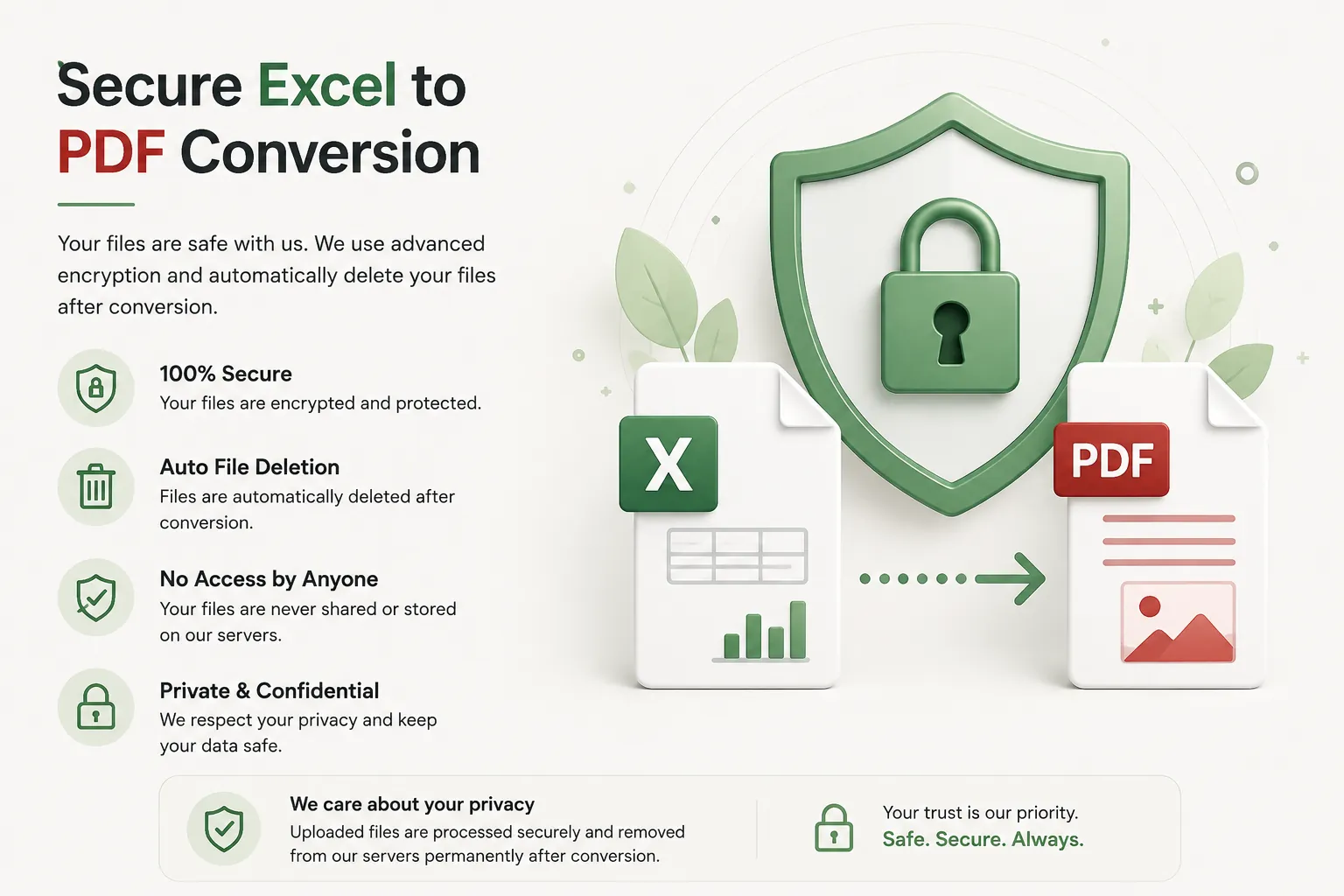
Your privacy is paramount. Every uploaded workbook is processed securely, and access is restricted strictly to the conversion process. Files are not publicly accessible during or after conversion.
To protect sensitive financial figures, uploaded spreadsheets and generated PDFs are automatically removed after processing. This ensures confidential documents remain private.
Whether you're converting financial statements, tax reports, invoices, audit data, or sales projections, your documents are handled with complete confidentiality.
Common Uses for Excel to PDF Conversion
Accountants & Auditors
Share immutable tax forms, audit logs, and balance sheets.
Businesses & Sales
Send polished invoices, price sheets, and client quotations.
Project Managers
Distribute gantt charts, timelines, and resource allocation grids.
Financial Analysts
Export financial projections, budgets, and earnings statements.
Teachers & Students
Convert grade sheets, research data tables, and math logs.
Human Resources
Share salary structures, attendance rosters, and employee metrics.
Tips for the Best Excel to PDF Conversion
- Set print areas in Excel before uploading for cleaner layout page breaks.
- Adjust column widths so text is not truncated in cells.
- Use standard fonts to ensure consistent rendering across devices.
- Review page orientation (Portrait or Landscape) in your sheet.
- Ensure hidden rows or columns are unhidden if you want them in the PDF.
- Proofread your figures and calculations before converting.
- Use the latest XLSX format for maximum element compatibility.
- Download the PDF and review it before emailing or printing.
Free Online Excel to PDF Converter
Looking for a free Excel to PDF converter? Our online tool allows you to convert XLS and XLSX files into clean PDF documents in just a few clicks. Preserve tables, cell formulas, chart graphics, formatting, and page layouts while building professional PDF documents for corporate, academic, or personal use. Compatible with Windows, macOS, Linux, Android, and iPhone, our converter provides a fast, secure, and reliable way to turn Microsoft Excel spreadsheets into PDFs without installing software or creating an account.
Perfect For
- Accountants generating balance sheets
- Businesses sending customer invoices
- Sales teams distributing pricing charts
- Project leads sharing project schedules
- HR departments delivering payroll sheets
- Financial analysts exporting quarterly models
- Researchers publishing data tables
- Students submitting statistics assignments
- Teachers printing attendance logs
- Managers archiving annual budgets
Benefits of Converting Excel to PDF
PDF documents are universally accepted and preserve spreadsheet formatting across all display hardware. Unlike Excel workbooks, PDFs prevent accidental data changes or formula shifts, making them ideal for official statements, client invoices, audit archives, and executive presentations.
Frequently Asked Questions
Is this Excel to PDF converter free?
Yes. You can convert XLS and XLSX files into PDF without paying or registering.
Will table formatting or gridlines change?
No. Tables, formulas, cell borders, charts, and column alignments are preserved accurately.
Can I convert older XLS files?
Yes. Both legacy XLS and modern XLSX formats are supported.
Are my financial spreadsheets secure?
Yes. Uploaded files are processed via encrypted connections and automatically removed after conversion.
Does this work on mobile devices?
Yes. Use the converter on Android, iPhone, Windows, macOS and Linux browsers.