
Merge PDF Documents
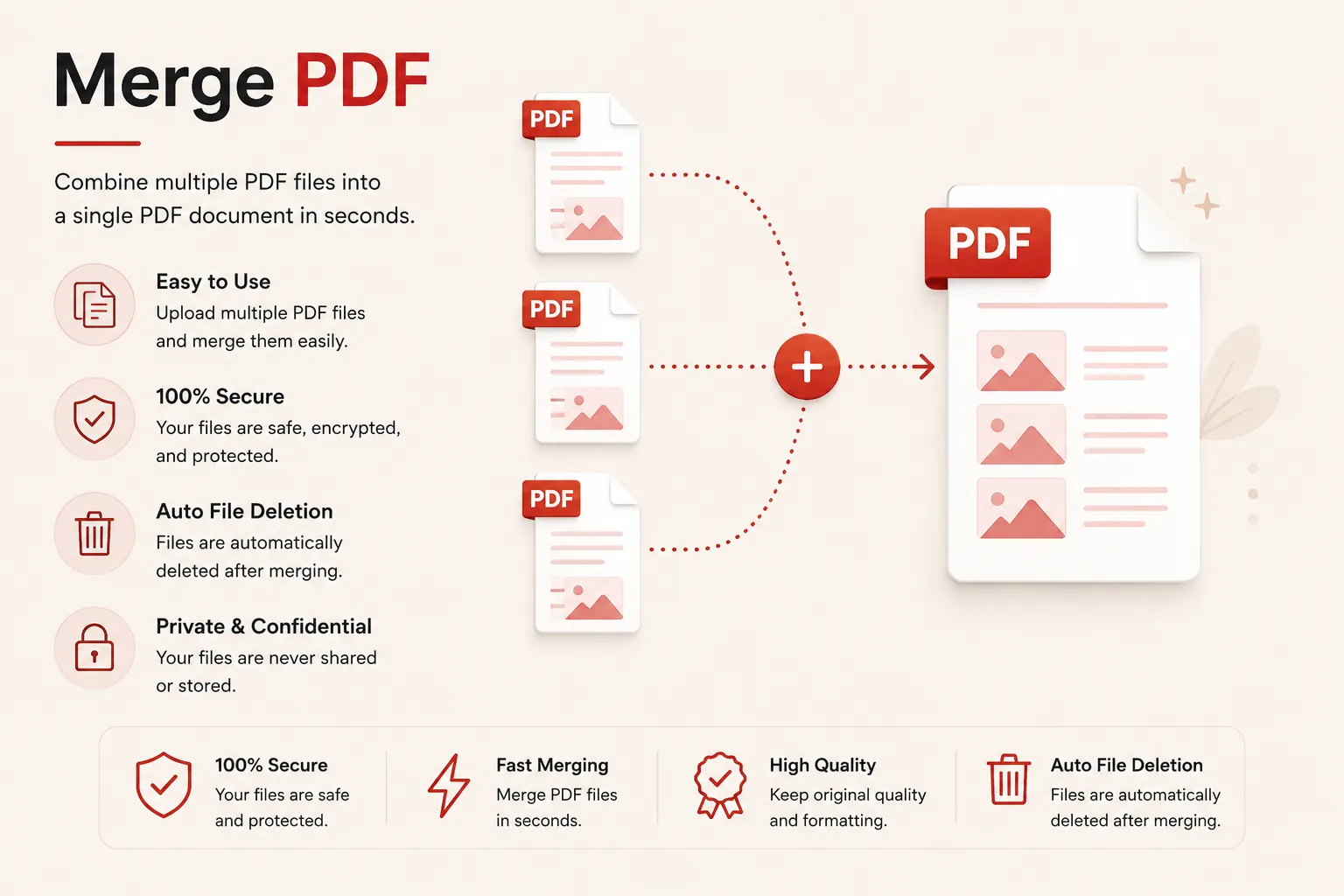
Combine multiple PDF files into a single structured presentation document. Reorder elements fluidly, filter targets by range parameters, and process bytes in a secure cloud ecosystem.
Merging document frameworks...
Piping content streams into unified layout boundaries. Do not close or refresh this stream window.
Initializing document page compiler channel...
Merge Process Complete!
consolidated_archive.pdf
Your selected PDF assets have been successfully consolidated into a single unified document layout structure. Your download will start automatically.
Multi-File
Batch Processing
Page Filters
Even / Odd / Ranges
In-Memory
High-Speed Append
Privacy First
Auto File Shredding
Features
✓ Combine Multiple PDFs
Merge unlimited PDF files into one continuous presentation document.
✓ Page Filter Rules
Select specific page numbers, odd/even ranges, or custom chapters.
✓ High Precision Output
Preserve vector fonts, graphics, forms, and bookmarks accurately.
✓ No Registration
Merge files immediately without creating an account.
✓ Free Online Tool
No heavy desktop software installation required.
✓ Multiple Devices
Use seamlessly on desktop, tablet, and mobile browsers.
How to Merge PDF Files
Combine two or more PDF documents into a single file in just three simple steps. No registration or software installation is required.
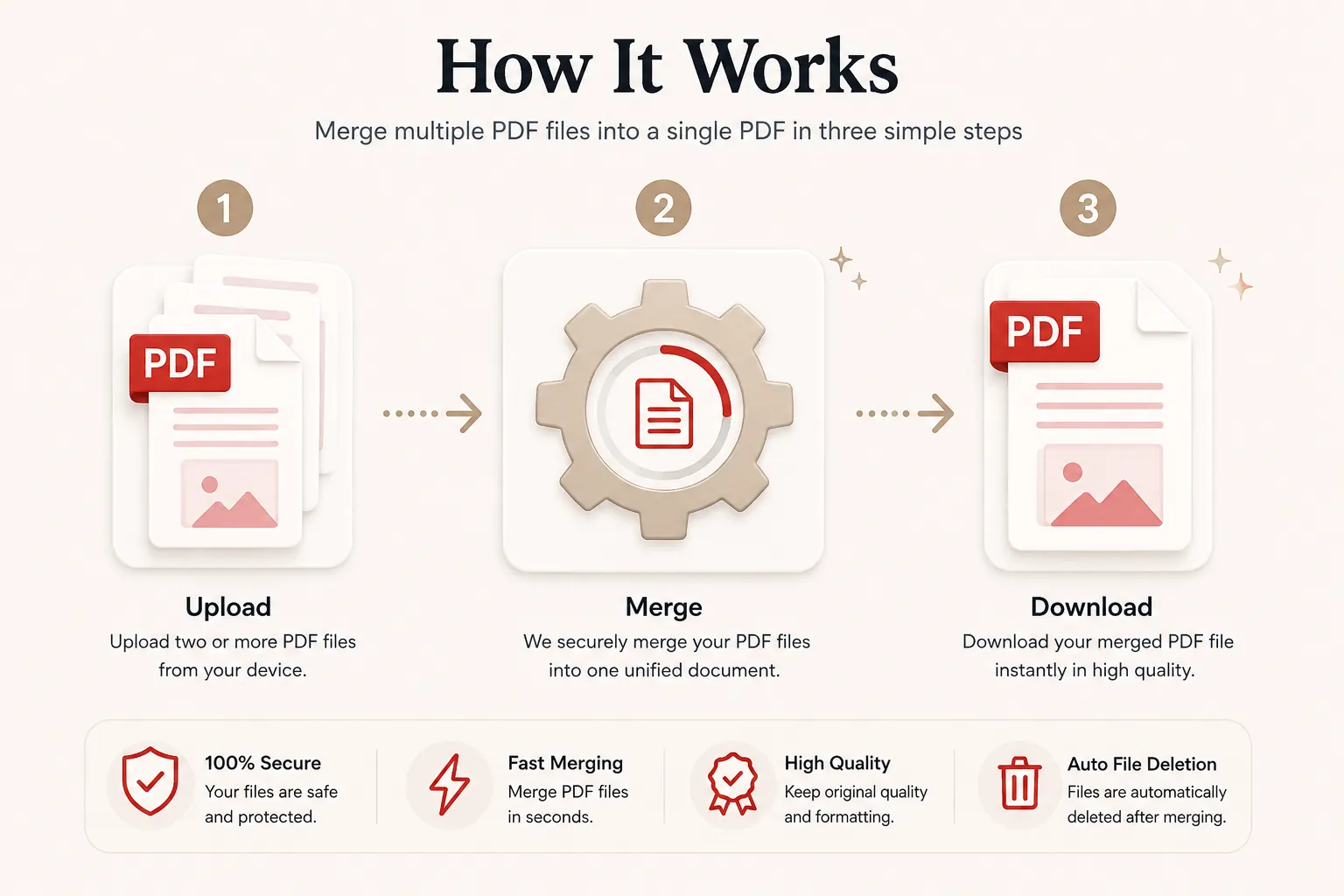
Upload PDF Files
Click Select Files or drag and drop two or more PDF files into the upload area.
Organize & Filter
Arrange your document compilation queue and optionally enter custom page selection rules.
Merge & Download
Click the Compile and Merge button to consolidate your documents. Download your merged PDF instantly.
Why Choose Our Free PDF Merger?
Our PDF merger is designed for students, legal teams, medical offices, business managers, researchers, and developers who need to stitch multiple independent PDF files into a single coherent package. Merge contracts, invoices, study chapters, and scanned receipts while preserving exact vector layouts, embedded fonts, image clarity, and page orientations.
Preserve Original Layout Quality
Your merged PDF maintains exact font styles, margins, vector graphics, embedded charts, page orientations, and hyperlinks.
High-Speed Cloud Processing
Upload your document batch and receive your single combined PDF within seconds thanks to optimized in-memory append routines.
Secure File Shredding
Uploaded files are processed over encrypted connections and purged automatically post-conversion to protect sensitive personal and corporate records.
Works on Every Device
Compatible with Windows, macOS, Linux, Android and iPhone browsers.
What is a PDF Merger Tool?
A PDF merger tool is an online document utility that concatenates two or more separate Portable Document Format (PDF) files into a single unified file. Stitching multiple documents together simplifies digital file sharing, email attachments, and archive organization.
Instead of sending multiple loose PDF attachments to clients, students, or partners, combining them into one document ensures that pages are read in the exact order intended without missing supporting materials.
Our free online PDF merger makes combining documents effortless. Queue your files, apply optional page filter rules, and download a single consolidated PDF without installing desktop software.
Why Merge PDF Files Together?
Consolidating multiple PDF files into one continuous document offers significant workflow benefits:
- Combine separate invoice files into a single monthly expense submission.
- Join multiple contract drafts or legal addendums into one binding document.
- Merge lecture notes, chapter assignments, and study guides for easy reading.
- Consolidate medical history forms or insurance claim documents.
- Create single email attachments instead of clogging recipient inboxes with multiple files.
- Simplify document printing by sending one file to the printer.
- Streamline long-term digital archivism and file cataloging.
Why Choose Doccraft?
| Feature | Doccraft Suite | Many Other Tools |
|---|---|---|
| Free to Use | ✅ | ✅ |
| No Registration | ✅ | Sometimes |
| Secure Processing | ✅ | ✅ |
| Custom Page Filter Rules | ✅ | Rarely |
| Works on Mobile | ✅ | Some |
| High Quality Vector Output | ✅ | Varies |
Why Users Trust Doccraft Suite
🔒 Secure File Processing
Your files are securely encrypted during transit and processed in isolated containers.
🗑 Automatic File Deletion
Uploaded and merged files are purged automatically from servers immediately after processing.
👤 No Registration Required
Merge PDF documents immediately without providing an email address or creating an account.
⚡ Rapid Assembly
Parallel in-memory streaming engines combine multi-page files in seconds.
💻 Works Everywhere
Fully compatible with Chrome, Safari, Firefox, and Edge on desktop and mobile.
📄 High Precision Merging
Preserves original font rendering, vector diagrams, and layout structures accurately.
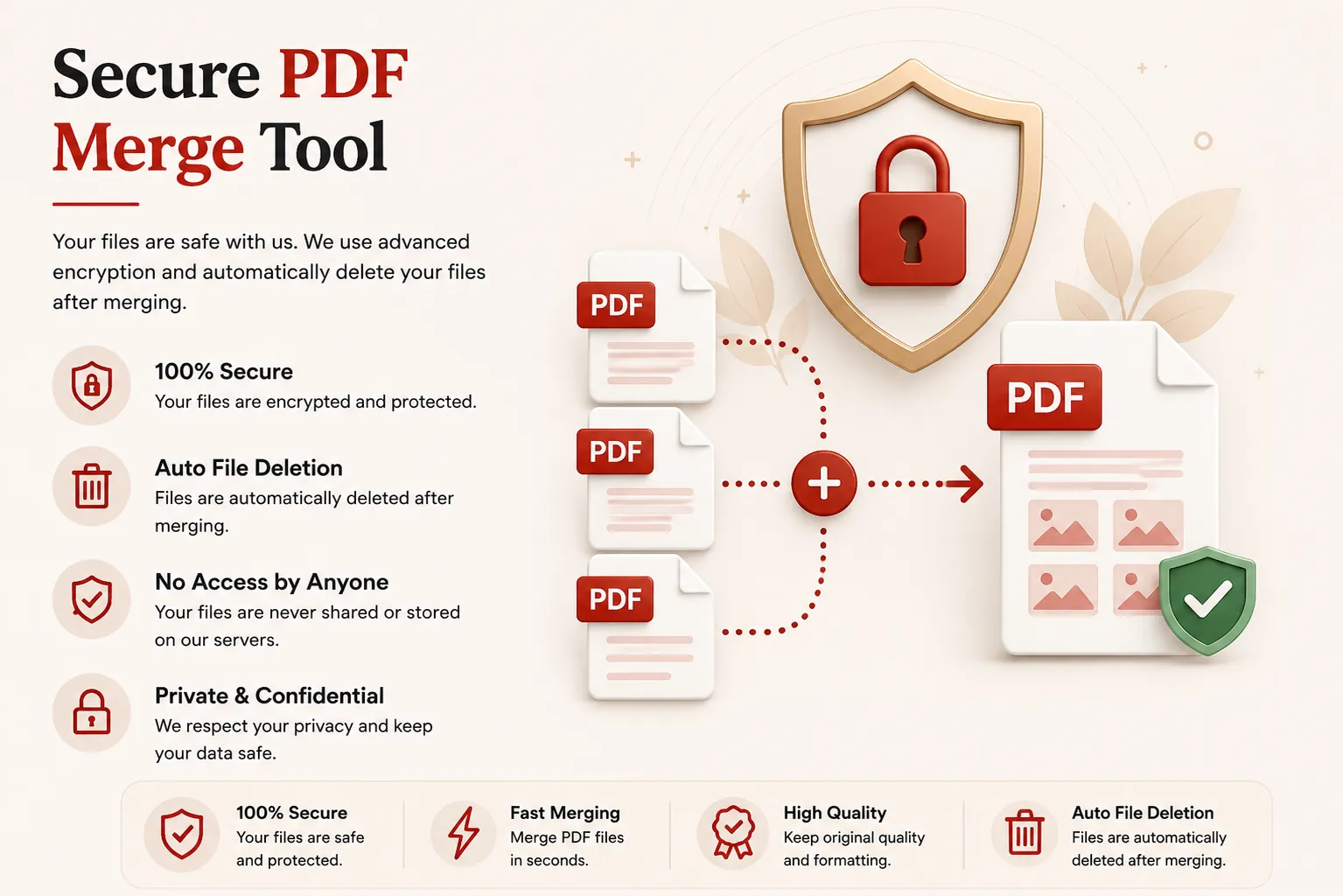
Privacy and File Security
Your document confidentiality is paramount. Every uploaded PDF file is transmitted over encrypted HTTPS channels, and access is strictly isolated to the automated processing engine. Files are never indexed, exposed, or publicly accessible.
To enforce strict privacy standards, uploaded source files and generated merged documents are permanently destroyed shortly after processing completes.
Whether you're combining confidential legal briefs, financial ledgers, medical charts, or academic research papers, your documents remain private every step of the way.
Common Uses for PDF Merging
Legal Teams
Combine case files, evidence documents, and exhibits into a single court submission.
Accounting & Finance
Merge receipts, invoices, and audit statements for monthly accounting packages.
Students & Researchers
Combine research paper chapters, literature reviews, and bibliography references.
Real Estate & HR
Join job application forms, resumes, and identification scans into one candidate file.
Medical Practices
Stitch lab results, doctor notes, and intake forms into unified patient records.
Project Managers
Concatenate status updates, budget reports, and timeline graphics into team decks.
Tips for the Best PDF Merge Results
- Arrange files in the exact order you want them to appear in the combined document.
- Use the optional page filter rules (e.g.,
1-3, 5, 8-10) if you only need specific pages. - Ensure all source PDF files are unlocked and not password-protected before uploading.
- Verify that page orientations across documents match your preferred reading layout.
- Download and review the consolidated PDF file before sharing or sending.
Free Online PDF Merger
Searching for a free online PDF merger? Our web application allows you to combine multiple PDF documents into a single organized file in just a few clicks. Preserve fonts, formatting, graphics, and layout structures while building unified PDF documents for work, school, and personal needs. Compatible with Windows, macOS, Linux, Android, and iPhone, our merger provides a fast, secure, and reliable way to join PDF files without installing software or creating an account.
Perfect For
- Combining multiple PDF invoices into one billing file
- Merging resume and cover letter PDFs
- Stitching research paper chapters together
- Consolidating legal agreements and exhibits
- Joining property inspection reports and photos
- Creating single-file meeting packages for board members
- Merging medical history documents
- Archiving multi-part digital records
Benefits of Merging PDF Files
PDF merging simplifies document management and sharing. Combining loose files into a single document prevents lost attachments, maintains sequential page flow, and creates professional multi-page presentations.
Frequently Asked Questions
Is this PDF Combiner free?
Yes. You can upload, reorder, and combine multiple PDF files into a single unified document completely free.
Can I merge specific pages instead of entire files?
Yes. You can type custom ranges under the parameters panel to slice and combine exact pages from your uploaded files.
How many files can I merge at once?
You can queue multiple files up to 25 MB per file in a single processing batch.
Are my uploaded documents safe?
Yes. Your files are processed securely in-memory and permanently erased immediately after extraction task completion.
Does this work on mobile devices?
Yes. Access and use the PDF merger on Android, iPhone, Windows, macOS, and Linux browsers.