
Image to PDF Converter
Convert JPG, PNG, and WebP image files into high-quality PDF documents while preserving colors, orientation, and image clarity. Fast, secure, and free to use.
Converting your image...
Your image is being processed. Please wait a few seconds and do not close or refresh this page.
Processing your document...
Conversion Complete!
image.pdf
Your image asset has been successfully converted to PDF. Your download will start automatically. If it doesn't, you can download it again below.
JPG / JPEG
Supported
PNG / WebP
Supported
25 MB
Maximum File Size
Secure
File Processing
Features
✓ Multi-Format Image Support
Convert JPG, JPEG, PNG, and WebP images into PDF instantly.
✓ Crisp Visual Quality
Maintain optimal image resolution, color, and aspect ratios.
✓ High Quality PDF
Create print-ready PDF documents from graphics and photos.
✓ No Registration
Convert files without creating an account.
✓ Free Online Tool
No software installation required.
✓ Multiple Devices
Use on desktop, tablet and mobile.
How to Convert Image to PDF
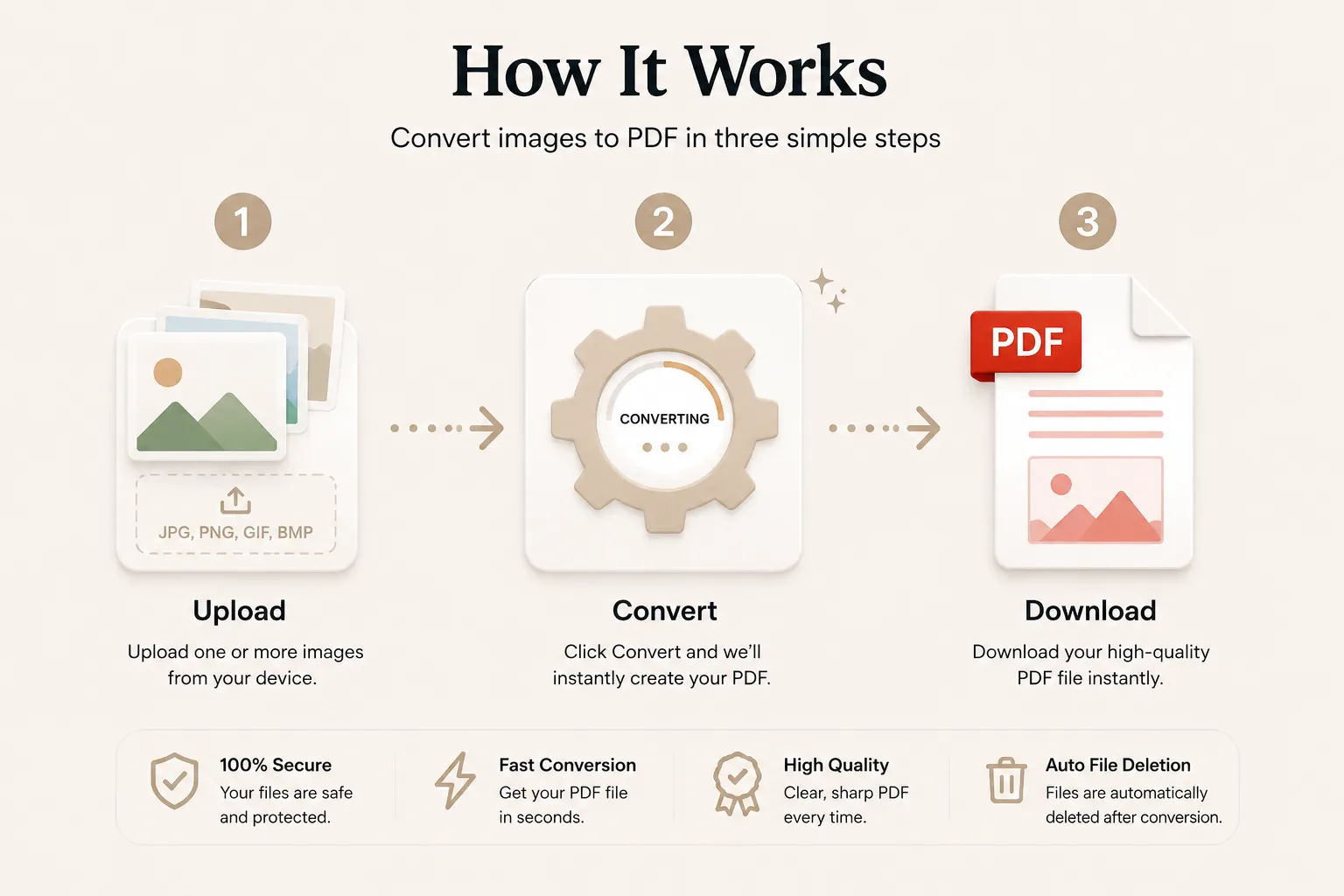
Convert your photos or graphics into a clean PDF in just three simple steps. No registration or software installation is required.
Upload Your Image File
Click Select File or drag and drop your JPG, PNG, or WebP asset into the upload area.
Convert to PDF
Click the Convert button. Your picture is processed and encapsulated into a clean PDF format.
Download Your PDF
Your PDF will be ready in seconds. Download it instantly and share or print whenever you need.
Why Choose Our Free Image to PDF Converter?
Our Image to PDF converter is designed for photographers, designers, students, business managers, and legal professionals who need reliable image-to-document conversion. Convert JPG, PNG, and WebP graphics into structured PDF pages while preserving photo clarity, color profile, and aspect ratio.
High Quality Rendering
Your converted PDF page keeps the picture's crisp details, correct orientation, and high-fidelity color spectrum.
Fast Conversion
Upload your graphic file and receive your PDF output within seconds without waiting for heavy graphics rendering tools.
Secure Processing
Files are processed securely and automatically removed after conversion to protect your privacy and personal photos.
Works on Every Device
Compatible with Windows, macOS, Linux, Android and iPhone browsers.
What is an Image to PDF Converter?
An Image to PDF converter is an online tool that converts image files (such as JPG, PNG, or WebP) into Portable Document Format (PDF) files. Converting pictures into PDFs makes them easier to print, view uniformly across all operating systems, and attach to formal submissions without formatting shifts.
Unlike raw image files which can vary in display size depending on device resolutions, PDF pages maintain a standardized layout. This makes image-to-PDF conversion ideal for receipts, identity scans, certificates, portfolios, artwork, and official paperwork.
Our free online Image to PDF converter makes the conversion process quick and simple. Upload your image, convert it in seconds, and download a professional PDF without installing extra software.
Why Convert Images to PDF?
Converting an image or photo to a PDF provides several key operational advantages. PDF files ensure that your graphics render identically regardless of the viewing screen or application used.
- Ensure fixed page margins for reliable document printing.
- Prevent accidental editing or displacement of visual content.
- Consolidate visual receipts, ID cards, and document photos into standard PDF sheets.
- Compatible with Windows, macOS, Linux, Android and iPhone.
- Create standardized file types accepted by government and corporate portals.
- Keep document image files easy to archive and store.
Supported Image File Formats
Our converter supports the most popular graphic image extensions.
| Format | Description |
|---|---|
| JPG / JPEG | Standard photographic image format widely used across digital cameras and phones. |
| PNG | Portable Network Graphics format with support for lossless compression. |
| WebP | Modern web graphic image format optimized for high compression and quality. |
All image formats are converted into standardized PDF pages ready for viewing and printing.
Why Choose Doccraft?
| Feature | Doccraft Suite | Many Other Tools |
|---|---|---|
| Free to Use | ✅ | ✅ |
| No Registration | ✅ | Sometimes |
| Secure Processing | ✅ | ✅ |
| Works on Mobile | ✅ | Some |
| High Resolution Output | ✅ | Varies |
| No Software Installation | ✅ | Some |
Why Users Trust Doccraft Suite
🔒 Secure File Processing
Your photos are securely processed over encrypted connections.
🗑 Automatic File Deletion
Uploaded images are purged automatically after conversion.
👤 No Registration Required
Convert image files instantly without creating an account.
⚡ Fast Conversion
Most images are converted to PDF in just a couple of seconds.
💻 Works Everywhere
Compatible with Windows, macOS, Linux, Android and iPhone.
📄 High Quality Output
Preserves visual detail, orientation, and color spectrum accurately.
Privacy and File Security
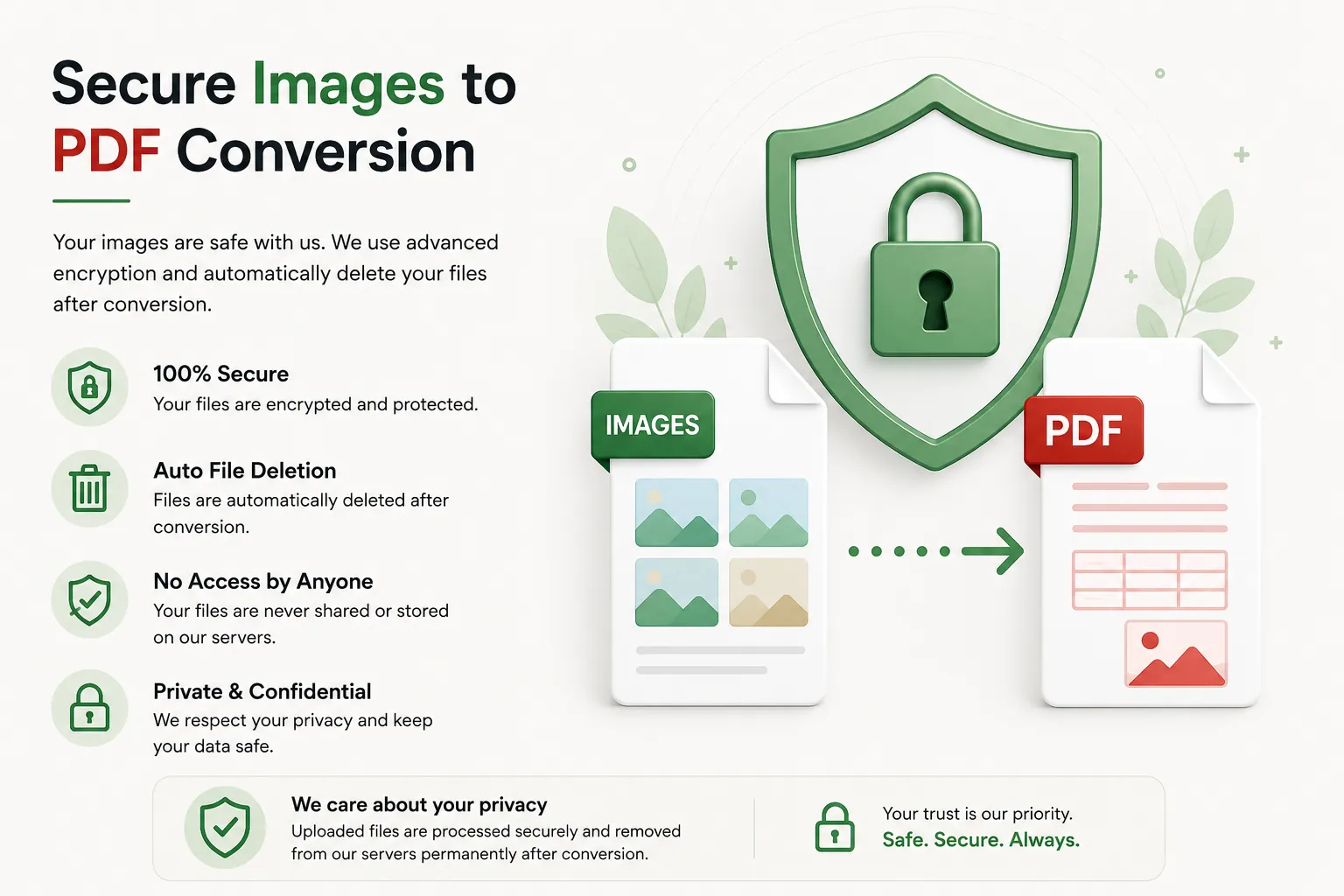
Your privacy is vital. Every uploaded image is processed securely, and access is restricted strictly to the automated conversion process. Files are not publicly accessible or stored permanently.
To protect personal photos and business graphic assets, uploaded image files and converted PDFs are automatically removed after processing.
Whether you are converting identity cards, certificates, invoice receipts, artwork, or personal photos, your files are handled with absolute confidentiality.
Common Uses for Image to PDF Conversion
Scanned Documents
Turn camera photos of signed paper documents into official PDF files.
Receipts & Invoices
Convert snapshot images of expense receipts into clean PDFs for accounting.
Design Portfolios
Share design assets, artwork, and mockups as standardized PDF documents.
Identity Verification
Convert passport or driver's license scans for digital portal submissions.
Certificates & Diplomas
Save photo scans of awards and diplomas in a universally printable PDF format.
Real Estate Photos
Compile property snapshot pictures into structured PDF attachments.
Tips for the Best Image to PDF Conversion
- Ensure your photo is properly lit and readable before uploading.
- Crop unneeded background borders around scanned document photos.
- Ensure the image orientation (portrait or landscape) is correct.
- Use high-resolution PNG or JPG assets for clear text readability.
- Download the PDF and preview it before printing or emailing.
Free Online Image to PDF Converter
Looking for a free JPG and Image to PDF converter? Our online tool allows you to convert JPG, PNG, and WebP images into crisp PDF documents in just a few clicks. Preserve graphic clarity and image resolution while creating professional PDFs for work, school, and government application needs. Compatible with desktop and mobile, our converter provides a fast and secure way to transform images into PDF without software installations or accounts.
Perfect For
- Submitting document scans to online portals
- Organizing snapshot receipts for expense tracking
- Converting photo certificates and transcripts
- Creating PDF portfolios from graphic artwork
- Preparing printable digital pictures
- Sharing photo documentation securely
Benefits of Converting Image to PDF
PDF documents standardize how image assets are rendered across all operating systems. Unlike raw graphics, PDFs ensure fixed printing bounds, prevent accidental modifications, and streamline file uploads on formal websites.
Frequently Asked Questions
Is this Image to PDF converter free?
Yes. You can convert JPG, PNG, and WebP files into PDF without paying or registering.
Will image clarity be reduced?
No. Visual resolution, photo contrast, and details are maintained during processing.
What image types are supported?
JPG, JPEG, PNG, and WebP image formats are supported.
Are my uploads kept private?
Yes. Uploaded photos are processed securely and deleted automatically post-conversion.
Does this tool work on smartphone browsers?
Yes. Use it on Android, iPhone, Windows, macOS and Linux browsers seamlessly.