
Rotate PDF Pages with Live Preview
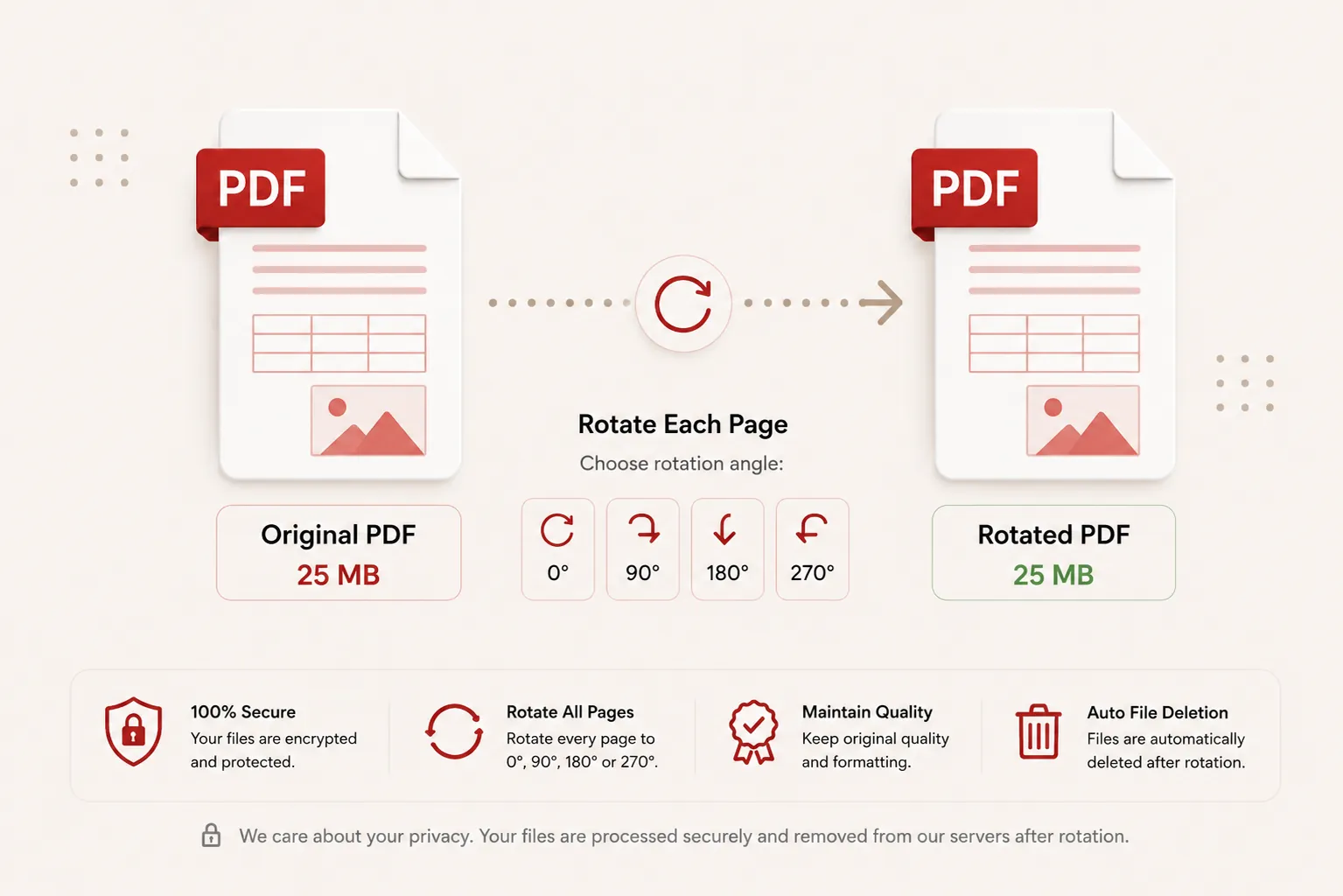
Fix sideways or upside-down scanned pages with exact visual previews. Rotate single pages or whole documents by 90°, 180°, or 270°.
Modifying Page Viewport Matrices...
Updating structural rotation headers and rendering updated PDF streams. Do not close or refresh this page.
// Applying canvas transformation properties...
Document Rotated Successfully!
rotated_document.pdf
Your PDF page orientations have been updated and your download will start automatically.
Live Preview
Real page canvas rendering
90°, 180°, 270°
Flexible degree shifts
Permanent
Saves orientation matrix
Zero Storage
Files purged post-download
Features
✓ Exact Visual Previews
Inspect real document canvas thumbnails before applying permanent degree shifts.
✓ Flexible Rotation Controls
Rotate individual pages or apply batch 90°, 180°, or 270° degree turns to all pages.
✓ Fast In-Memory Processing
Update viewport matrix headers instantly without degrading vector fonts or imagery.
✓ No Registration
Rotate PDF pages immediately without creating an account.
✓ Free Online Tool
No heavy desktop software installation required.
✓ Multiple Devices
Use seamlessly on desktop, tablet, and mobile browsers.
How to Rotate PDF Pages
Rotate PDF pages permanently in three simple steps. No registration or software installation is required.
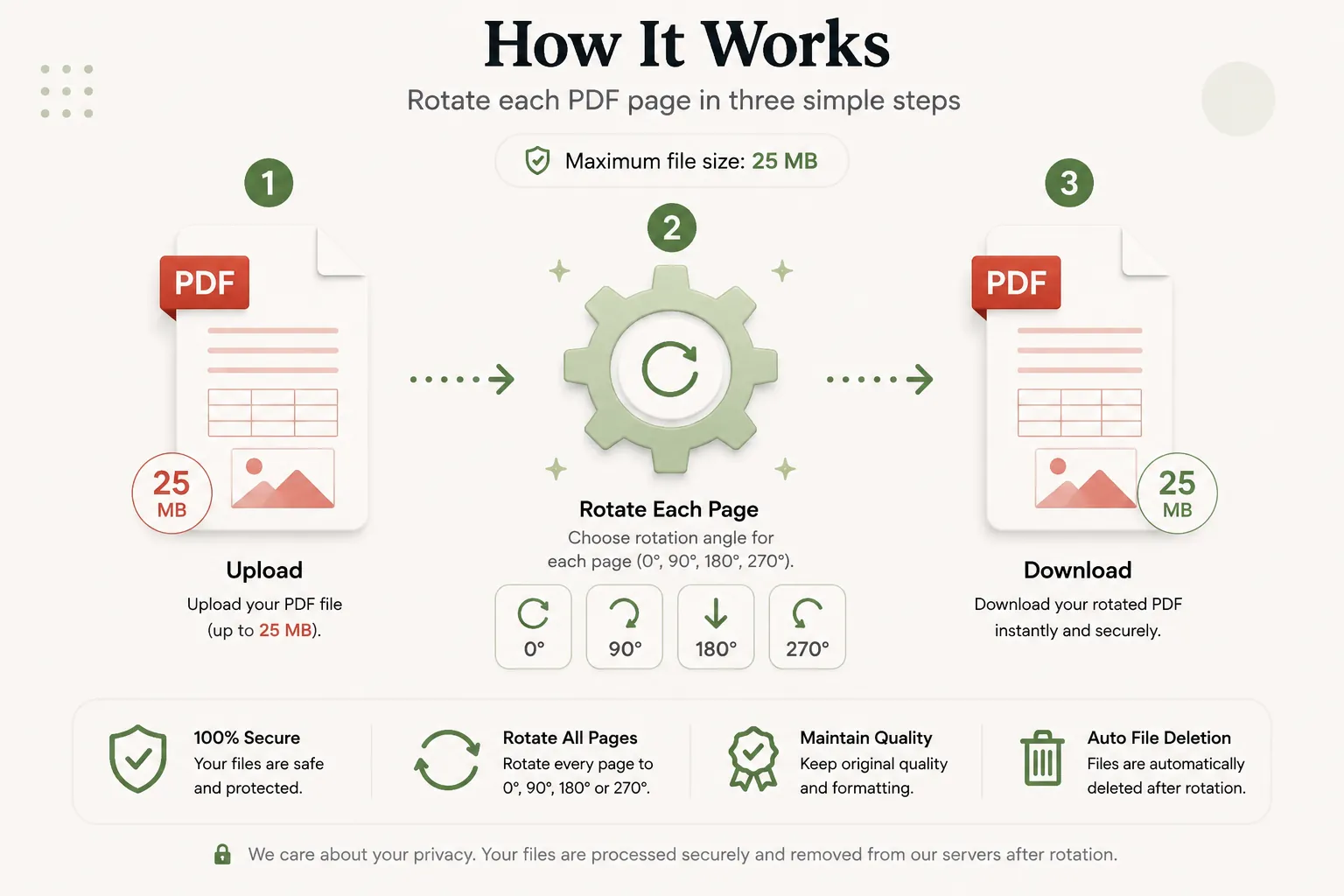
Upload Your PDF
Click Select File or drag and drop your PDF document into the upload dropzone.
Inspect & Rotate Pages
Use individual card controls or global buttons to rotate pages left or right by 90°.
Download Rotated PDF
Click Apply Permanent Rotation and download your updated PDF file instantly.
Why Rotate PDF Pages Online with Live Previews?
Scanned documents, university marksheets, government identity cards, and mobile phone photo uploads often appear inverted or rotated sideways when converted into PDF format. Opening landscape charts or sideways contract pages in standard PDF viewers creates readability friction for recipients.
DocCraft’s Rotate PDF Tool uses browser-based PDF rendering engines to generate exact, high-resolution thumbnail previews of every single page in your document. You can visually inspect each page and modify structural rotation metadata permanently to 0°, 90°, 180°, or 270°.
Exact Visual Canvas Previews
Render actual page content directly in your browser so you know exactly which page you are rotating without guessing.
Stateless Privacy Guarantee
Files pass through ephemeral memory buffers and are deleted immediately after processing. No databases or file histories are kept.
Why Choose Doccraft?
| Feature | Doccraft Suite | Many Other Tools |
|---|---|---|
| Free to Use | ✅ | ✅ |
| No Registration | ✅ | Sometimes |
| Live Canvas Previews | ✅ | Rarely |
| Permanent Matrix Rotation | ✅ | ✅ |
| Works on Mobile | ✅ | Some |
| High Quality Vector Output | ✅ | Varies |
Why Users Trust Doccraft Suite
🔒 Secure File Processing
Your files are encrypted during transmission and processed safely in memory.
🗑 Automatic File Deletion
Uploaded and rotated files are purged automatically from servers post-processing.
👤 No Registration Required
Rotate PDF pages immediately without signing up or providing emails.
⚡ Rapid Processing
Optimized stream routines update viewport matrices in just a few seconds.
💻 Works Everywhere
Compatible with Windows, macOS, Linux, Android and iPhone browsers.
📄 Sharp Document Quality
Maintains original typography, vector layers, and page layout dimensions.
Privacy and File Security
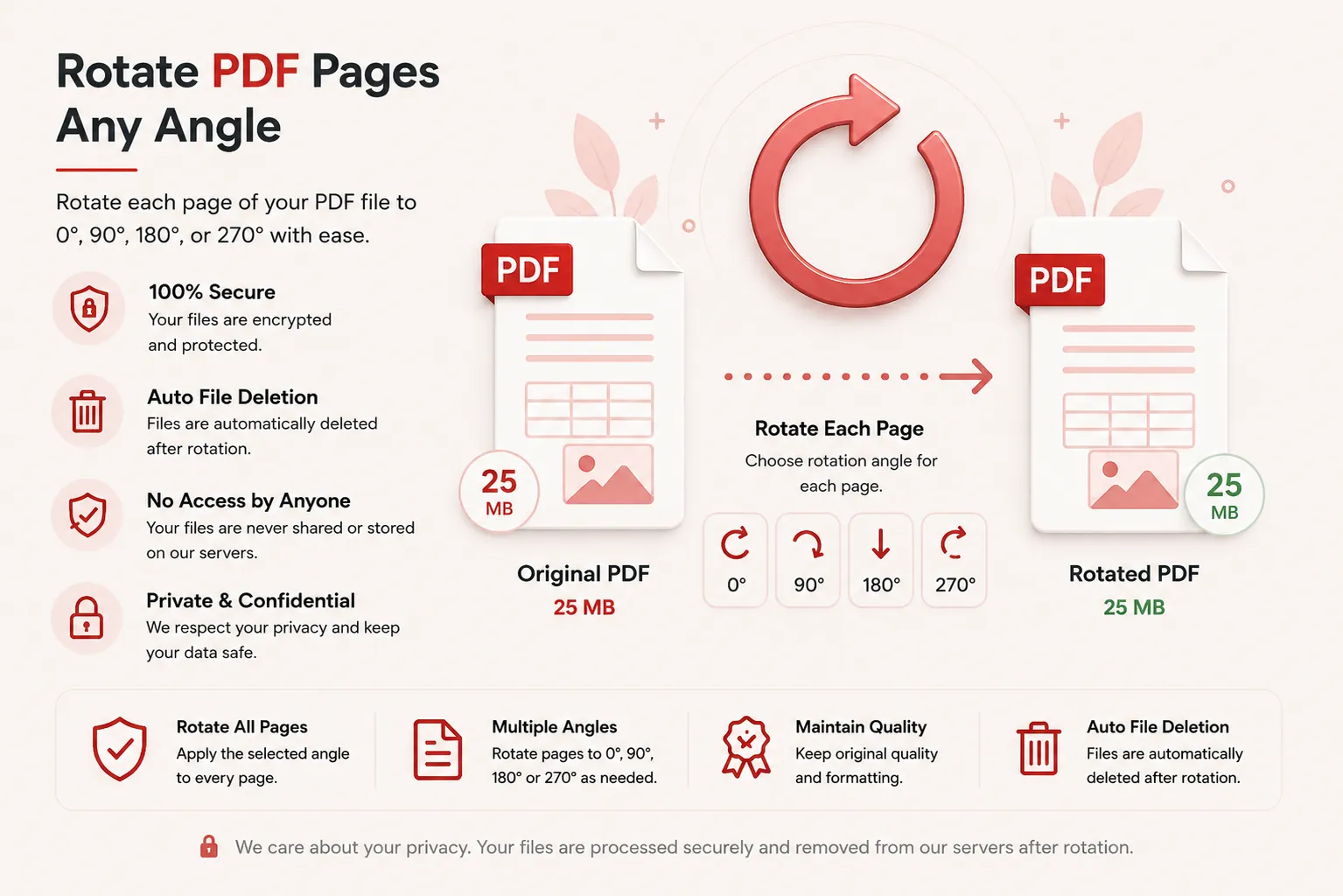
Your document confidentiality is strictly protected. Every uploaded PDF file is processed securely over encrypted HTTPS connections, and access is restricted exclusively to the automated processing pipeline. Files are never publicly accessible or stored permanently.
To enforce privacy standards, uploaded source files and generated rotated PDFs are permanently erased from processing servers after download.
Whether you're rotating financial statements, legal briefs, medical charts, or academic papers, your documents remain completely private.
Common Uses for PDF Rotation
Scanned Documents
Fix pages that were scanned upside-down or sideways during batch scanning.
Landscape Charts & Tables
Rotate landscape spreadsheet pages so they display properly alongside portrait text.
Mobile Camera Uploads
Correct orientation on photo uploads taken with smartphones or tablets.
Architectural & CAD Drawings
Orient wide blue-print or schematic drawings for viewing on standard displays.
Legal Evidence Exhibits
Rotate upside-down scanned receipt or contract exhibits in legal binders.
Medical Scans
Correct alignment on patient chart scans and lab diagnostic reports.
Tips for Best PDF Rotation Results
- Review individual page thumbnails in the live grid before applying changes.
- Use global buttons if all pages in your document were scanned in the same sideways orientation.
- Use single card controls to fix specific inverted pages in mixed-orientation documents.
- Ensure your source PDF file is not password-protected before uploading.
- Verify your rotated PDF after downloading to ensure orientations suit your reader.
Free Online PDF Rotator
Searching for a free PDF rotator? Our online tool allows you to turn PDF pages in just a few clicks. Preserve text legibility, vector objects, and page formatting while permanently rotating sideways or inverted documents. Compatible with Windows, macOS, Linux, Android, and iPhone, our rotator delivers a fast, secure, and reliable way to fix PDF page orientations without installing desktop software or registering an account.
Perfect For
- Rotating upside-down scanned PDF documents
- Turning landscape charts into readable orientation
- Correcting orientation on mobile camera photo PDFs
- Orienting architectural blueprint diagrams
- Fixing upside-down contract addendums
- Orienting medical record chart scans
- Aligning presentation slides
- General document editing workflows
Benefits of Rotating PDF Files
Rotating PDF pages improves reading comfort and document presentation. Fixing page alignment ensures readers access information without having to tilt their screens or manually adjust reader settings.
Frequently Asked Questions
Is this PDF Rotator free?
Yes. You can rotate PDF pages without paying or registering.
Can I see exact live previews of my PDF pages before rotating?
Yes. DocCraft uses client-side PDF rendering technology to display interactive canvas previews of each exact page in your document.
Does rotating a PDF permanently save the page orientation?
Yes. DocCraft modifies the structural viewport matrix of the PDF, permanently embedding the chosen rotation angles into the generated document.
Are my documents secure?
Yes. Uploaded files are processed securely in memory and automatically deleted post-processing.
Does this work on mobile devices?
Yes. Use the rotator on Android, iPhone, Windows, macOS and Linux browsers.