
Split PDF Documents
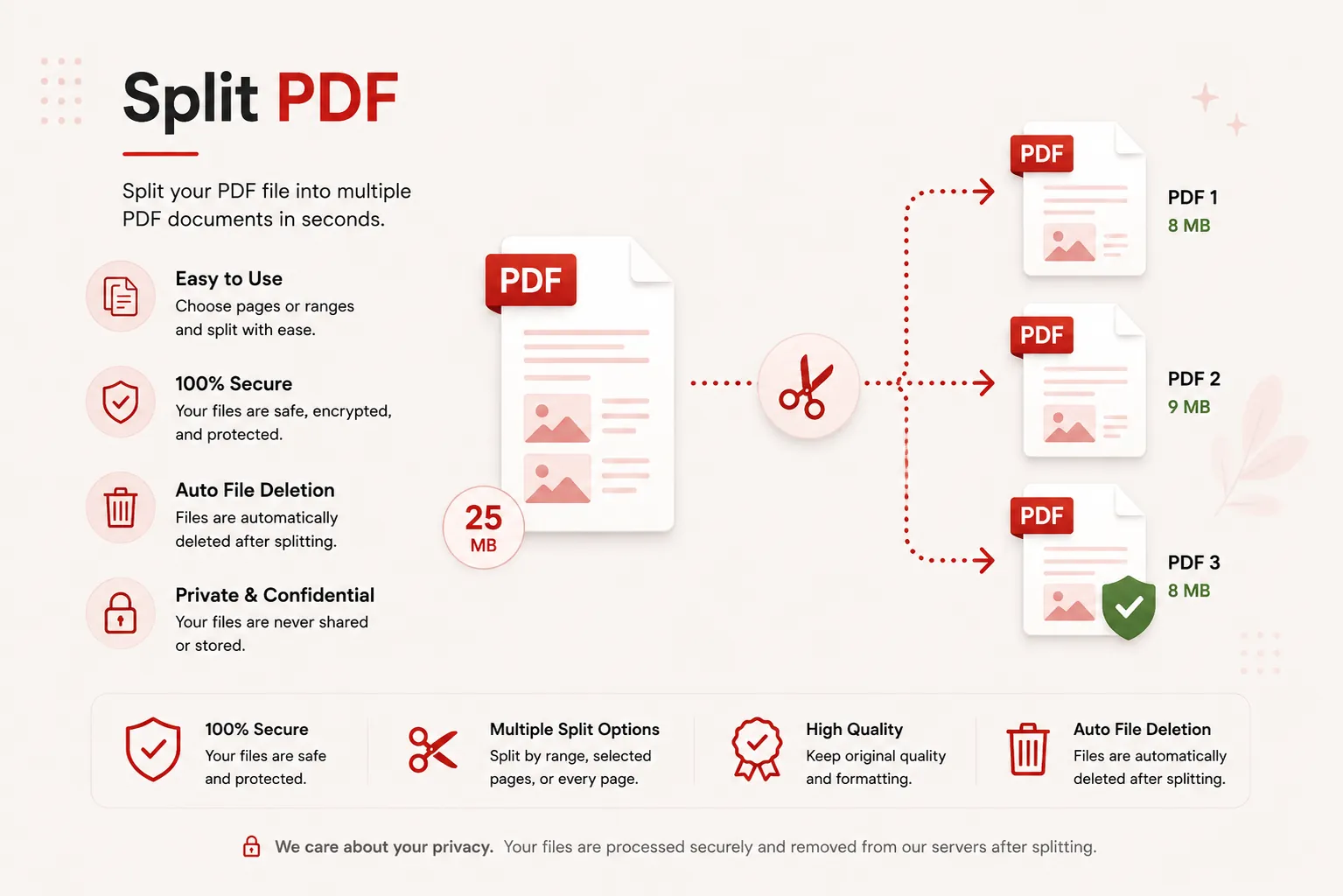
Separate PDF pages into individual files, split by fixed page intervals, or extract specific custom page ranges fast, securely, and completely free.
Splitting PDF document...
Parsing document vectors and packaging split assets into a ZIP archive. Do not close or refresh this page.
Initializing document page splitter routines...
Split Process Complete!
split_package.zip
Your PDF document has been successfully split. Your ZIP archive download will start automatically. If it doesn't, you can download it again below.
Multiple Modes
Every, Interval or Range
ZIP Package
Single Archive Download
25 MB
Maximum File Size
Secure
Private Processing
Features
✓ Flexible Split Modes
Split every page, separate by equal intervals, or extract custom ranges.
✓ Custom Range Selection
Extract specific chapters, odd/even pages, or specific page lists.
✓ Convenient ZIP Download
All separated PDF files are neatly packaged into a single ZIP archive.
✓ No Registration
Split PDF documents immediately without creating an account.
✓ Free Online Tool
No heavy desktop software installation required.
✓ Multiple Devices
Use seamlessly on desktop, tablet, and mobile browsers.
How to Split PDF Files
Separate PDF document pages in three simple steps. No registration or software installation is required.
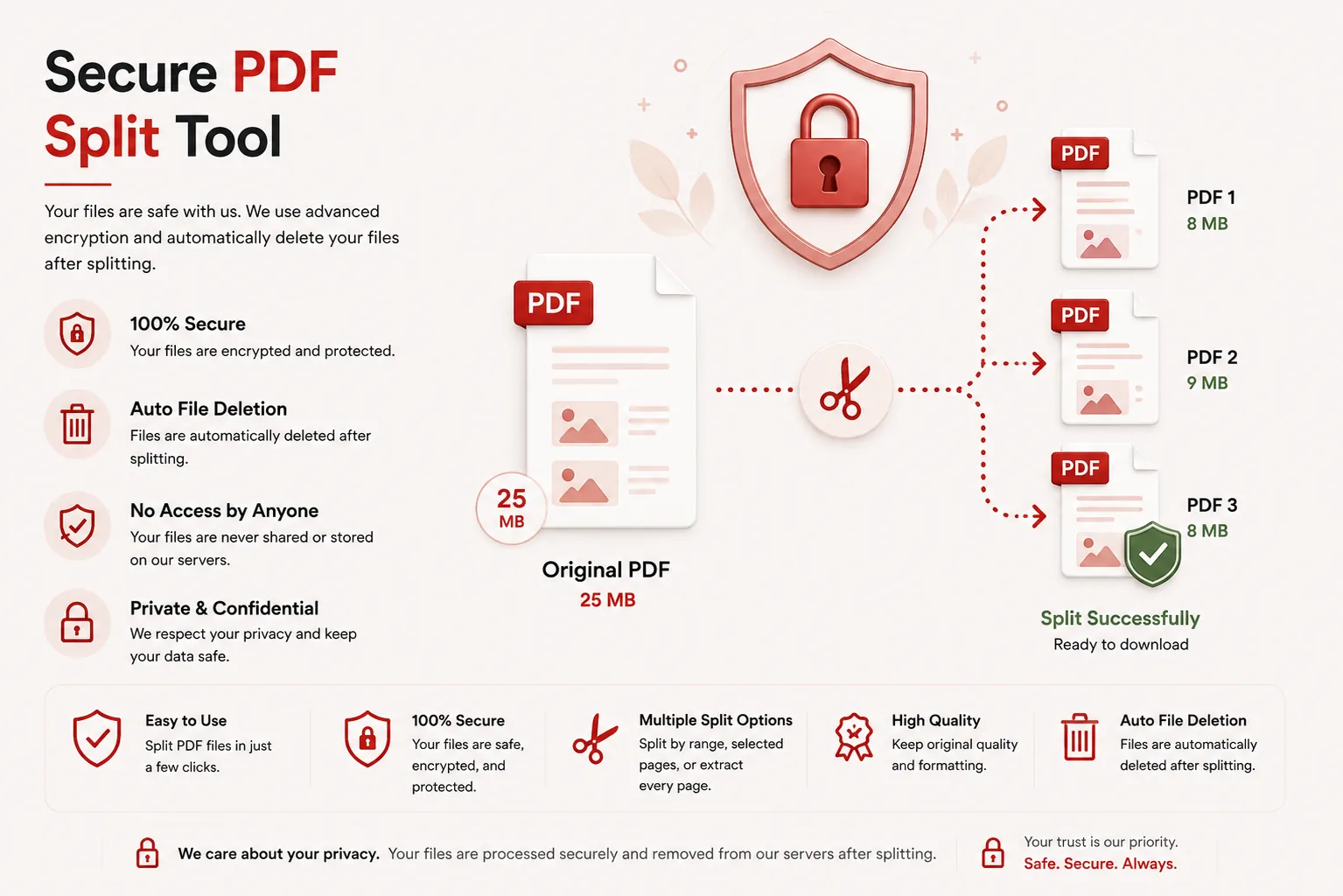
Upload Your PDF
Click Select File or drag and drop your PDF file into the upload dropzone.
Choose Split Method
Select your preferred split method (Separate Every Page, Split by Interval, or Custom Page Range).
Download Split Archive
Click Split PDF Document and download your separated PDF files packaged in a ZIP file.
Why Choose Our Free PDF Splitter?
Our PDF splitter is engineered for students, legal teams, medical offices, business professionals, and administrative staff who need to separate large multi-page PDF files into individual chapters, statements, or forms. Extract specific sections or split every page cleanly while maintaining vector typography and document formatting.
Preserve Original Page Quality
Your split PDF documents maintain exact typography, margins, vector graphics, embedded images, and page dimensions across all pages.
Fast In-Memory Engine
Upload your document and receive your separated PDF files packed in a ZIP archive within seconds without heavy desktop software installation.
Secure File Shredding
Uploaded files are processed securely over encrypted channels and deleted automatically post-processing to protect confidential personal and corporate documents.
Works on Every Device
Compatible with Windows, macOS, Linux, Android and iPhone browsers.
What is a PDF Splitter Tool?
A PDF splitter is an online document utility that divides a Portable Document Format (PDF) file into smaller independent PDF documents. You can separate every page into an individual file, cut large documents into equal page chunks, or extract specific page ranges.
Splitting PDFs makes sharing specific chapters, invoices, or contract sections simple without sending an entire bulk document to clients or team members.
Our free online PDF splitter makes dividing documents effortless. Upload your file, choose your split method, and download your split PDFs packaged in a ZIP archive without installing desktop software.
Why Split PDF Documents?
Dividing PDF documents provides essential workflow benefits:
- Extract specific chapters from e-books or large manuals.
- Separate multi-page invoice bundles into individual billing files.
- Isolate specific exhibit pages from legal case files.
- Divide large patient chart scans into distinct medical visit dates.
- Share only relevant project proposal sections with clients.
- Streamline long-term digital file cataloging and archivism.
Why Choose Doccraft?
| Feature | Doccraft Suite | Many Other Tools |
|---|---|---|
| Free to Use | ✅ | ✅ |
| No Registration | ✅ | Sometimes |
| Secure Processing | ✅ | ✅ |
| Multiple Split Methods | ✅ | Rarely |
| Works on Mobile | ✅ | Some |
| High Quality Vector Output | ✅ | Varies |
Why Users Trust Doccraft Suite
🔒 Secure File Processing
Your files are encrypted during transmission and processed safely in memory.
🗑 Automatic File Deletion
Uploaded and split files are purged automatically from servers post-processing.
👤 No Registration Required
Split PDF files immediately without signing up or providing emails.
⚡ Rapid Slicing
Optimized stream routines slice page trees in just a few seconds.
💻 Works Everywhere
Compatible with Windows, macOS, Linux, Android and iPhone browsers.
📄 Sharp Reading Quality
Maintains original typography, vector layers, and page layout dimensions.
Privacy and File Security
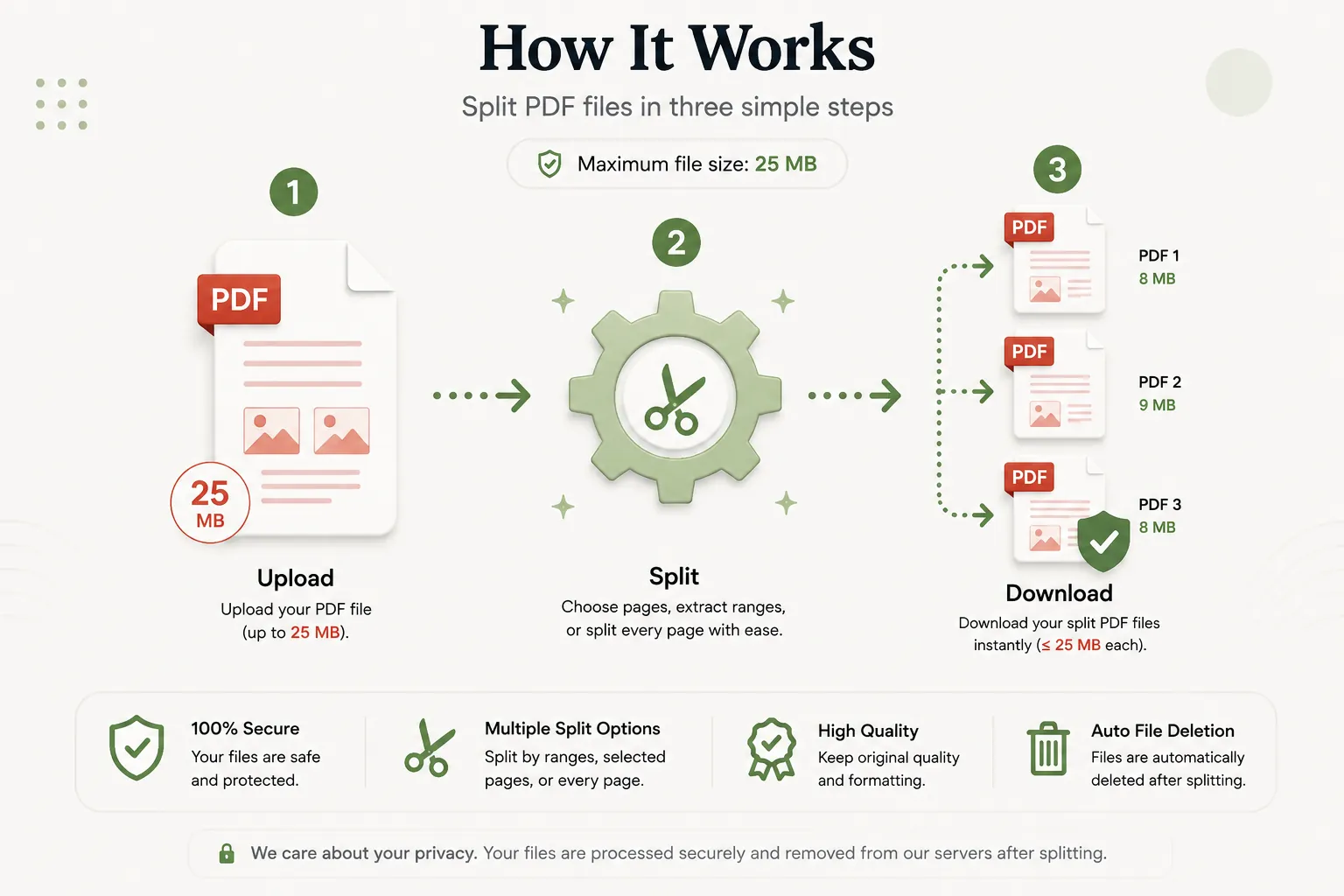
Your document confidentiality is strictly protected. Every uploaded PDF file is processed securely over encrypted HTTPS connections, and access is restricted exclusively to the automated processing pipeline. Files are never publicly accessible or stored permanently.
To enforce privacy standards, uploaded source files and generated split archives are permanently erased from processing servers after download.
Whether you're splitting financial statements, legal briefs, medical charts, or academic papers, your documents remain completely private.
Common Uses for PDF Splitting
Accounting Teams
Split monthly PDF invoice packages into individual vendor files.
Students & Educators
Extract specific chapter assignments or lecture slides from large textbooks.
Legal Professionals
Separate evidence files and exhibit documents from master case filings.
HR & Recruitment
Extract individual candidate resumes from combined application packages.
Real Estate Agents
Separate disclosure forms and inspection reports for individual buyer review.
Medical Records Staff
Split chart scans into individual visit records or lab reports.
Tips for the Best PDF Split Results
- Choose Separate Every Page if you want each page as an independent PDF.
- Use Split by Interval if your document consists of fixed multi-page forms (e.g., 2-page tax forms).
- Use Custom Page Range (e.g.
1-3, 5, 8-10) to extract specific continuous chapters. - Ensure your source PDF file is not password-protected before uploading.
- Unzip your downloaded archive to access your individual separated PDF files.
Free Online PDF Splitter
Searching for a free PDF splitter? Our online tool allows you to divide, separate, and extract PDF pages in just a few clicks. Preserve text legibility, vector objects, and page formatting while creating structured documents. Compatible with Windows, macOS, Linux, Android, and iPhone, our splitter delivers a fast, secure, and reliable way to separate PDF pages without installing desktop software or registering an account.
Perfect For
- Extracting chapters from e-books
- Splitting scanned multi-page invoices
- Separating contract agreements and addendums
- Dividing medical chart scans
- Extracting presentation slides
- Splitting application packages
- Isolating financial statements
- General document editing workflows
Benefits of Splitting PDF Files
Splitting PDF files improves document organization and sharing efficiency. Separating large documents ensures recipients access only the exact pages needed, reducing file transfer sizes and streamlining professional communication.
Frequently Asked Questions
Is this PDF Splitter free?
Yes. You can split and extract PDF pages without paying or registering.
In what format will my split files be downloaded?
Your separated PDF documents will be packaged and delivered in a single convenient ZIP archive.
How do I specify custom page ranges?
Select the Custom Page Range split method and type page numbers or ranges separated by commas into the input field (e.g. 1-3, 5, 8-10).
Are my documents secure?
Yes. Uploaded files are processed securely in memory and automatically deleted post-processing.
Does this work on mobile devices?
Yes. Use the splitter on Android, iPhone, Windows, macOS and Linux browsers.