
PDF to Excel Converter
Convert PDF tables and documents into editable Microsoft Excel (XLSX) spreadsheets while preserving rows, columns, and cell alignments wherever possible. Fast, secure, and free to use.
Converting your document...
Your document is being processed. Please wait a few seconds and do not close or refresh this page.
Processing your document...
Conversion Complete!
document.xlsx
Your PDF has been successfully converted to Excel. Your download will start automatically. If it doesn't, you can download it again below.
Supported
XLSX
Output
25 MB
Maximum File Size
Secure
File Processing
Features
✓ PDF to XLSX Support
Convert PDF documents into editable Excel spreadsheets instantly.
✓ Extract Table Data
Extract rows, columns, numerical figures, and tables accurately.
✓ Editable Excel Output
Create editable XLSX spreadsheets for easy calculation and analysis.
✓ No Registration
Convert files without creating an account.
✓ Free Online Tool
No software installation required.
✓ Multiple Devices
Use on desktop, tablet and mobile.
How to Convert PDF to Excel
Convert your PDF tables into an editable Microsoft Excel spreadsheet in just three simple steps. No registration or software installation is required.
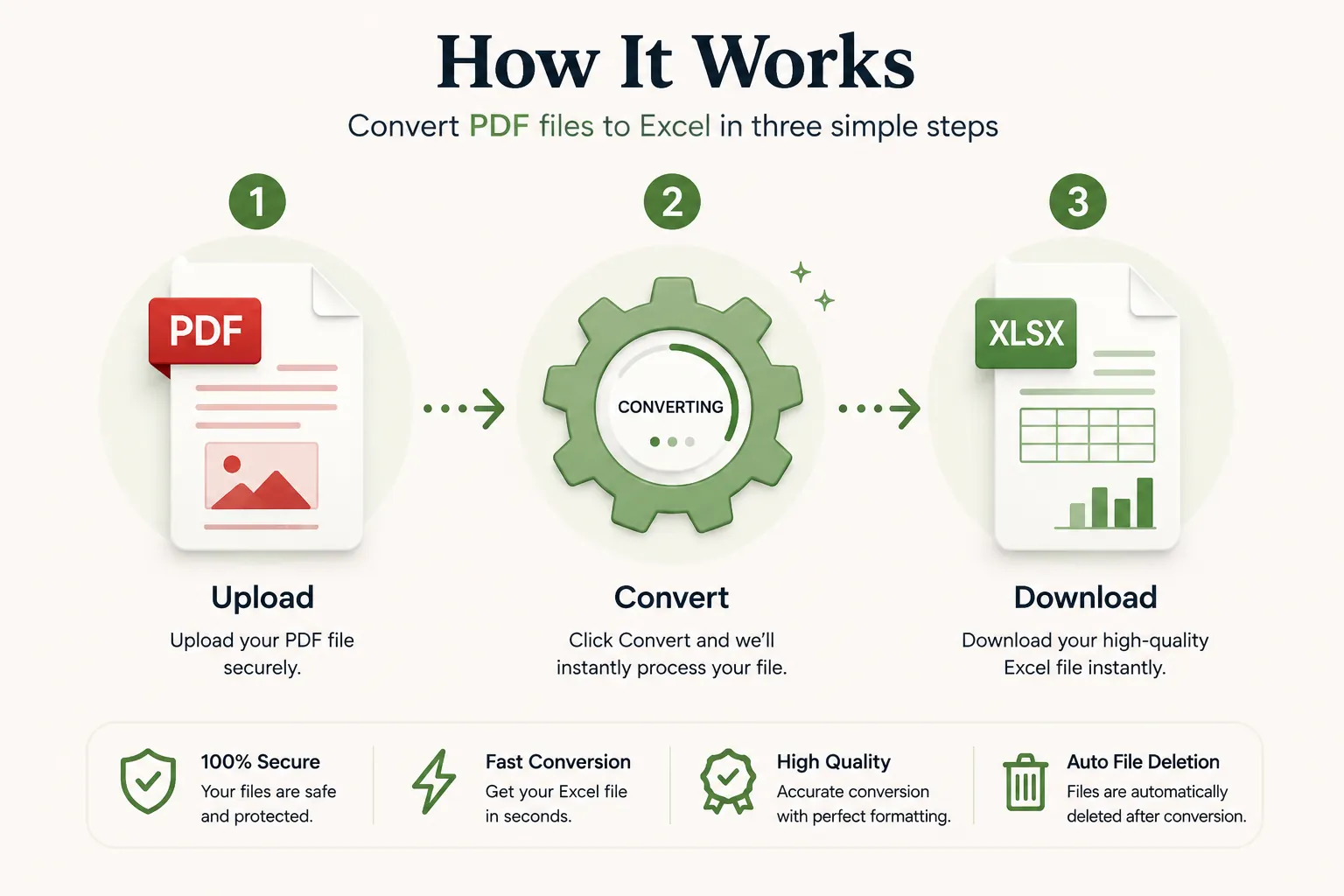
Upload Your PDF File
Click Select File or drag and drop your PDF file into the upload area.
Convert to Excel
Click the Convert button. Your PDF is processed into an editable Excel file while preserving table alignments whenever possible.
Download Your XLSX
Your Excel file will be ready in seconds. Download it instantly and continue analyzing your data.
Why Choose Our Free PDF to Excel Converter?
Our PDF to Excel converter is designed for accountants, financial analysts, data entry teams, students, researchers, and business owners who need to extract data from static PDF files. Convert PDF files into Excel spreadsheets while preserving table columns, rows, cell values, and mathematical structures whenever possible.
Accurate Table Data Extraction
Extract tables, invoices, bank statements, and reports into clean, editable Excel sheets ready for calculations.
Fast Conversion
Upload your PDF document and receive your Excel spreadsheet within seconds without complicated desktop software.
Secure Processing
Files are processed securely and automatically removed after conversion to protect your privacy and sensitive financial data.
Works on Every Device
Compatible with Windows, macOS, Linux, Android and iPhone browsers.
What is a PDF to Excel Converter?
A PDF to Excel converter is an online tool that transforms static PDF documents into editable Microsoft Excel spreadsheets such as XLSX. This allows users to extract tabular data, financial figures, transaction logs, and data entries without having to manually re-type numbers line by line.
PDF files are designed for fixed document viewing, which makes them difficult to calculate or edit. Converting PDF to Excel transfers the text and numbers into structured cell grids, enabling formula calculations, sorting, filtering, and data analysis.
Our free online PDF to Excel converter makes the extraction process quick and simple. Upload your PDF, convert it in seconds, and download an editable Excel workbook without installing additional desktop software.
Why Convert PDF Documents to Excel?
Converting a PDF to Excel offers significant productivity advantages. It turns static data into calculated spreadsheets, allowing you to manipulate numbers, build financial models, and analyze records effortlessly.
- Extract tables without re-keying data manually.
- Analyze financial statements, invoices, and bank records easily.
- Apply Excel formulas, pivot tables, and sorting filters.
- Save hours of tedious manual data entry.
- Organize unformatted PDF lists into structured rows and columns.
- Useful for accounting, auditing, inventory, and research workflows.
- Compatible with Microsoft Excel, Google Sheets, and Apple Numbers.
- Improve office productivity with reusable structured data.
Supported Input and Output Formats
Our converter accepts PDF files and generates editable Excel spreadsheet output.
| Format | Description |
|---|---|
| Portable Document Format files used as the input source. | |
| XLSX | Editable Microsoft Excel spreadsheet used as the output format. |
This makes it seamless to migrate tables from static PDF documents into dynamic Excel sheets.
Why Choose Doccraft?
| Feature | Doccraft Suite | Many Other Tools |
|---|---|---|
| Free to Use | ✅ | ✅ |
| No Registration | ✅ | Sometimes |
| Secure Processing | ✅ | ✅ |
| Works on Mobile | ✅ | Some |
| Editable Excel Output | ✅ | Varies |
| Table Structure Extraction | ✅ | Varies |
Why Users Trust Doccraft Suite
🔒 Secure File Processing
Your files are securely processed and protected during conversion.
🗑 Automatic File Deletion
Uploaded files are automatically removed after processing.
👤 No Registration Required
Convert PDF files without creating an account.
⚡ Fast Conversion
Most PDF documents are converted in just a few seconds.
💻 Works Everywhere
Compatible with Windows, macOS, Linux, Android and iPhone.
📊 Editable Spreadsheets
Creates editable XLSX files with table columns and rows preserved whenever possible.
Privacy and File Security
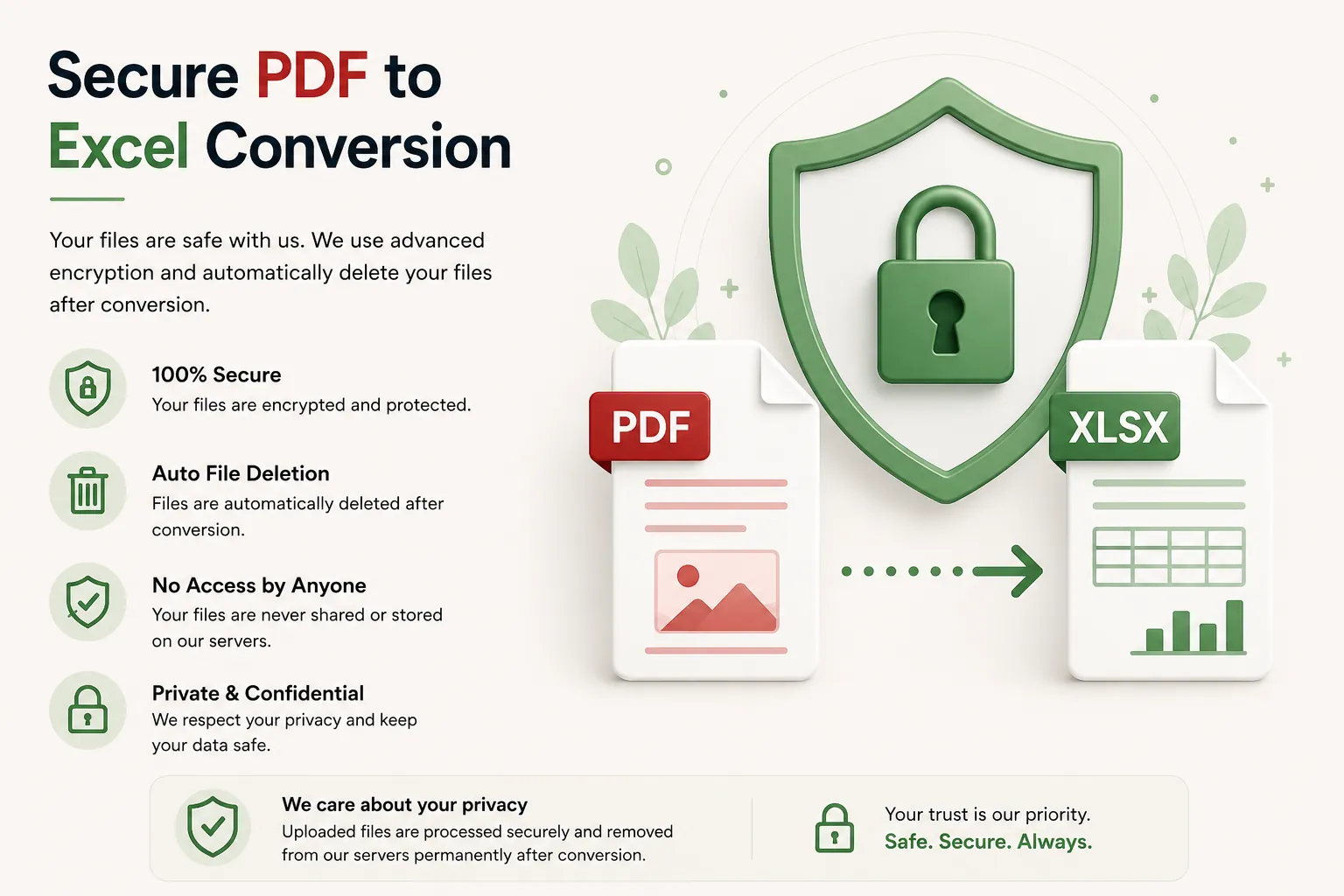
Your privacy is paramount. Every uploaded PDF is processed securely, and access is restricted to the conversion engine only. Files are not publicly accessible during or after conversion.
To safeguard financial records and business data, uploaded files and generated Excel workbooks are automatically purged after processing.
Whether you're converting bank statements, invoice tables, tax records, inventory sheets, or research data, your files are handled with complete security.
Common Uses for PDF to Excel Conversion
Accountants & Auditors
Convert PDF invoices, financial statements, and receipts into Excel.
Data Analysts
Extract PDF statistical tables into spreadsheets for data modeling.
Businesses & Sales
Extract sales figures, price lists, and inventory tables into spreadsheets.
Researchers
Extract research survey results and census table figures for statistical analysis.
Students
Convert study datasets and assignment tables into editable Excel files.
Human Resources
Convert employee rosters, timesheets, and payroll tables.
Tips for the Best PDF to Excel Conversion
- Use clear, digital text-based PDF files for highest table extraction accuracy.
- Ensure scanned PDFs have clear cell borders and readable text.
- Review row and column alignments after conversion in Excel.
- Check number formatting (currency, percentages) in the generated XLSX.
- Re-align columns manually if the original PDF contained merged cells.
- Save your extracted Excel sheet before building new formulas.
- Download the XLSX file and review figures before submitting financial reports.
Free Online PDF to Excel Converter
Looking for a free PDF to Excel converter? Our online tool allows you to convert PDF files into editable XLSX spreadsheets in just a few clicks. Preserve rows, columns, table formatting, and numbers while creating Excel files that are easy to recalculate and analyze. Compatible with Windows, macOS, Linux, Android, and iPhone, our converter provides a fast, secure, and reliable way to turn PDF tables into editable Excel sheets without installing desktop software or registering an account.
Perfect For
- Extracting bank statement transactions
- Converting PDF invoices to Excel
- Financial report data extraction
- Audit log analysis
- Price list and inventory table extraction
- Survey data table conversion
- Tax document record keeping
- Data entry automation
- Reusing tabular data from research papers
- General spreadsheet creation needs
Benefits of Converting PDF to Excel
Excel spreadsheets make static PDF table figures easy to calculate, analyze, and format. Unlike static PDF files, XLSX output allows sorting, filtering, formula insertion, and dynamic data visualization.
Frequently Asked Questions
Is this PDF to Excel converter free?
Yes. You can convert PDF files into Excel spreadsheets without paying.
Will table alignment stay intact?
Yes. Rows, columns, and cell structures are extracted and preserved as accurately as possible.
What output format do I get?
The converter generates an editable XLSX Excel spreadsheet.
Are my financial documents secure?
Yes. Uploaded files are processed securely and automatically deleted after conversion.
Does this work on mobile devices?
Yes. Use the converter on Android, iPhone, Windows, macOS and Linux browsers.