
Multiple Images to One PDF Page
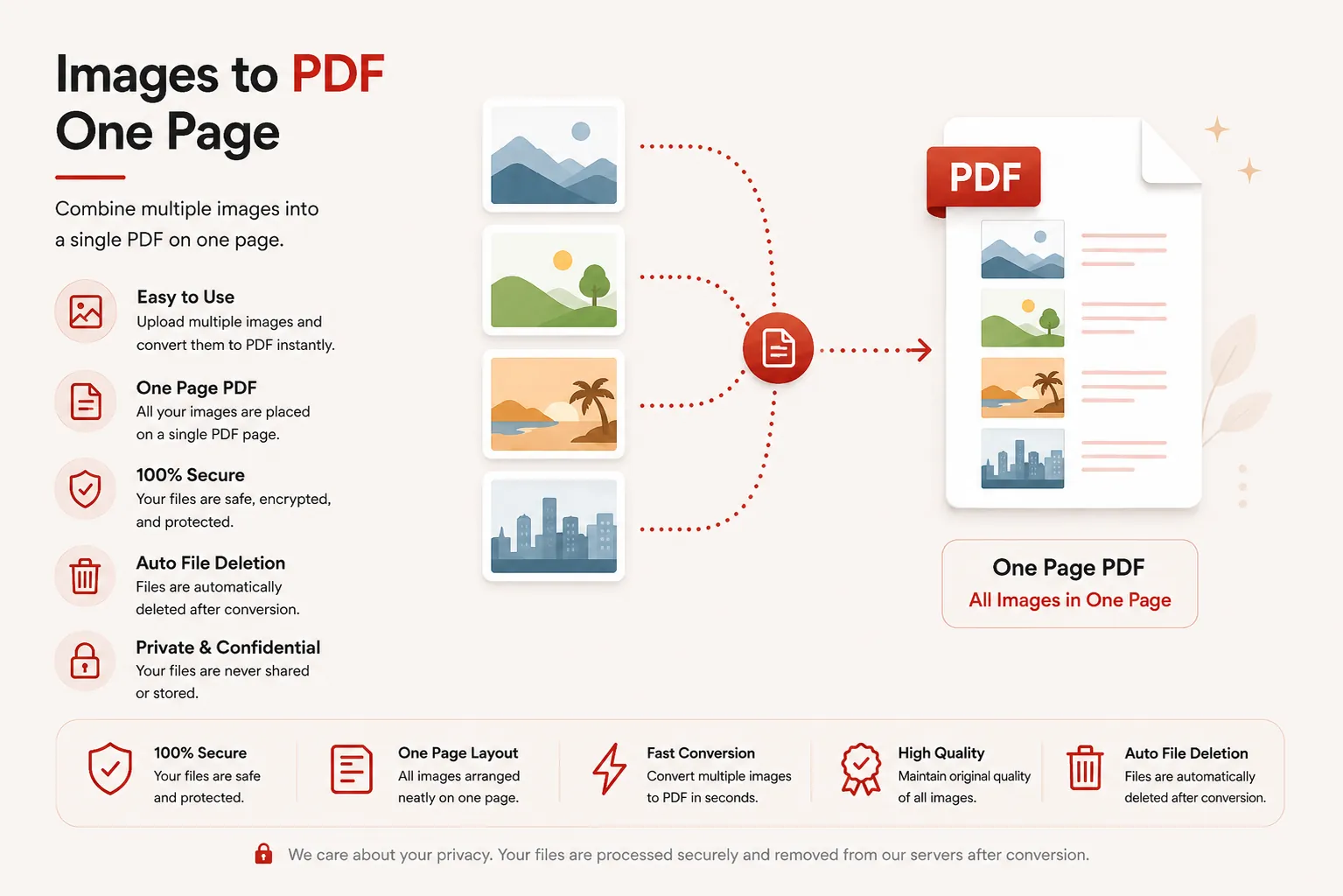
Organize multiple images, photos, or scans onto a structured single-page grid or printable document layout. Preview exact column, row, margin, and gap layouts in real time before compiling.
Building PDF Grid Canvas...
Scaling graphics and calculating cell boundary limits. Do not close or refresh this stream window.
Initializing raster canvas pipeline...
Grid Compilation Complete!
images_grid.pdf
Your selected images have been aligned into your configured grid page layout. Your download will start automatically.
Dynamic Grid
Custom Columns & Rows
Live Preview
Real-time Layout Canvas
In-Memory
Instant Streaming
Privacy First
Auto File Shredding
Key Features
✓ Custom Grid Layouts
Specify exact row/column matrices or let the system fit all pictures automatically.
✓ Preserved Aspect Ratio
Images are automatically scaled and centered inside grid cells without horizontal or vertical stretching.
✓ Live Page Canvas Preview
See exactly how images fit into the single PDF page matrix before starting generation.
✓ Adjustable Spacing
Control exact outer page margins and internal spacing gaps between image cells.
✓ Multi-Format Support
Upload PNG, JPG, JPEG, WEBP, BMP, and TIFF graphics in a single batch.
✓ Multi-Device Compatibility
Works seamlessly across desktop, tablet, and mobile browsers.
How to Combine Multiple Images onto One PDF Page
Arrange and merge photo sets or scanned graphics into a single organized PDF page layout in three easy steps.
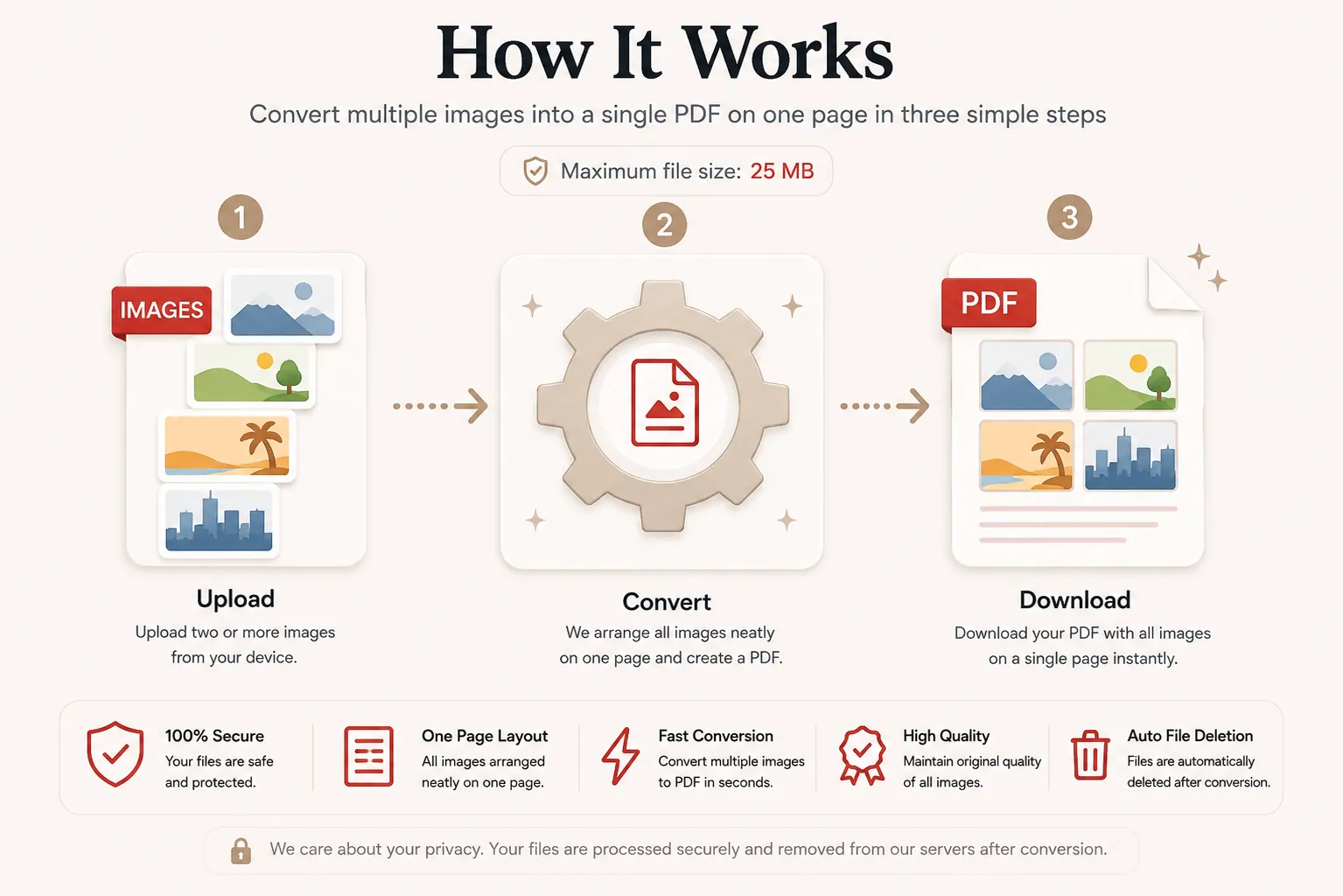
Upload Images
Click Select Images or drag and drop your photo assets into the workspace.
Configure & Live Preview
Reorder image sequence, choose grid presets or row/column counts, and verify the layout on the live canvas preview.
Compile & Download
Click Compile Images to process your layout and download your finished PDF instantly.
Why Use Our Image Grid PDF Engine?
Our multi-image canvas engine is built for photographers, designers, students, app developers, and business teams who need to fit several photos, receipts, or UI screenshots onto a single sheet. Instead of wasting paper or generating multi-page documents, condense graphics cleanly into a uniform PDF layout with instant visual layout confirmation.
Zero Aspect Distortion
Images are scaled proportionally inside grid cells so portraits and landscapes maintain original clarity without stretching.
Fast In-Memory Output
Raster rendering and canvas generation happen in memory streams, delivering immediate downloads.
Secure File Handling
Uploaded source graphics and generated PDFs are automatically destroyed immediately post-processing.
Cross-Platform Compatible
Fully operational across Windows, macOS, Linux, iOS, and Android web browsers.
Why Choose DocCraft?
| Feature | DocCraft Suite | Many Other Tools |
|---|---|---|
| Free to Use | ✅ | ✅ |
| No Registration | ✅ | Sometimes |
| Live Page Visual Preview | ✅ | Rarely |
| Custom Columns & Rows | ✅ | Rarely |
| Adjustable Margins & Gaps | ✅ | No |
| In-Memory File Deletion | ✅ | Varies |
Frequently Asked Questions
Is this Images to One Page PDF tool free?
Yes. You can upload multiple image files, arrange grid rows and columns with live canvas preview, and export them onto a single page PDF completely free.
Can I customize the grid columns and rows?
Yes. You can specify exact grid columns and rows or use quick layout presets.
What image formats are supported?
We support all major image types, including PNG, JPG, JPEG, WEBP, BMP, and TIFF files.
Are my uploaded images safe?
Yes. Your files are processed securely in-memory and permanently erased immediately after processing completes.
Does this work on mobile browsers?
Yes. You can organize image grids directly from mobile browsers on iOS and Android.