
Lock & Protect PDF Documents
Encrypt your sensitive files, financial statements, contracts, and personal records with strong custom passwords to prevent unauthorized access.
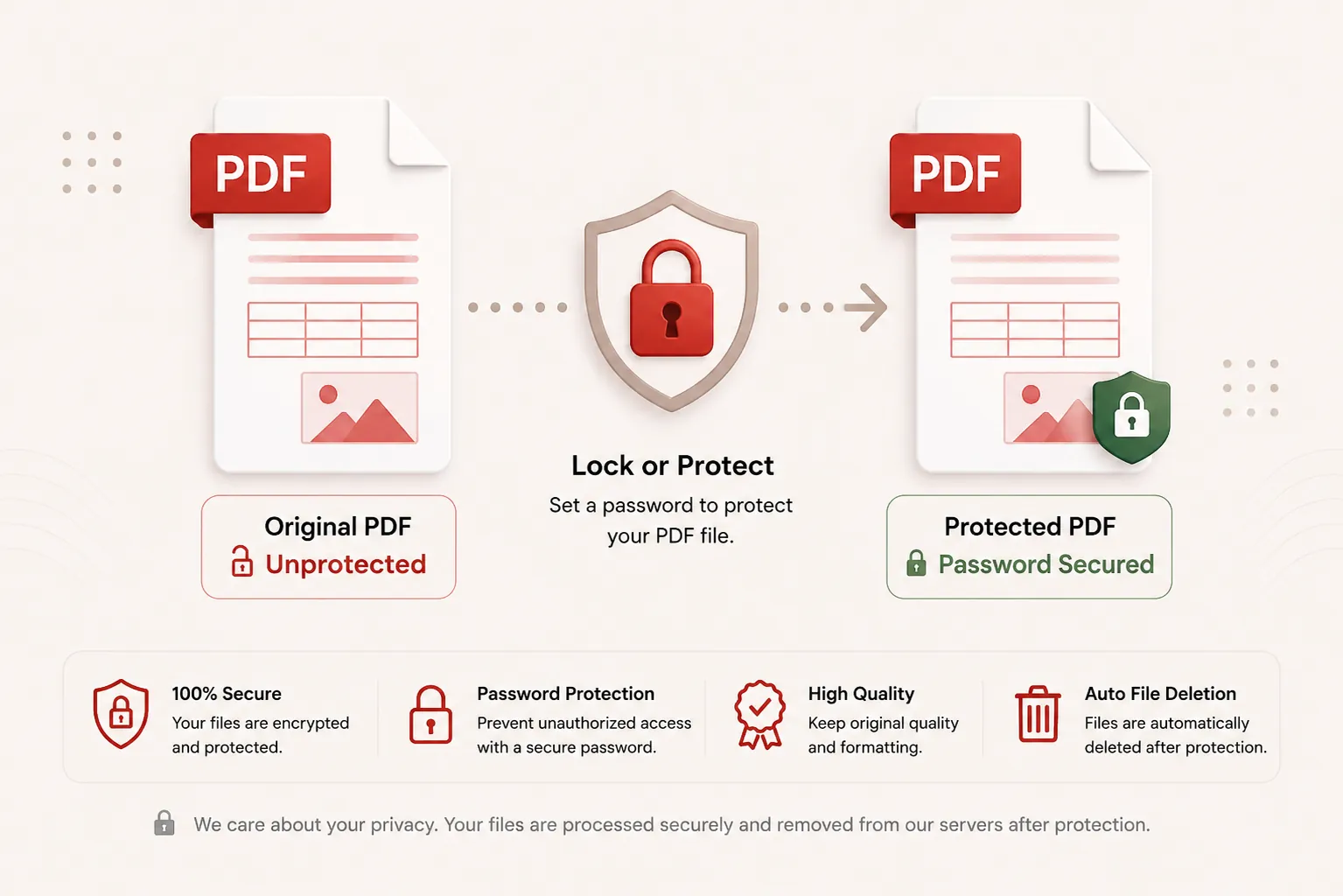
Applying AES-256 Encryption...
Encapsulating document structures and locking authorization trees. Do not close or refresh this page.
Connecting to crypto stream node...
Document Locked Successfully!
locked_document.pdf
Your PDF is now protected with 256-bit AES encryption. Your download will start automatically.
256-Bit AES
Bank-Grade Encryption
Private Run
Zero Password Logging
Instant Sync
Fast Memory Processing
Auto Purged
Files Deleted Post-Download
Features
✓ Strong 256-Bit AES Encryption
Encrypt document structures natively to prevent unauthorized opening and viewing.
✓ Custom Password Protection
Set custom open passwords with real-time field confirmation and visibility toggles.
✓ Fast In-Memory Engine
Encrypt files instantly through volatile runtime memory buffers with zero database logging.
✓ No Registration
Lock protected PDF files immediately without creating an account.
✓ Free Online Tool
No heavy desktop software or mobile application installation required.
✓ Multiple Devices
Use seamlessly on desktop, tablet, and mobile web browsers.
How to Lock a PDF File
Password protect your PDF documents in three simple steps. No registration or software installation is required.
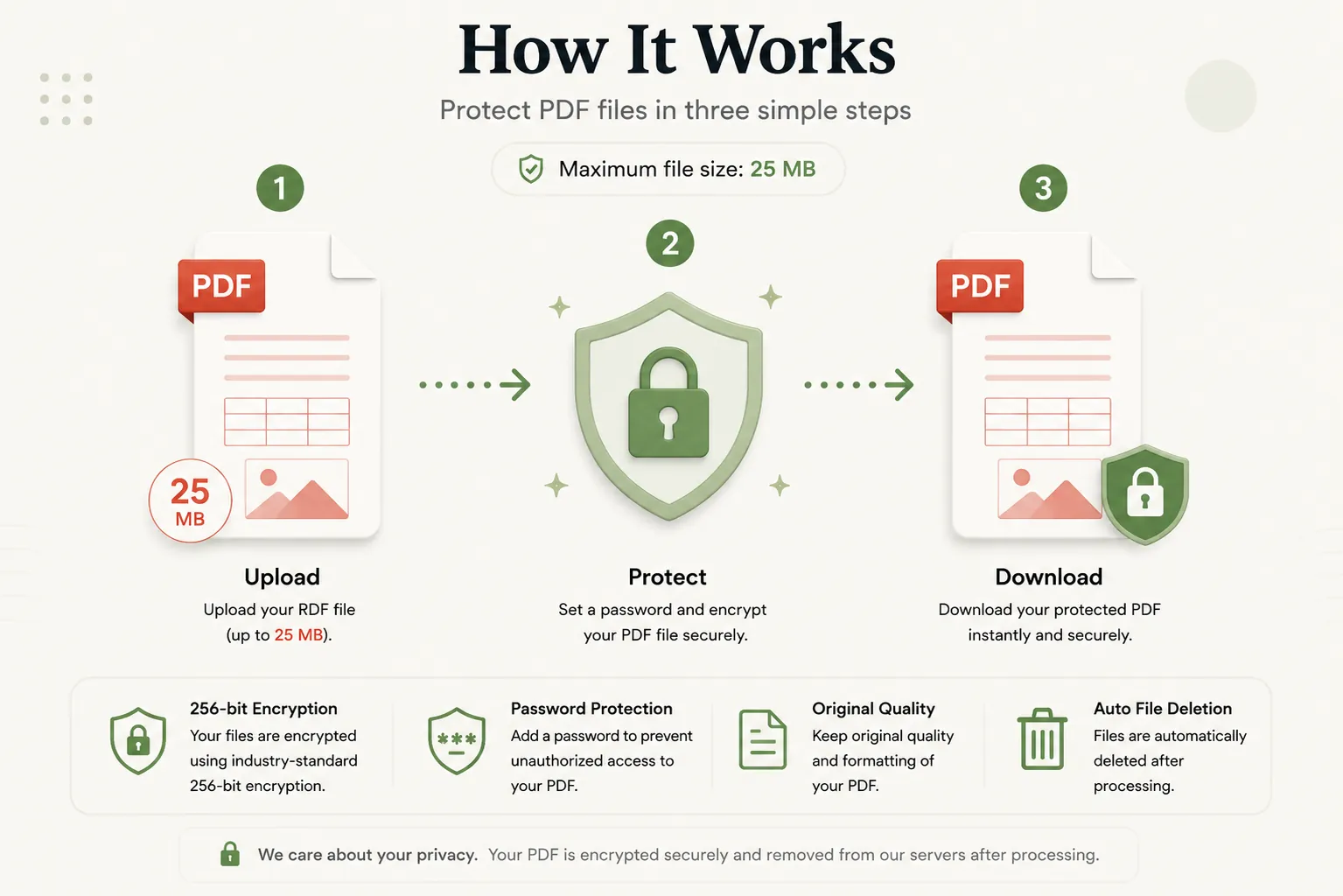
Upload Unlocked PDF
Click Select File or drag and drop your PDF document into the upload dropzone.
Set Custom Password
Type a strong open password into the password field and re-enter it to confirm.
Download Encrypted PDF
Click Lock PDF Document and download your password-protected file instantly.
Why Password Protect Your PDF Documents?
In modern corporate, legal, and personal documentation, sharing sensitive PDF files via email or cloud links exposes private information to unauthorized interception. Password-protecting PDF files ensures that confidential business contracts, tax invoices, bank statements, personal identity cards, and university marksheets remain fully secured.
DocCraft’s Lock PDF Tool applies standard 256-bit AES (Advanced Encryption Standard) encryption to lock document structure trees, enforcing an open-password prompt before any viewer or PDF reader application can display the document content.
Zero Password Retention
Your inputted password is used strictly during runtime execution to compile encryption keys. Passwords are never saved, written to disk, or logged in server databases.
Automated File Cleanup
Both your original unlocked document and the final encrypted PDF file pass through ephemeral memory buffers and are purged automatically post-download.
Why Choose Doccraft?
| Feature | Doccraft Suite | Many Other Tools |
|---|---|---|
| Free to Use | ✅ | ✅ |
| No Registration | ✅ | Sometimes |
| Secure In-Memory Encryption | ✅ | ✅ |
| 256-Bit AES Encryption Standard | ✅ | Rarely |
| Works on Mobile | ✅ | Some |
| High Quality Vector Output | ✅ | Varies |
Why Users Trust Doccraft Suite
🔒 Secure File Processing
Your files are encrypted during transmission and processed safely in memory.
🗑 Automatic File Deletion
Uploaded and encrypted files are purged automatically from servers post-processing.
👤 No Registration Required
Lock PDF files immediately without signing up or providing emails.
⚡ Rapid Encryption
Optimized stream routines apply AES wrappers in just a few seconds.
💻 Works Everywhere
Compatible with Windows, macOS, Linux, Android and iPhone browsers.
📄 Sharp Document Quality
Maintains original typography, vector layers, and page layout dimensions.
Privacy and File Security
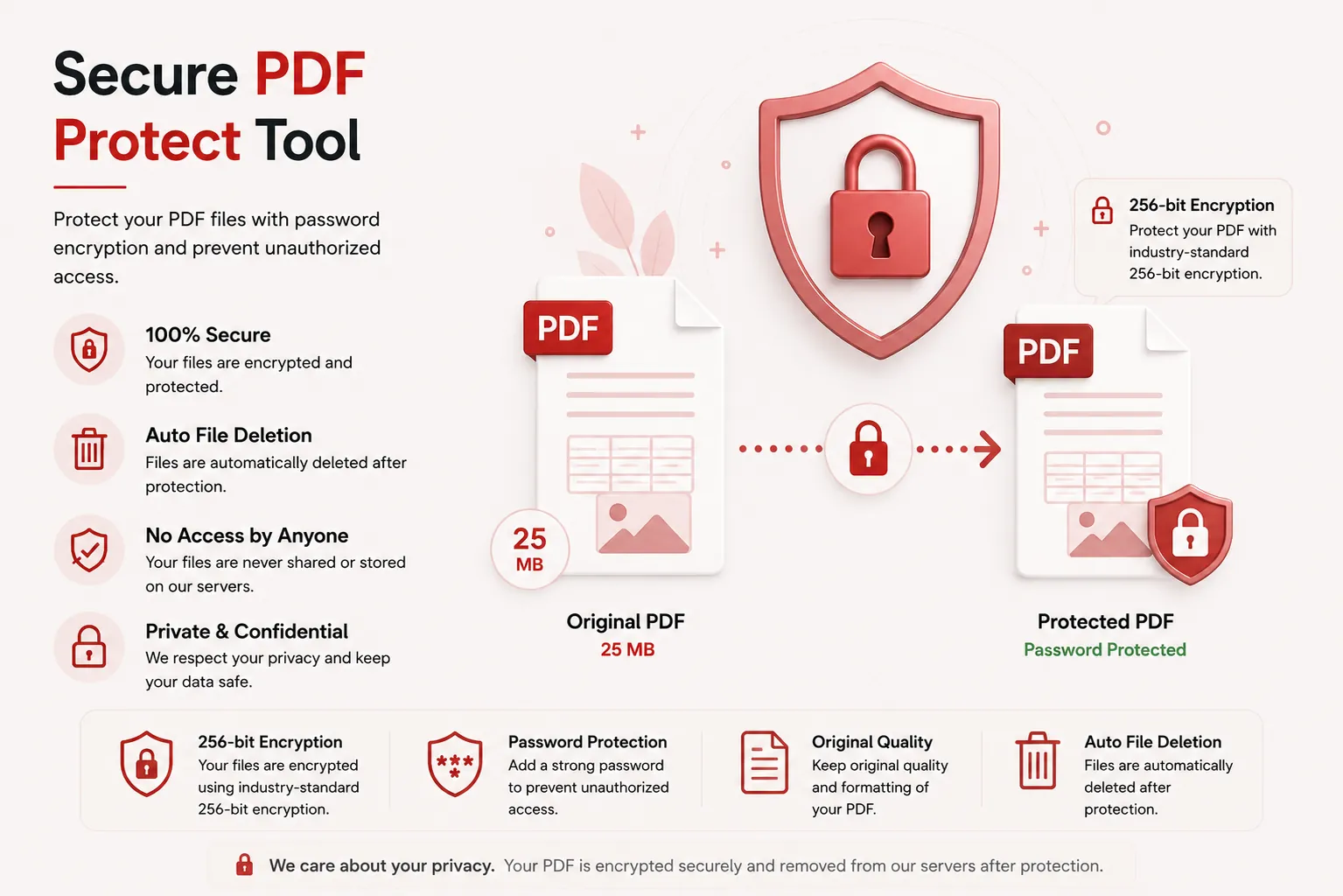
Your document confidentiality and passwords are strictly protected. Every uploaded PDF file is processed securely over encrypted HTTPS connections, and access is restricted exclusively to the automated encryption engine. Passwords and files are never stored or logged.
To enforce privacy standards, uploaded source files and generated encrypted PDFs are permanently erased from processing servers after download.
Whether you're protecting financial statements, legal contracts, medical records, or academic papers, your documents remain completely private.
Common Uses for PDF Protection
Corporate & Legal Teams
Secure confidential business contracts, NDAs, and legal filings prior to email dispatch.
Financial Advisors
Password protect sensitive client tax returns, audit ledgers, and bank statements.
HR & Payroll
Encrypt salary slips, employee background checks, and confidential performance reviews.
Healthcare Providers
Lock patient medical records and diagnostic lab reports to satisfy privacy regulations.
Students & Educators
Protect exam papers, thesis drafts, and grading rubrics prior to official publication.
Personal Record Keeping
Encrypt passport copies, property deeds, and identity certificates for cloud backups.
Tips for Best PDF Locking Results
- Choose a strong password combining uppercase letters, numbers, and special symbols.
- Use the eye toggle icon to verify that both password entries match exactly.
- Store your document password securely in a password manager.
- Verify that your source PDF file is not already encrypted before uploading.
- Test opening your newly encrypted PDF with your password after downloading.
Free Online PDF Locker
Searching for a free PDF locker? Our online tool allows you to add password protection and 256-bit AES encryption to PDF files in just a few clicks. Preserve text legibility, vector objects, and page formatting while creating secure, protected documents. Compatible with Windows, macOS, Linux, Android, and iPhone, our locker delivers a fast, secure, and reliable way to protect PDF files without installing desktop software or registering an account.
Perfect For
- Encrypting confidential business contracts
- Securing bank statements and tax filings
- Password protecting salary slips and HR records
- Locking patient chart medical records
- Protecting academic thesis drafts and exam papers
- Securing personal identity card scans for cloud storage
- Encrypting financial audit ledgers
- General confidential document workflows
Benefits of Protecting PDF Files
Protecting PDF files ensures privacy and regulatory compliance. Enforcing 256-bit AES encryption prevents unauthorized access, content tampering, and data breaches across email and cloud communication channels.
Frequently Asked Questions
Is this PDF Locker free?
Yes. You can encrypt and password-protect PDF files without paying or registering.
How does DocCraft password-protect my PDF?
DocCraft applies standard 256-bit AES encryption algorithms to encapsulate your document structure, requiring the exact password to decrypt and open the file.
Is my chosen password stored or recorded on DocCraft servers?
No. Passwords and file binaries are processed strictly in volatile runtime memory for encryption execution and are immediately purged after processing.
Can I remove the password later if I need to?
Yes. As long as you know the password you set, you can use DocCraft's Unlock PDF tool at any time to remove the restriction layer.
Does this work on mobile devices?
Yes. Use the locker on Android, iPhone, Windows, macOS and Linux browsers.