
PDF to Images Converter
Convert every page of your PDF document into high-resolution images (PNG or JPEG) and download them instantly in a convenient ZIP archive. Fast, secure, and free to use.
Converting your document...
Your document is being processed. Please wait a few seconds and do not close or refresh this page.
Processing your document...
Conversion Complete!
document_images.zip
Your PDF pages have been successfully converted to images and packed into a ZIP package. Your download will start automatically. If it doesn't, you can download it again below.
Input Source
PNG / JPEG
Image Output
ZIP
Packed Archive
Secure
File Processing
Features
✓ PNG & JPEG Output
Choose between lossless PNG files or compressed JPEG image formats.
✓ High DPI Rendering
Render crisp page images at up to 300 DPI for print and display quality.
✓ Single ZIP Package
All converted page images are packaged into a single organized ZIP file.
✓ No Registration
Convert files without creating an account.
✓ Free Online Tool
No software installation required.
✓ Multiple Devices
Use on desktop, tablet and mobile.
How to Convert PDF to Images
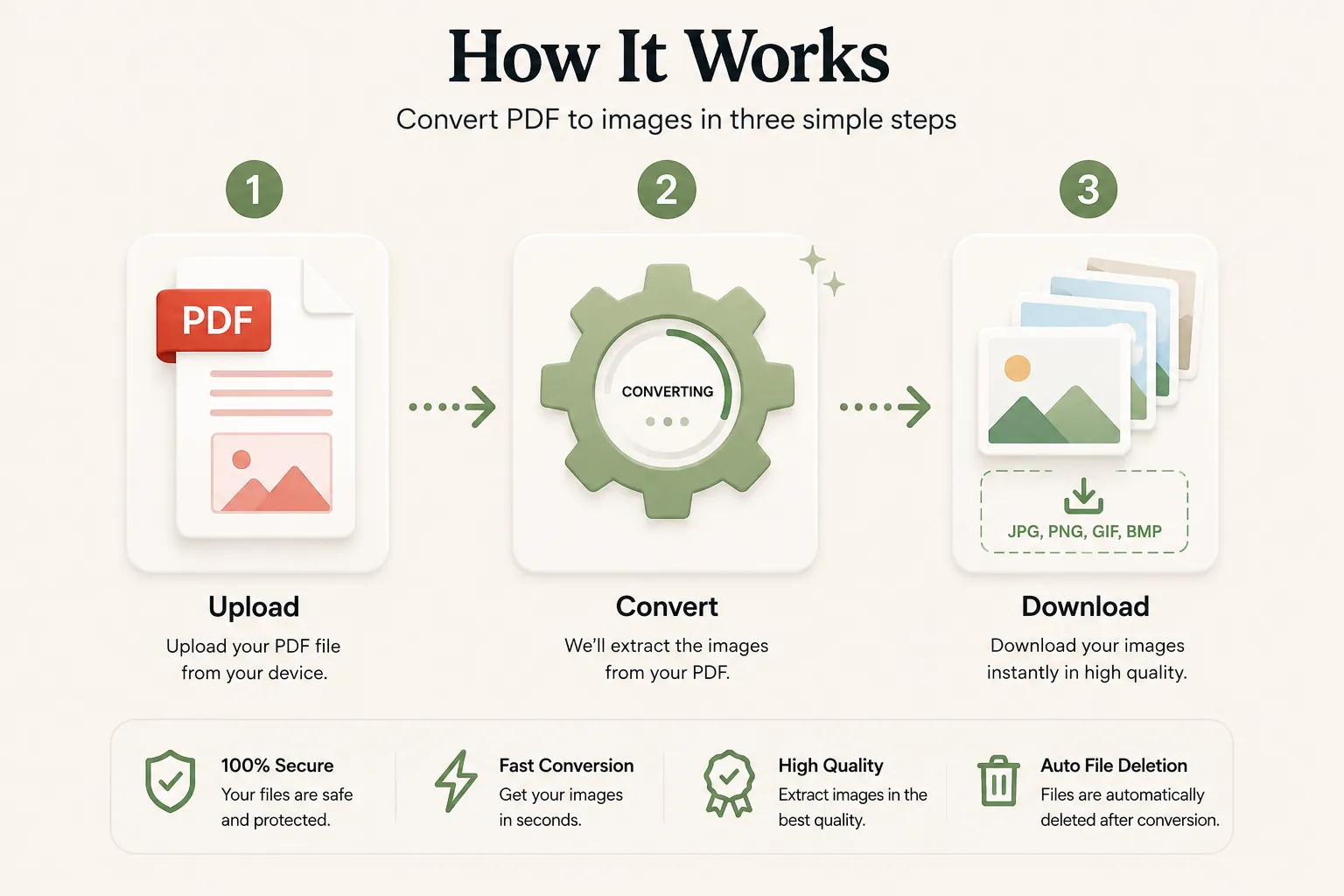
Extract every page of your PDF into high-quality images in just three simple steps. No registration or software installation is required.
Upload Your PDF File
Click Select File or drag and drop your PDF file into the upload area.
Configure & Convert
Select your output image format (PNG/JPEG) and resolution (150/300 DPI), then click Convert.
Download Your ZIP
Your ZIP archive containing all converted page images will be ready in seconds. Download it instantly.
Why Choose Our Free PDF to Images Converter?
Our PDF to Images converter is designed for graphic designers, educators, marketers, students, publishers, and developers who need high-resolution page extraction from PDF documents. Convert multi-page PDF documents into standalone PNG or JPEG images while retaining visual precision, vector graphics, typography, and color fidelity.
High DPI Page Extraction
Every PDF page is extracted as an image asset preserving font weights, vector lines, charts, and exact page dimensions.
Fast Conversion
Upload your PDF document and receive your packaged ZIP file within seconds thanks to parallel server rendering workers.
Secure Processing
Files are processed securely over encrypted networks and automatically removed after conversion to protect confidential assets.
Works on Every Device
Compatible with Windows, macOS, Linux, Android and iPhone browsers.
What is a PDF to Images Converter?
A PDF to Images converter is an online tool that converts individual pages of a Portable Document Format (PDF) file into standalone raster graphic files such as PNG or JPEG. Converting PDF pages into image files makes it easy to embed document previews on websites, social media, slide decks, or photo editing software without needing a PDF reader.
Unlike raw PDF documents, image files maintain fixed raster dimensions that render universally across web browsers and mobile apps. Packaging all extracted page images into a ZIP file allows users to conveniently access every page in a single download.
Our free online PDF to Images converter makes the rasterization process fast and simple. Upload your PDF file, configure your image output parameters, and download a ZIP package without installing third-party extensions.
Why Convert PDF Pages into Images?
Converting PDF pages to images offers significant flexibility for media publishing, web editing, and visual archiving.
- Embed document preview pages directly onto website pages or blogs.
- Import PDF diagrams directly into Microsoft PowerPoint, Google Slides, or Canva.
- Extract pages for editing inside Adobe Photoshop, Figma, or GIMP.
- Share page snippets across messaging applications and social channels.
- Prevent unauthorized copying or editing of document copy text.
- Generate high-resolution 300 DPI images for printing posters or brochures.
- Archive visual document records in media asset management systems.
Supported Image Output Options
Choose the format and DPI option suited for your exact project needs.
| Format / Option | Description |
|---|---|
| PNG | Lossless graphic format preserving crisp typography, charts, and vectors. |
| JPEG | Compressed image format ideal for photo-heavy documents and smaller file sizes. |
| 150 DPI | Standard resolution offering fast processing speed for digital viewing. |
| 300 DPI | High-resolution output yielding ultra-sharp quality for print publishing. |
All extracted page images are numbered sequentially inside the resulting ZIP archive.
Why Choose Doccraft?
| Feature | Doccraft Suite | Many Other Tools |
|---|---|---|
| Free to Use | ✅ | ✅ |
| No Registration | ✅ | Sometimes |
| Secure Processing | ✅ | ✅ |
| Works on Mobile | ✅ | Some |
| Custom DPI Options | ✅ | Varies |
| ZIP Archive Packaging | ✅ | Varies |
Why Users Trust Doccraft Suite
🔒 Secure File Processing
Your document files are processed safely over encrypted channels.
🗑 Automatic File Deletion
Uploaded files and ZIP packages are purged automatically after processing.
👤 No Registration Required
Convert PDF documents to images without signing up.
⚡ Fast Conversion
Parallel rendering workers generate page images in seconds.
💻 Works Everywhere
Compatible with Windows, macOS, Linux, Android and iPhone.
🖼 Sharp Page Extraction
Generates clean PNG and JPEG images preserving high-fidelity visual detail.
Privacy and File Security
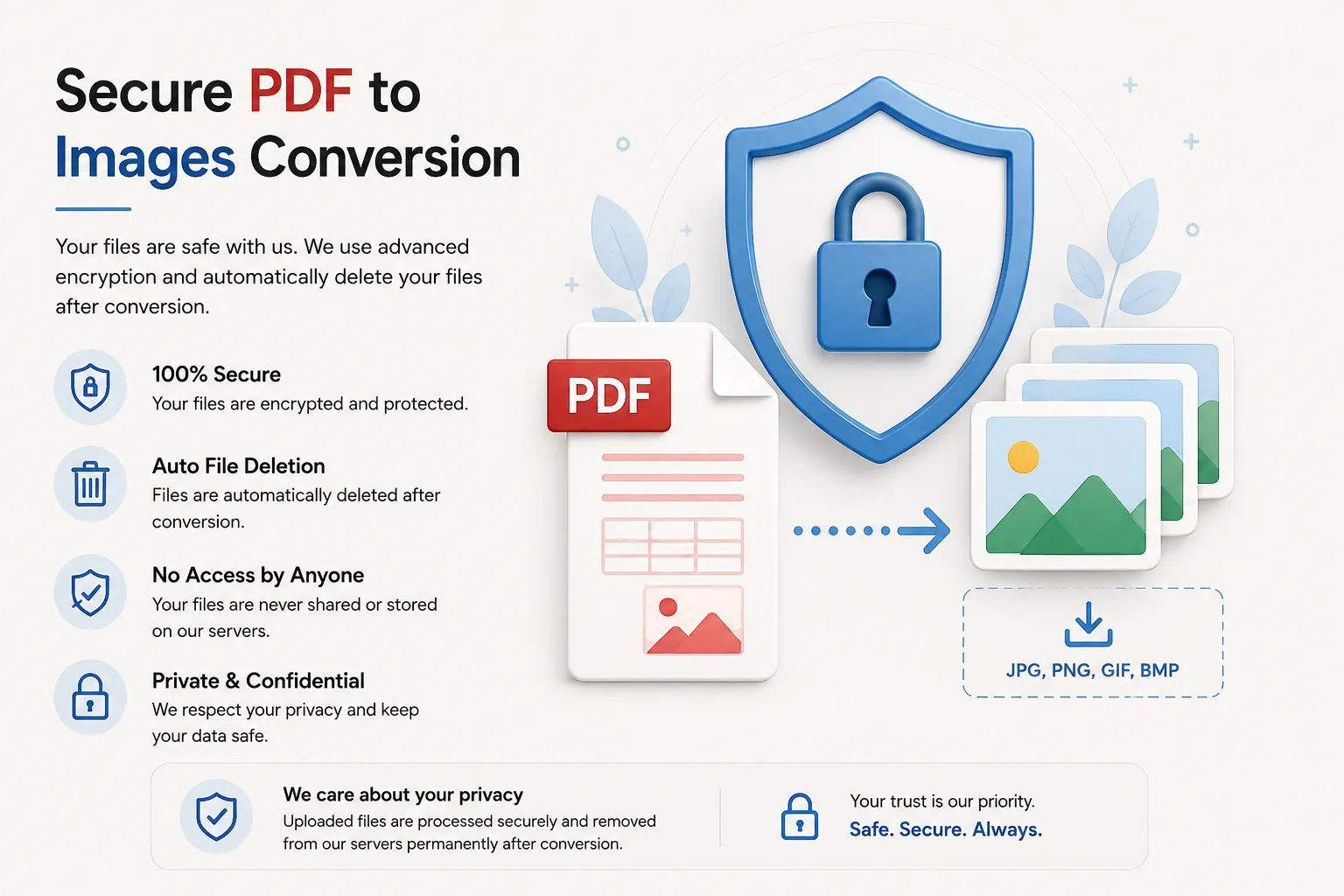
Your document privacy is strictly guarded. Every uploaded PDF file is processed securely, and access is restricted strictly to the automated conversion engine. Files are not stored permanently or exposed.
To enforce file privacy standards, source PDF documents and generated ZIP archives are automatically removed from processing servers after download.
Whether you're rendering architectural plans, research charts, marketing decks, or academic papers, your assets remain completely private.
Common Uses for PDF to Images Conversion
Graphic Designers
Extract PDF layout pages into high-res PNGs for mockup presentations.
Social Media Marketers
Convert PDF documents into image carousel posts for social platforms.
Educators
Extract chart diagrams and worksheets from textbook PDFs to insert in slide decks.
Web Developers
Convert whitepapers and guides into image previews for website viewing.
Students
Extract study notes and textbook figures to review conveniently on phones.
Business Teams
Turn PDF report summaries into standalone image graphics for meeting slides.
Tips for the Best PDF to Images Conversion
- Select PNG format if your PDF consists mainly of text and sharp line vector drawings.
- Select JPEG format if your PDF contains photos to minimize the overall ZIP size.
- Choose 300 DPI if you intend to print the converted page images.
- Use 150 DPI for fast processing and quick online sharing.
- Ensure the PDF is unlocked and not password-protected before uploading.
- Unzip the downloaded archive to view all individually numbered page files.
Free Online PDF to Images Converter
Searching for a free PDF to Images converter? Our online tool allows you to convert PDF pages into high-resolution PNG or JPEG images in just a few clicks. Preserve typography, illustrations, and chart graphics while packaging all extracted images into a single ZIP archive. Compatible with Windows, macOS, Linux, Android, and iPhone, our converter offers a fast, secure, and reliable solution to turn PDF documents into images without desktop software installations or sign-ups.
Perfect For
- Extracting slide images from PDF presentations
- Generating high-resolution 300 DPI print images
- Creating LinkedIn carousel image slides from PDF guides
- Embedding PDF page previews on websites
- Extracting research textbook diagrams for study guides
- Converting non-editable graphic copies of contracts
- Architectural plan and blueprint image extraction
- General media design workflows
Benefits of Converting PDF to Images
Image files expand the ways you can use PDF content. Converting PDF pages into PNG or JPEG images enables effortless embedding into websites, graphic tools, presentations, and social platforms where PDF uploading is unsupported.
Frequently Asked Questions
Is this PDF to Images converter free?
Yes. You can convert PDF pages into PNG or JPEG images without paying or registering.
How do I receive my image files?
All converted page images are packaged into a structured ZIP file for instant download.
Can I select image DPI resolution?
Yes. You can choose between 150 DPI (standard digital quality) or 300 DPI (high-resolution print quality).
Are my documents kept secure?
Yes. Uploaded files are processed securely and deleted automatically post-conversion.
Does this tool work on mobile devices?
Yes. Use the converter on Android, iPhone, Windows, macOS and Linux browsers.