
Unlock PDF Restrictions
Strip open-guards, print blockades, and editing locks from encrypted documents by verifying access certificates.
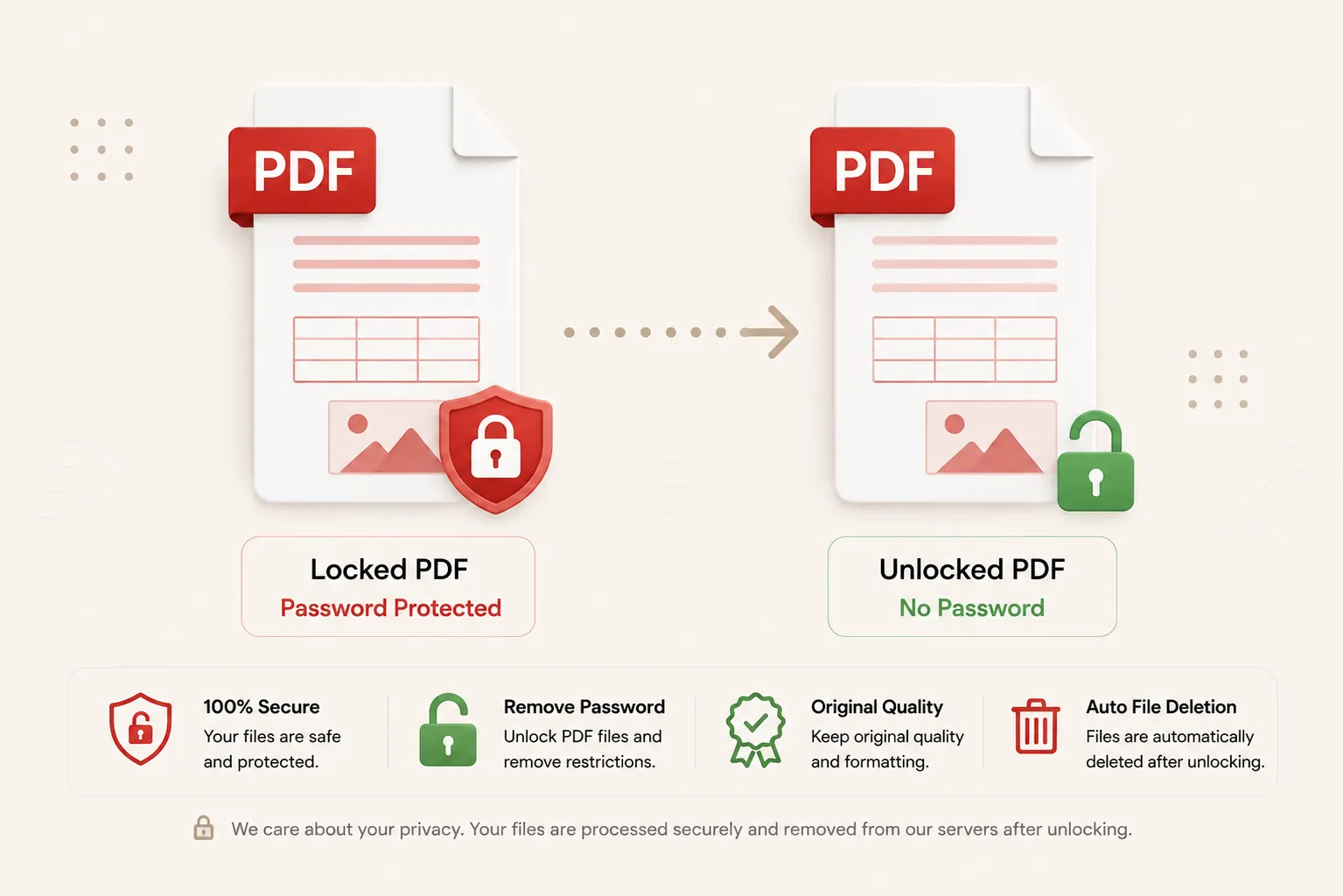
Decrypting formatting matrix...
Stripping encryption properties and restoring core document modification wrappers. Do not close or refresh this page.
Connecting to crypto decryption stream node...
Document Unlocked!
unlocked_document.pdf
All passwords and restriction dictionaries have been successfully stripped. Your download will start automatically.
Clear Access
Restrictions Stripped
Full Rights
Printing & Copying Active
Atomic Sync
Instant Background Flushes
Secure Run
In-Memory Shredding
Features
✓ Strip PDF Security
Remove user passwords and owner restriction dictionaries cleanly.
✓ Restore Printing & Copying
Re-enable blocked text copying, printing, and document editing permissions.
✓ Fast In-Memory Engine
Decrypt files instantly through ephemeral runtime memory buffers.
✓ No Registration
Unlock protected PDF files immediately without creating an account.
✓ Free Online Tool
No heavy desktop software installation required.
✓ Multiple Devices
Use seamlessly on desktop, tablet, and mobile browsers.
How to Unlock a PDF File
Remove PDF passwords and restrictions in three simple steps. No registration or software installation is required.
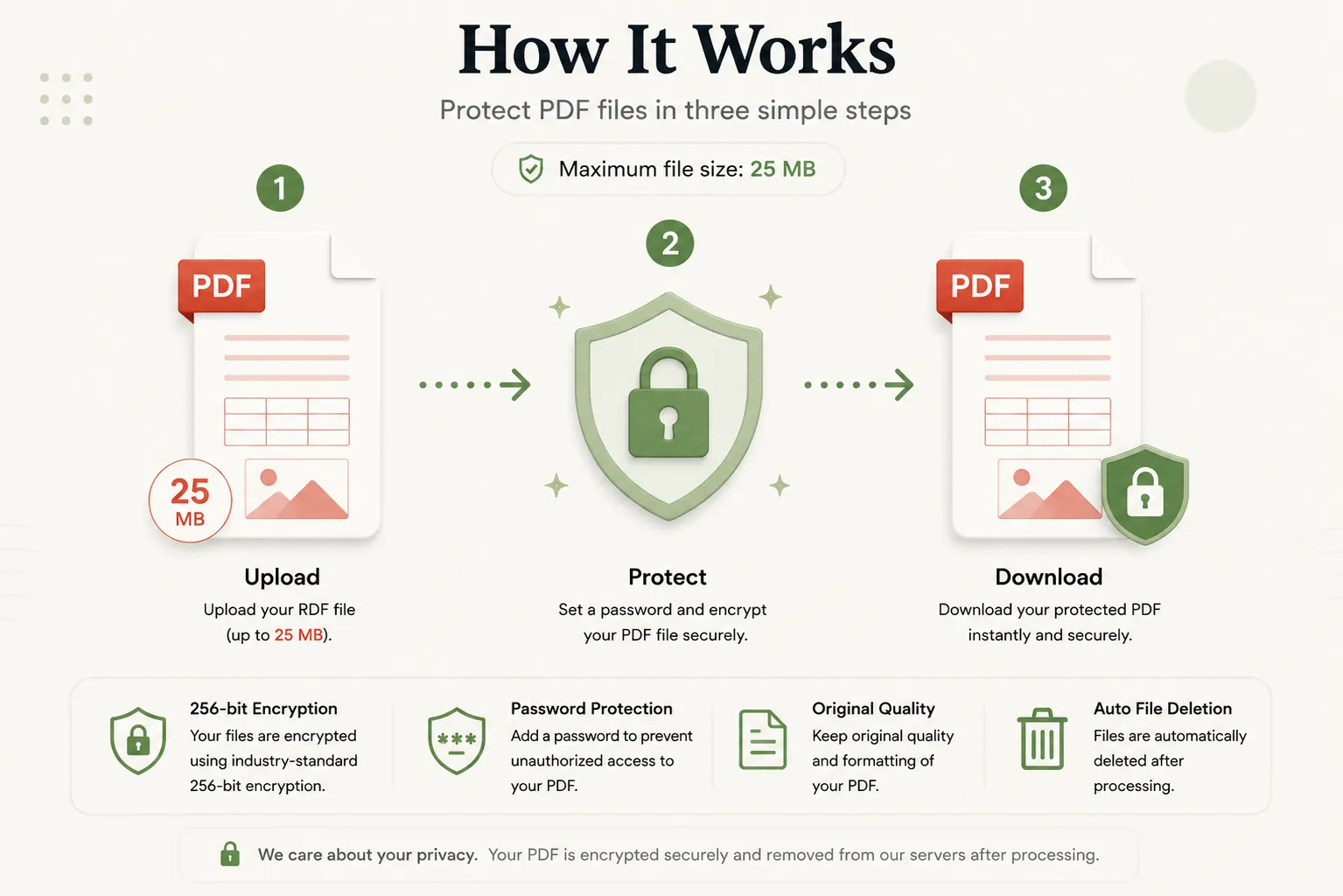
Upload Protected PDF
Click Select File or drag and drop your PDF file into the upload dropzone.
Enter Password
Type the correct document password into the access credential input field.
Download Unlocked PDF
Click Unlock PDF Document and download your clean, restriction-free file instantly.
Why Choose Our Free PDF Unlocker?
Our PDF unlocker is designed for professionals, researchers, students, and legal teams who need to access or print protected documents. Remove owner restrictions that prevent printing, form filling, or text copying from legitimate files after verifying password credentials.
Preserve Original Document Vectors
Unlocking removes security wrappers without re-rendering or damaging vector fonts, embedded imagery, or document metadata.
Fast In-Memory Decryption
Upload your file and receive an unlocked PDF within seconds without installing desktop utilities or browser extensions.
Secure Memory Shredding
Uploaded binaries and entered passwords are processed transiently through isolated volatile memory contexts and purged immediately post-conversion.
Works on Every Device
Compatible with Windows, macOS, Linux, Android and iPhone browsers.
What is a PDF Unlocker Tool?
A PDF unlocker is an online utility that decrypts password-protected PDF files and strips administrative permission blockades. PDF files often carry owner passwords that prevent users from printing, copying text, filling out form fields, or modifying pages. Unlocking decrypts the file structure and removes these restrictions.
Removing encryption restrictions allows you to print important statements, extract research text, or annotate documents freely across all standard PDF readers.
Our free online PDF unlocker makes removing restrictions effortless. Upload your protected file, enter the authorized password, and download a fully unlocked PDF without installing desktop software.
Why Unlock PDF Documents?
Unlocking protected PDF files provides important workflow benefits:
- Enable printing on restricted financial, legal, or administrative forms.
- Copy text quotes and references from protected research papers.
- Fill out and save form fields in restricted PDF questionnaires.
- Annotate, highlight, or add comments to protected study guides.
- Merge or organize pages from restricted document packages.
- Streamline document archival and team collaboration workflows.
Why Choose Doccraft?
| Feature | Doccraft Suite | Many Other Tools |
|---|---|---|
| Free to Use | ✅ | ✅ |
| No Registration | ✅ | Sometimes |
| Secure In-Memory Decryption | ✅ | ✅ |
| Restores Print & Copy Rights | ✅ | Rarely |
| Works on Mobile | ✅ | Some |
| High Quality Vector Output | ✅ | Varies |
Why Users Trust Doccraft Suite
🔒 Secure File Processing
Your files are encrypted during transmission and processed safely in memory.
🗑 Automatic File Deletion
Uploaded and decrypted files are purged automatically from servers post-processing.
👤 No Registration Required
Unlock PDF files immediately without signing up or providing emails.
⚡ Rapid Decryption
Optimized stream routines strip security wrappers in just a few seconds.
💻 Works Everywhere
Compatible with Windows, macOS, Linux, Android and iPhone browsers.
📄 Sharp Document Quality
Maintains original typography, vector layers, and page layout dimensions.
Privacy and File Security
Your document confidentiality and passwords are strictly protected. Every uploaded PDF file is processed securely over encrypted HTTPS connections, and access is restricted exclusively to the automated decryption engine. Passwords and files are never stored or logged.
To enforce privacy standards, uploaded source files and generated unlocked PDFs are permanently erased from processing servers after download.
Whether you're unlocking financial statements, legal contracts, medical records, or academic papers, your documents remain completely private.
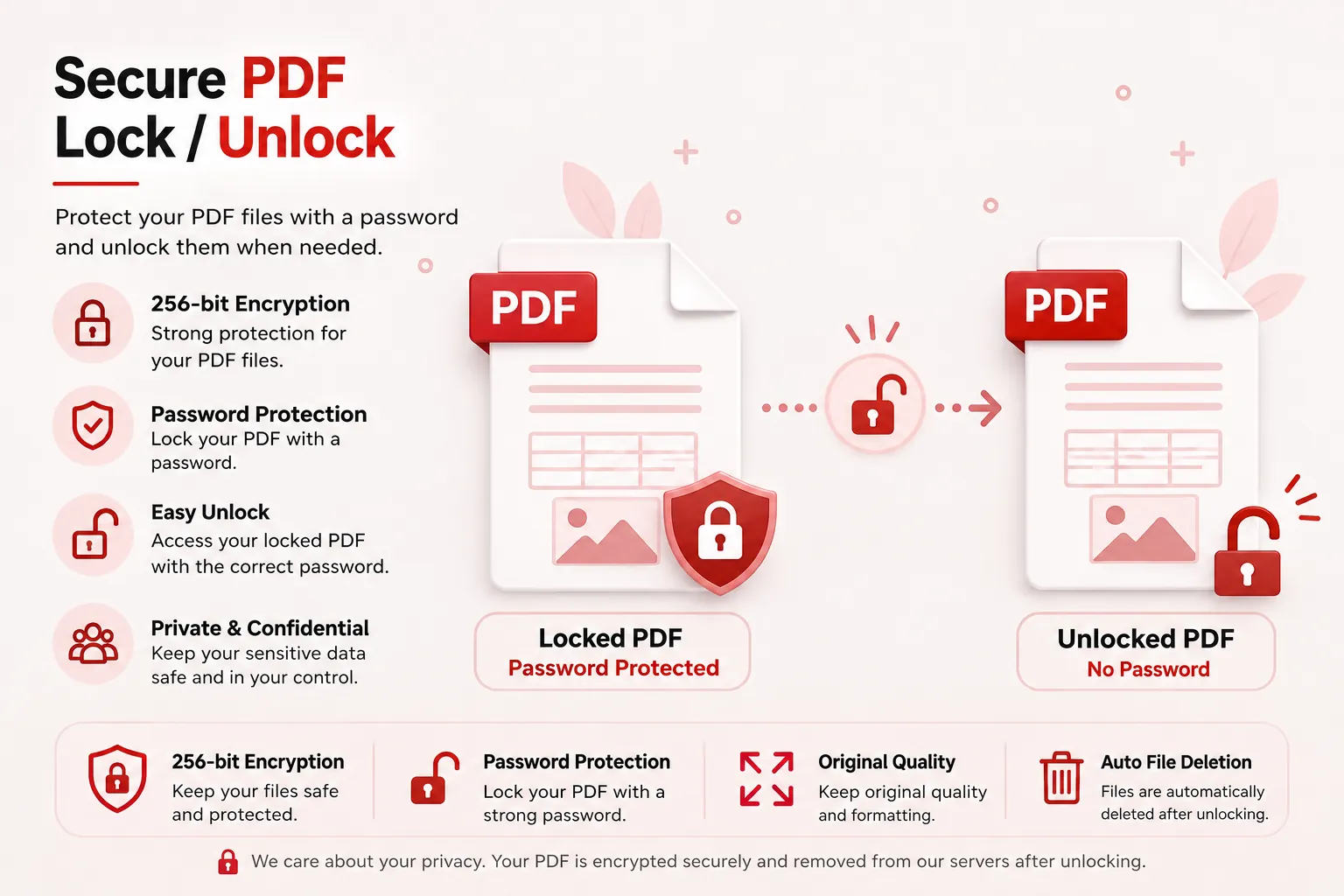
Common Uses for PDF Unlocking
Students & Researchers
Unlock research papers to copy references or print study notes.
Legal Assistants
Remove print locks from exhibit documents for court binding.
Accounting Teams
Unlock password-protected bank statements for internal reporting.
Administrative Staff
Enable form field editing on secured PDF templates.
Medical Offices
Unlock patient record PDFs to merge chart attachments.
Business Professionals
Strip restrictions on proposals to annotate client feedback.
Tips for Best PDF Unlocking Results
- Ensure you type the exact case-sensitive document password into the password field.
- Verify that your source PDF file is encrypted before attempting decryption.
- Use the eye toggle button to double-check typed password characters.
- Save your unlocked PDF in a secure location once downloaded.
- Review your unlocked PDF to confirm printing and editing permissions are restored.
Free Online PDF Unlocker
Searching for a free PDF unlocker? Our online tool allows you to remove PDF passwords and permission restrictions in just a few clicks. Preserve text legibility, vector objects, and page formatting while creating clean, fully accessible documents. Compatible with Windows, macOS, Linux, Android, and iPhone, our unlocker delivers a fast, secure, and reliable way to unprotect PDF files without installing desktop software or registering an account.
Perfect For
- Removing print restrictions from PDF statements
- Enabling text copying in research papers
- Unlocking protected PDF forms for filling
- Stripping owner passwords from corporate files
- Enabling document annotation and highlighting
- Removing editing blockades from legal briefs
- Unlocking medical records for printing
- General document editing workflows
Benefits of Unlocking PDF Files
Unlocking PDF files restores full document accessibility. Removing password restrictions allows seamless printing, text extraction, and form editing, eliminating administrative bottlenecks and enhancing productivity.
Frequently Asked Questions
Is this PDF Unlocker free?
Yes. You can unlock and remove password restrictions from PDF files without paying or registering.
Can I unlock a PDF without knowing the password?
No. To maintain security standards, you must provide the correct decryption password to strip the file's restriction layers.
Will my document visual quality change?
No. Unlocking only strips security dictionaries and decryption wrappers. Text, vector objects, and images remain 100% untouched.
Are my documents and passwords secure?
Yes. Uploaded files and passwords are processed transiently in volatile memory and automatically erased post-processing.
Does this work on mobile devices?
Yes. Use the unlocker on Android, iPhone, Windows, macOS and Linux browsers.