
Compress PDF Files
Shrink large PDF documents into web-friendly, lightweight files. Optimize image dpi, strip unused metadata, and compress structural streams without compromising visual legibility.
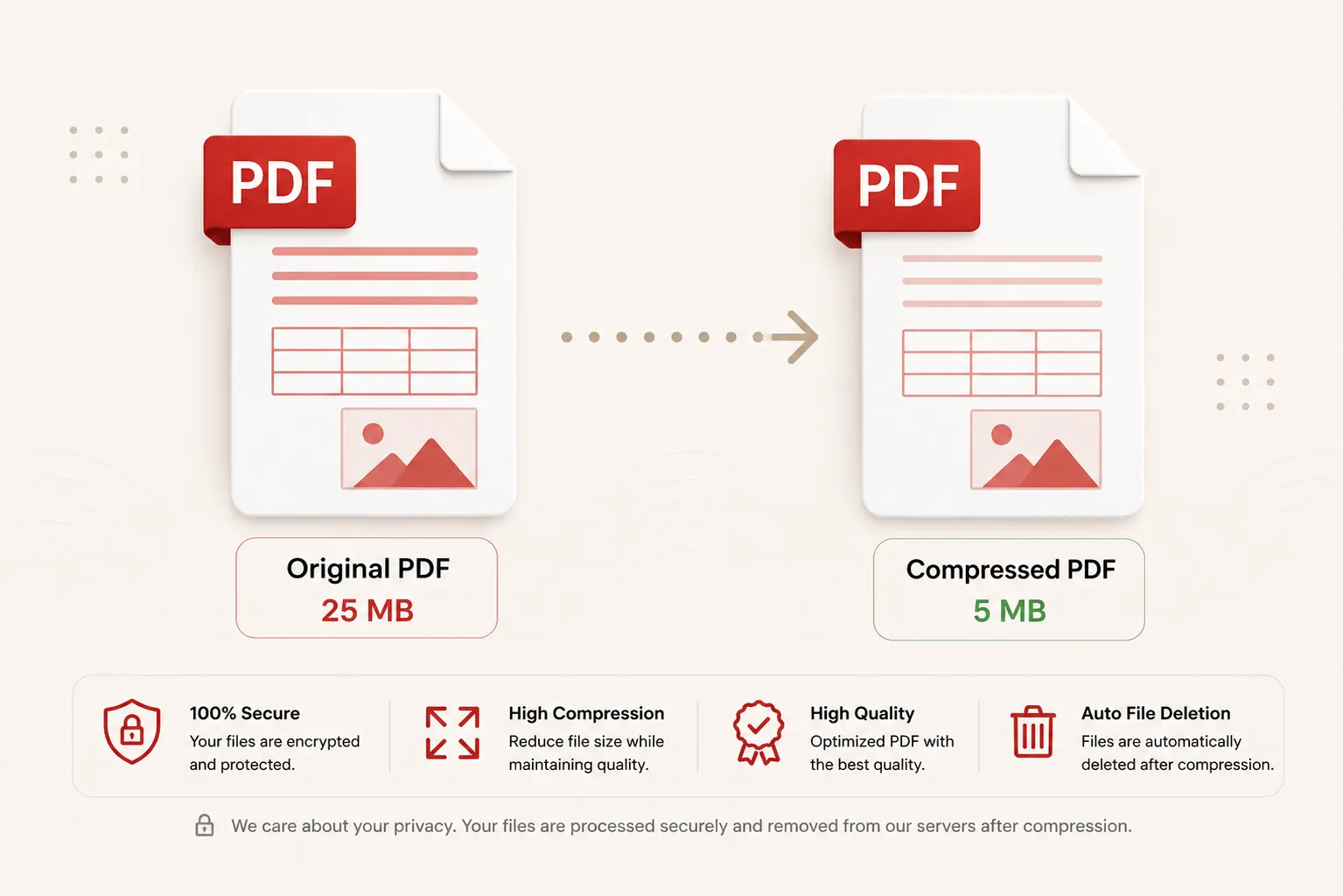
Compressing PDF streams...
Optimizing image rasters and rebuilding structural objects. Do not close or refresh this page.
Initializing document compression routines...
Compression Complete!
compressed_document.pdf
Your PDF has been successfully compressed and optimized. Your download will start automatically. If it doesn't, you can download it again below.
Smart Reduction
Lossless Stream Optimization
3 Presets
Tailored Quality Options
25 MB
Maximum File Size
Secure
Private Processing
Features
✓ Adaptive Stream Compression
Reduce file byte size while keeping text and typography sharp.
✓ Multiple Quality Presets
Choose between Recommended, Extreme, or Low compression levels.
✓ Fast Cloud Processing
Process large multi-page PDF documents within seconds.
✓ No Registration
Shrink file size immediately without creating an account.
✓ Free Online Tool
No heavy desktop software installation required.
✓ Multiple Devices
Use seamlessly on desktop, tablet, and mobile browsers.
How to Compress PDF Files
Reduce your PDF document file size in three simple steps. No registration or software installation is required.
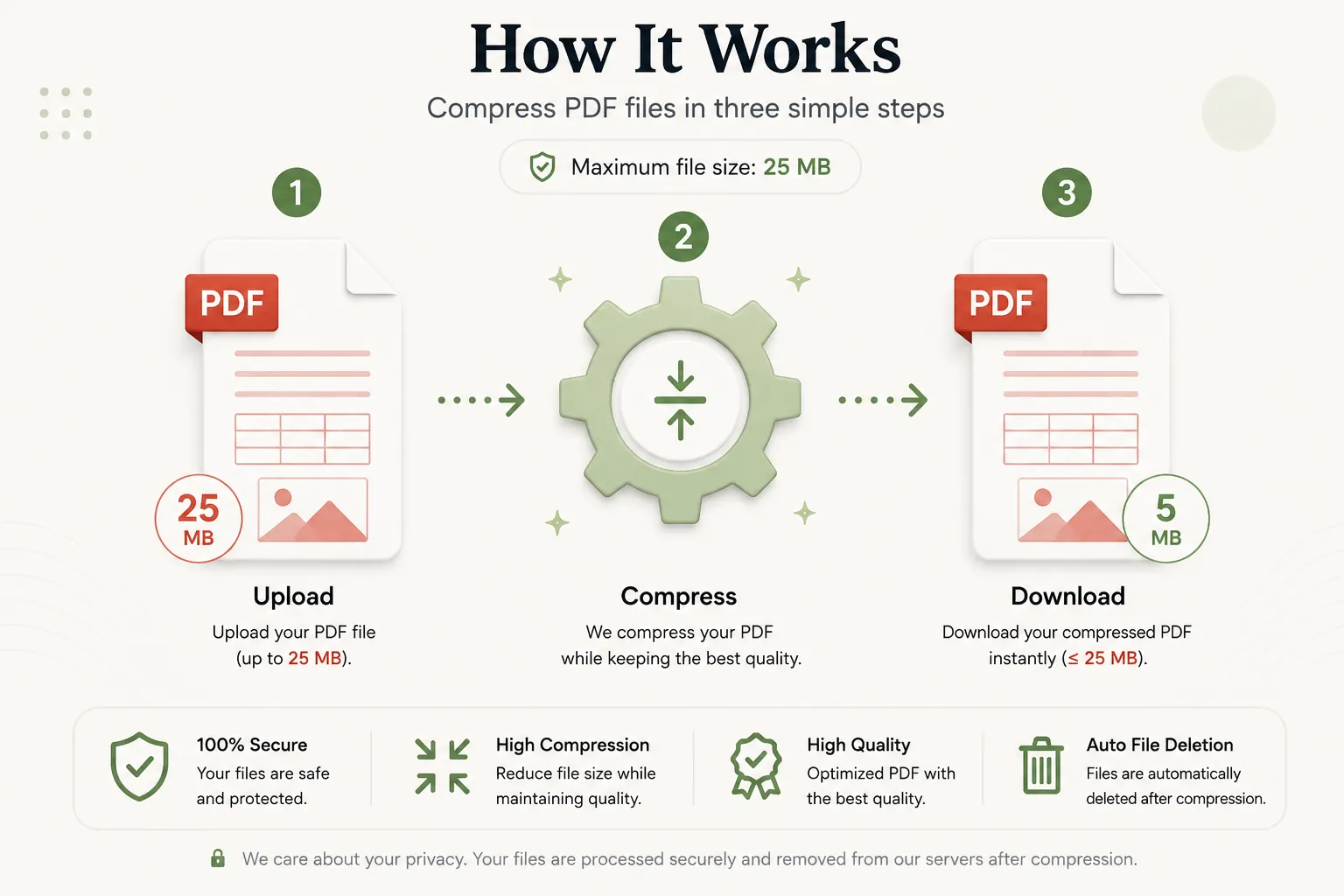
Upload Your PDF
Click Select File or drag and drop your PDF file into the upload dropzone.
Select Quality Preset
Select your preferred compression level (Recommended, Extreme, or Low) and click Compress PDF.
Download Optimized PDF
Your compressed PDF file will be ready in seconds. Download it instantly and share or upload wherever needed.
Why Choose Our Free PDF Compressor?
Our PDF compressor is engineered for students, job applicants, legal practices, medical records teams, and business professionals who encounter strict email attachment limits or upload limits on government and portal submission forms. Shrink PDF files while maintaining document structure, vector fonts, line art, and visual clarity.
Smart Image & Object Downsampling
Over-sized image streams are resampled efficiently while stripping unneeded fonts and duplicate object identifiers.
Fast In-Memory Engine
Upload your document and receive an optimized, lightweight PDF within seconds without complex desktop setup.
Secure File Processing
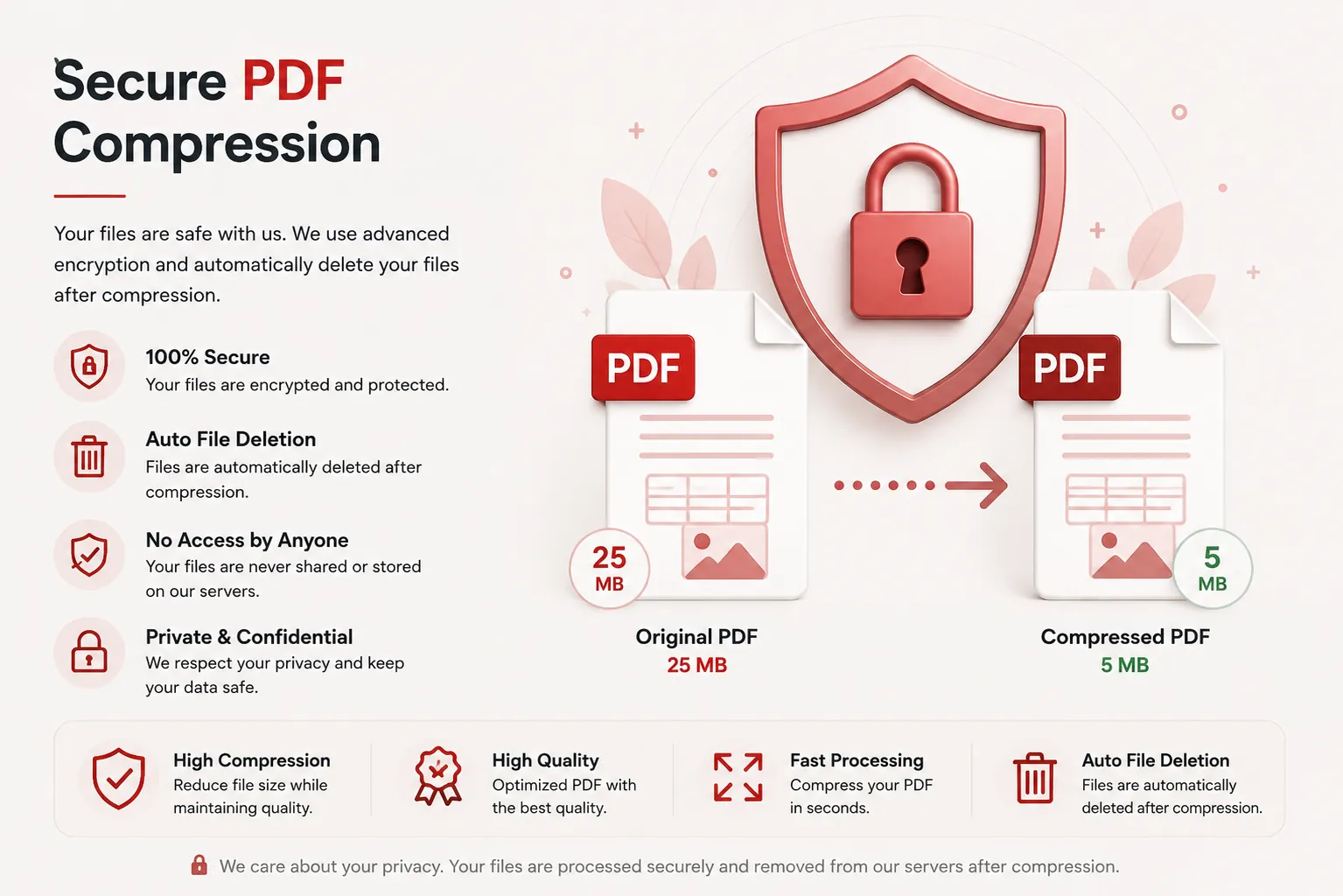
Files are processed securely and deleted automatically post-compression to safeguard confidential personal and business documents.
Works on Every Device
Compatible with Windows, macOS, Linux, Android and iPhone browsers.
What is a PDF Compression Tool?
A PDF compressor is an online document utility that reduces the total byte size of a Portable Document Format (PDF) file. PDF documents often contain heavy high-resolution images, font subsets, embedded graphics, and structural metadata that increase file size significantly. Compression optimizes these objects without altering text contents or layouts.
Reducing PDF sizes ensures documents bypass strict email server attachment thresholds (e.g., 25MB limits) and pass file size validation gates on employment, academic, and government application portals.
Our free online PDF compressor makes optimizing file size effortless. Upload your document, select your compression preset, and download a smaller, web-ready PDF without installing desktop software.
Why Compress PDF Documents?
Shrinking your PDF file size provides important practical benefits:
- Pass file size limits on job application portals, university forms, and government sites.
- Send large reports, portfolios, and scanned documents quickly via email attachments.
- Reduce mobile data usage when viewing or downloading files on cellular networks.
- Save storage space on cloud drives, servers, and local hard drives.
- Accelerate webpage load speeds when embedding PDF previews online.
- Streamline long-term document archiving and backup workflows.
Why Choose Doccraft?
| Feature | Doccraft Suite | Many Other Tools |
|---|---|---|
| Free to Use | ✅ | ✅ |
| No Registration | ✅ | Sometimes |
| Secure Processing | ✅ | ✅ |
| Multiple Compression Presets | ✅ | Rarely |
| Works on Mobile | ✅ | Some |
| High Quality Clarity | ✅ | Varies |
Why Users Trust Doccraft Suite
🔒 Secure File Processing
Your files are encrypted during transmission and processed safely in memory.
🗑 Automatic File Deletion
Uploaded and compressed files are purged automatically from servers post-processing.
👤 No Registration Required
Compress PDF files immediately without signing up or providing emails.
⚡ Rapid Processing
Optimized compression routines reduce file sizes in just a few seconds.
💻 Works Everywhere
Compatible with Windows, macOS, Linux, Android and iPhone browsers.
📄 Sharp Reading Quality
Maintains sharp typography, vector objects, and clear page layouts.
Privacy and File Security
Your document confidentiality is strictly protected. Every uploaded PDF file is processed securely over encrypted HTTPS connections, and access is restricted exclusively to the automated optimization pipeline. Files are never publicly accessible or stored permanently.
To enforce privacy standards, uploaded source files and generated compressed PDFs are permanently erased from processing servers after download.
Whether you're compressing financial reports, legal contracts, medical records, resumes, or academic portfolios, your documents remain completely private.
Common Uses for PDF Compression
Job Seekers
Shrink resume and portfolio file sizes to meet job application portal limits.
Students & Researchers
Compress thesis drafts, term papers, and scanned textbooks for easy submission.
Business & Sales
Reduce proposal presentation deck file sizes before emailing clients.
Legal Professionals
Optimize scanned contract packages and court filings for electronic submission portals.
Government Application Submissions
Compress passport scans, tax forms, and ID attachments to satisfy upload thresholds.
Webmasters & Publishers
Optimize downloadable PDF guides and whitepapers for fast website downloads.
Tips for the Best PDF Compression Results
- Use the Recommended preset for standard business documents, resumes, and reports.
- Choose Extreme Compression if you are trying to fit strict sub-2MB portal upload limits.
- Select Low Compression if your document contains detailed art or high-resolution photography.
- Ensure your source PDF file is not password-protected before uploading.
- Download and review your compressed PDF file before sending or submitting it.
Free Online PDF Compressor
Searching for a free PDF compressor? Our online tool allows you to reduce PDF file sizes in just a few clicks. Preserve text legibility, vector objects, and page formatting while shrinking large files into email-ready documents. Compatible with Windows, macOS, Linux, Android, and iPhone, our compressor delivers a fast, secure, and reliable way to optimize PDF files without installing desktop software or registering an account.
Perfect For
- Compressing resumes for job portals
- Reducing scanned contract file sizes
- Optimizing large presentation decks for email attachments
- Shrinking academic thesis files for online university portals
- Fitting tax forms and ID scans under government file size limits
- Optimizing e-books and whitepapers for fast web downloading
- Reducing cloud storage footprints
- Archiving historical document scans efficiently
Benefits of Compressing PDF Files
PDF compression improves shareability and storage efficiency. Reducing file sizes prevents email bounce-backs, speeds up file transfers, speeds up page load times, and ensures compliance with strict submission portals.
Frequently Asked Questions
Is this PDF Compressor free?
Yes. You can compress PDF files without paying or registering.
Will my document text become blurry?
No. Document text and vector elements remain completely sharp. Compression primarily optimizes embedded images and stream structures.
Which compression preset should I choose?
The Recommended preset is best for 95% of documents. Use Extreme Compression for strict upload limits and Low Compression for photography-heavy files.
Are my documents secure?
Yes. Uploaded files are processed securely in memory and automatically deleted after compression.
Does this work on mobile devices?
Yes. Use the compressor on Android, iPhone, Windows, macOS and Linux browsers.