PDF to Word Converter
Convert PDF files into editable Microsoft Word documents while preserving text, paragraphs, formatting, and layouts wherever possible. Fast, secure, and free to use.
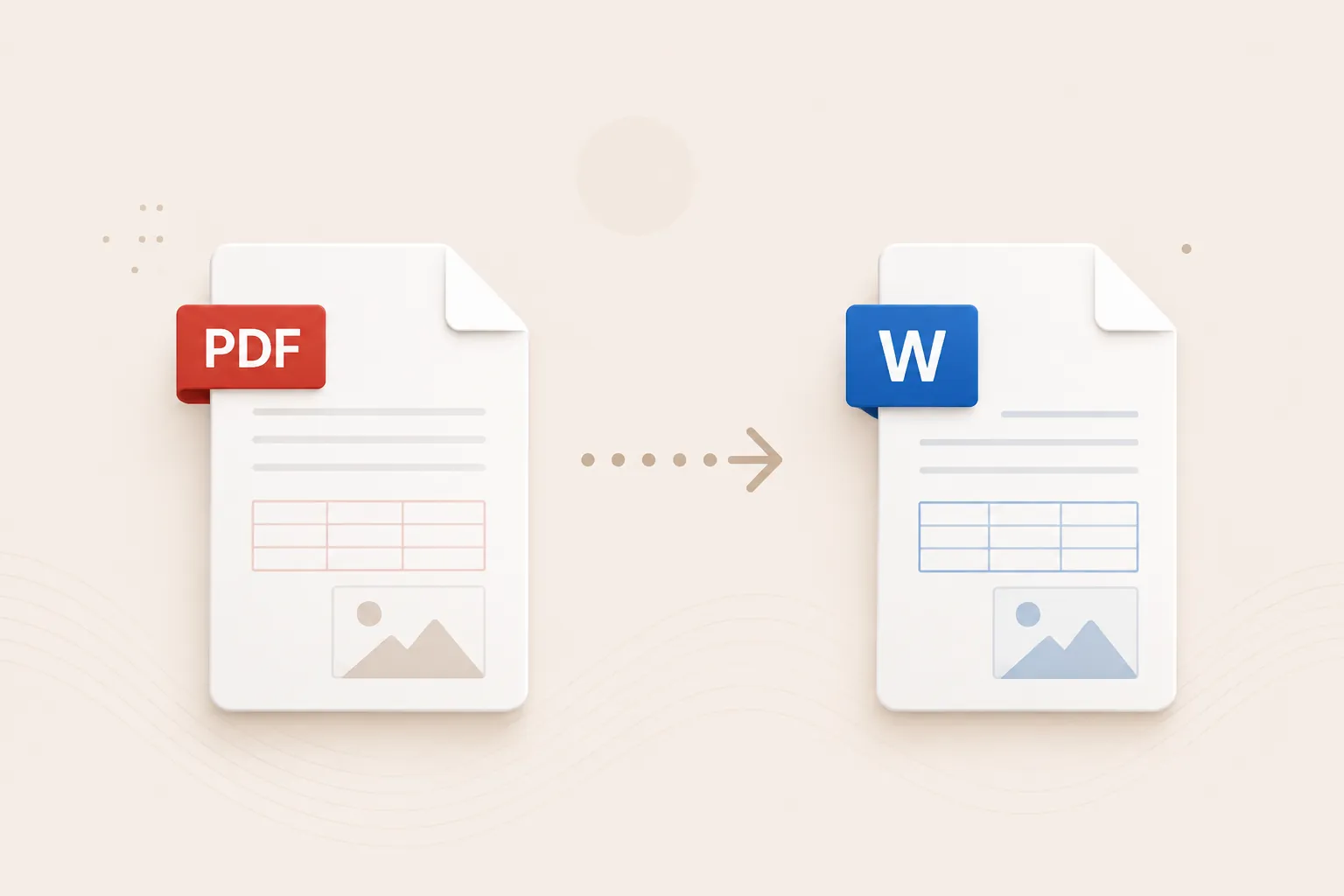
Converting your document...
Your document is being processed. Please wait a few seconds and do not close or refresh this page.
Processing your document...
Conversion Complete!
document.docx
Your PDF has been successfully converted to Word. Your download will start automatically. If it doesn't, you can download it again below.
Supported
DOCX
Output
25 MB
Maximum File Size
Secure
File Processing
Features
✓ PDF to DOCX Support
Convert PDF files into editable Word documents instantly.
✓ Preserve Formatting
Maintain text, paragraphs, headings and layout whenever possible.
✓ Editable Word Output
Create editable DOCX documents for further editing and reuse.
✓ No Registration
Convert files without creating an account.
✓ Free Online Tool
No software installation required.
✓ Multiple Devices
Use on desktop, tablet and mobile.
How to Convert PDF to Word
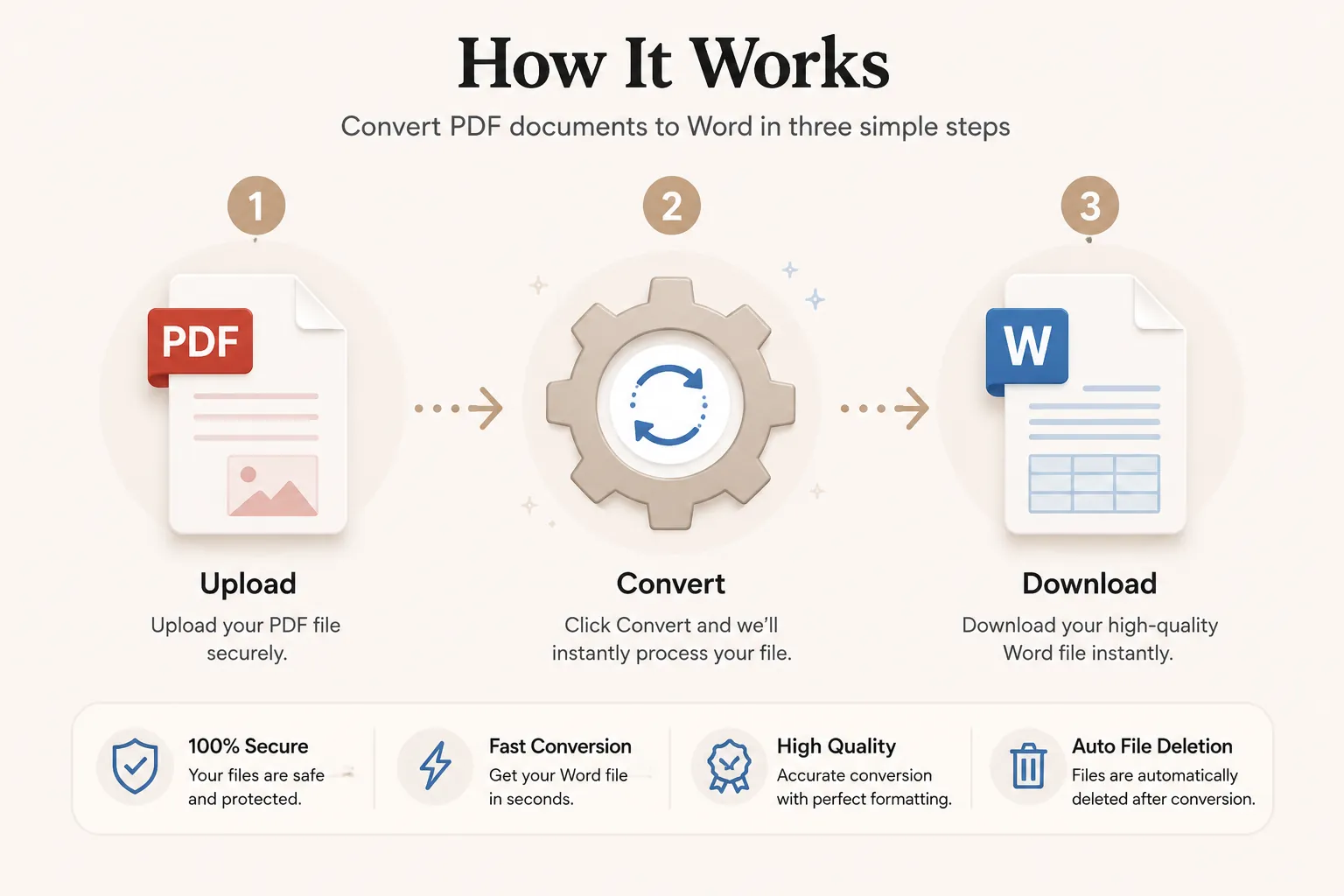
Convert your PDF into an editable Microsoft Word document in just three simple steps. No registration or software installation is required.
Upload Your PDF File
Click Select File or drag and drop your PDF file into the upload area.
Convert to Word
Click the Convert button. Your PDF is processed into an editable Word document while preserving formatting whenever possible.
Download Your DOCX
Your Word file will be ready in seconds. Download it instantly and continue editing your content.
Why Choose Our Free PDF to Word Converter?
Our PDF to Word converter is designed for students, businesses, teachers, writers, legal teams, HR professionals, and anyone who needs editable versions of PDF documents. Convert PDF files into Word documents while preserving text structure, paragraphs, headings, and page layout whenever possible.
Editable Document Output
Turn static PDF files into editable Word documents that can be updated, reused, and shared more easily.
Fast Conversion
Upload your PDF document and receive your Word file within seconds without complicated software.
Secure Processing
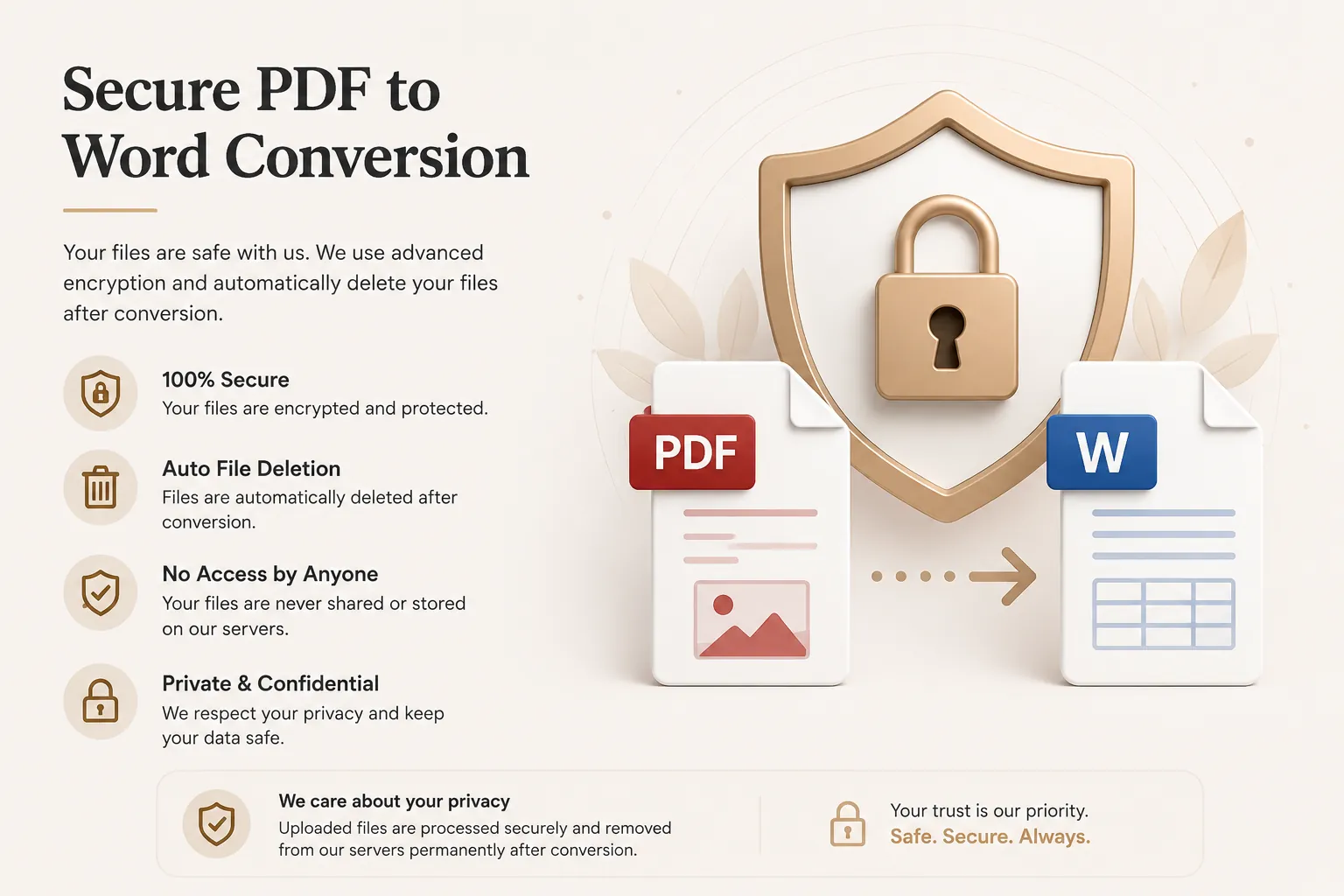
Files are processed securely and automatically removed after conversion to protect your privacy.
Works on Every Device
Compatible with Windows, macOS, Linux, Android and iPhone browsers.
What is a PDF to Word Converter?
A PDF to Word converter is an online tool that transforms PDF documents into editable Microsoft Word files such as DOCX. This makes it easier to edit content, update text, adjust formatting, and reuse information from previously static PDF documents.
Unlike PDF files, Word documents are designed for editing and revision. This makes PDF to Word conversion useful for contracts, resumes, reports, letters, study materials, proposals, and business documents that need changes after being created or shared.
Our free online PDF to Word converter makes the process quick and simple. Upload your PDF, convert it in seconds, and download an editable Word document without installing additional software.
Why Convert PDF Documents to Word?
Converting a PDF to Word offers several advantages. It allows you to edit text, reuse content, update formatting, and work more efficiently with documents that were previously difficult to modify.
- Edit text and paragraphs in a familiar format.
- Reuse content without retyping the entire document.
- Update resumes, reports, contracts and forms.
- Adjust formatting, headings and page layout.
- Save time on document revisions.
- Useful for office, school and legal workflows.
- Create editable versions of shared PDF files.
- Improve productivity with reusable document content.
Supported Input and Output Formats
Our converter accepts PDF files and generates editable Word document output.
| Format | Description |
|---|---|
| Portable Document Format files used as the input source. | |
| DOCX | Editable Microsoft Word document file used as the output format. |
This makes it easy to move content from static PDF documents into editable Word files.
Why Choose Doccraft?
| Feature | Doccraft Suite | Many Other Tools |
|---|---|---|
| Free to Use | ✅ | ✅ |
| No Registration | ✅ | Sometimes |
| Secure Processing | ✅ | ✅ |
| Works on Mobile | ✅ | Some |
| Editable Word Output | ✅ | Varies |
| Formatting Preservation | ✅ | Varies |
Why Users Trust Doccraft Suite
🔒 Secure File Processing
Your files are securely processed and protected during conversion.
🗑 Automatic File Deletion
Uploaded files are automatically removed after processing.
👤 No Registration Required
Convert PDF files without creating an account.
⚡ Fast Conversion
Most PDF documents are converted in just a few seconds.
💻 Works Everywhere
Compatible with Windows, macOS, Linux, Android and iPhone.
📝 Editable Word Documents
Creates editable DOCX files with text and formatting preserved whenever possible.
Privacy and File Security
Your privacy is important. Every uploaded PDF is processed securely, and access is restricted to the conversion process only. Files are not publicly accessible during or after conversion.
To protect user data, uploaded files and generated Word documents are automatically removed after processing. This helps ensure confidential documents remain private.
Whether you're converting resumes, reports, contracts, letters or business files, your documents are handled with security and privacy in mind.
Common Uses for PDF to Word Conversion
Students
Convert study materials and assignments into editable Word files.
Businesses
Edit reports, proposals and shared documents more easily.
Human Resources
Update resumes, forms and internal documentation.
Legal Professionals
Work with contracts, notices and document drafts in editable format.
Teachers
Reuse learning material and handouts for revisions and updates.
Writers
Turn static PDF text into editable content for refinement and reuse.
Tips for the Best PDF to Word Conversion
- Use clear, text-based PDF files for better results.
- Make sure scanned PDFs are readable before uploading.
- Review formatting after conversion for complex layouts.
- Check headings, bullet lists and tables in the final DOCX.
- Reformat sections manually if the original PDF had unusual styling.
- Use the converted DOCX for editing, not as a final archival format.
- Save your edited Word file before sharing it again.
- Download the DOCX and review it before sending or printing.
Free Online PDF to Word Converter
Looking for a free PDF to Word converter? Our online tool lets you convert PDF files into editable DOCX documents in just a few clicks. Preserve text, paragraphs, formatting and page layout whenever possible while creating Word files that are easy to update and reuse. Compatible with Windows, macOS, Linux, Android and iPhone, our converter provides a fast, secure and reliable way to turn PDF documents into editable Word files without installing software or creating an account.
Perfect For
- Resume editing and updates
- Business report revisions
- Contract and proposal changes
- Assignment and study document reuse
- Internal office document editing
- Editable form preparation
- Content migration from PDF to Word
- Document formatting workflows
- Reusing previously shared PDF text
- General document editing needs
Benefits of Converting PDF to Word
Word documents make PDF content easier to edit, update and reuse. Unlike static PDF files, DOCX output is better suited for revisions, collaboration, formatting changes and ongoing document workflows.
Frequently Asked Questions
Is this PDF to Word converter free?
Yes. You can convert PDF files into Word documents without paying.
Will formatting stay the same?
Yes. Text, paragraphs and layout are preserved as much as possible.
What output format do I get?
The converter generates an editable DOCX Word document.
Are my files secure?
Yes. Uploaded files are processed securely and automatically removed after conversion.
Does this work on mobile?
Yes. Use the converter on Android, iPhone, Windows, macOS and Linux browsers.