
Organize PDF Pages
Reorder, extract, rotate, or remove pages from your PDF files. Structure your document pages into exact sequence parameters fast, securely, and completely free.
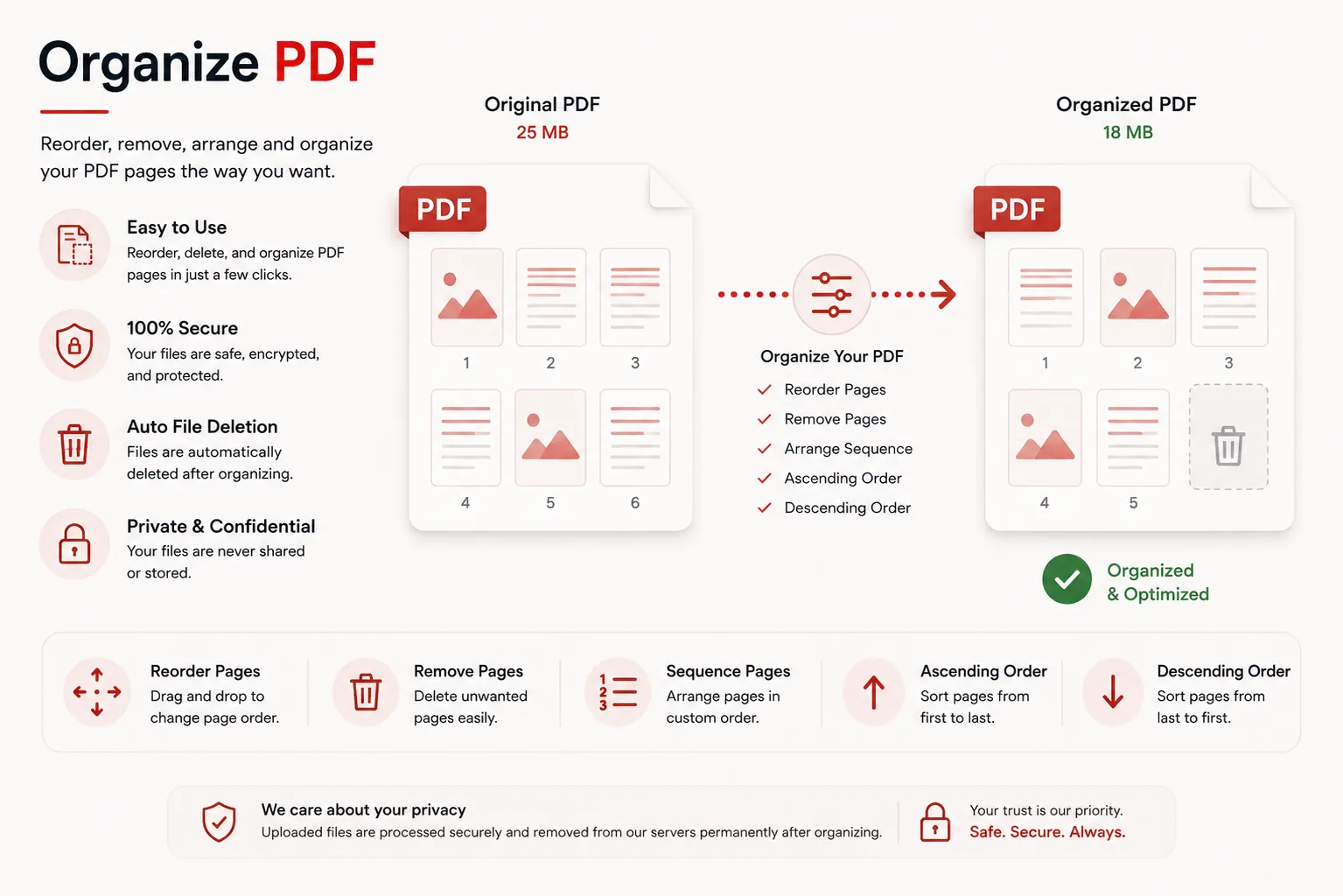
Reordering document pages...
Structuring page indices and re-building layout trees. Do not close or refresh this page.
Initializing page reorganization engine...
Organization Complete!
organized_document.pdf
Your PDF pages have been successfully organized and reordered. Your download will start automatically. If it doesn't, you can download it again below.
Page Reordering
Custom Index Sorting
Range Filters
Odd / Even / Slice
25 MB
Maximum File Size
Secure
Private Processing
Features
✓ Custom Page Reordering
Rearrange pages into any sequence or custom index order instantly.
✓ Extract & Filter Pages
Extract specific chapters, odd/even ranges, or delete unnecessary pages.
✓ High Precision Output
Maintain crisp typography, vector layers, and formatting properties.
✓ No Registration
Organize pages immediately without creating an account.
✓ Free Online Tool
No heavy desktop software installation required.
✓ Multiple Devices
Use seamlessly on desktop, tablet, and mobile browsers.
How to Organize PDF Pages
Reorder or extract PDF pages in three simple steps. No registration or software installation is required.
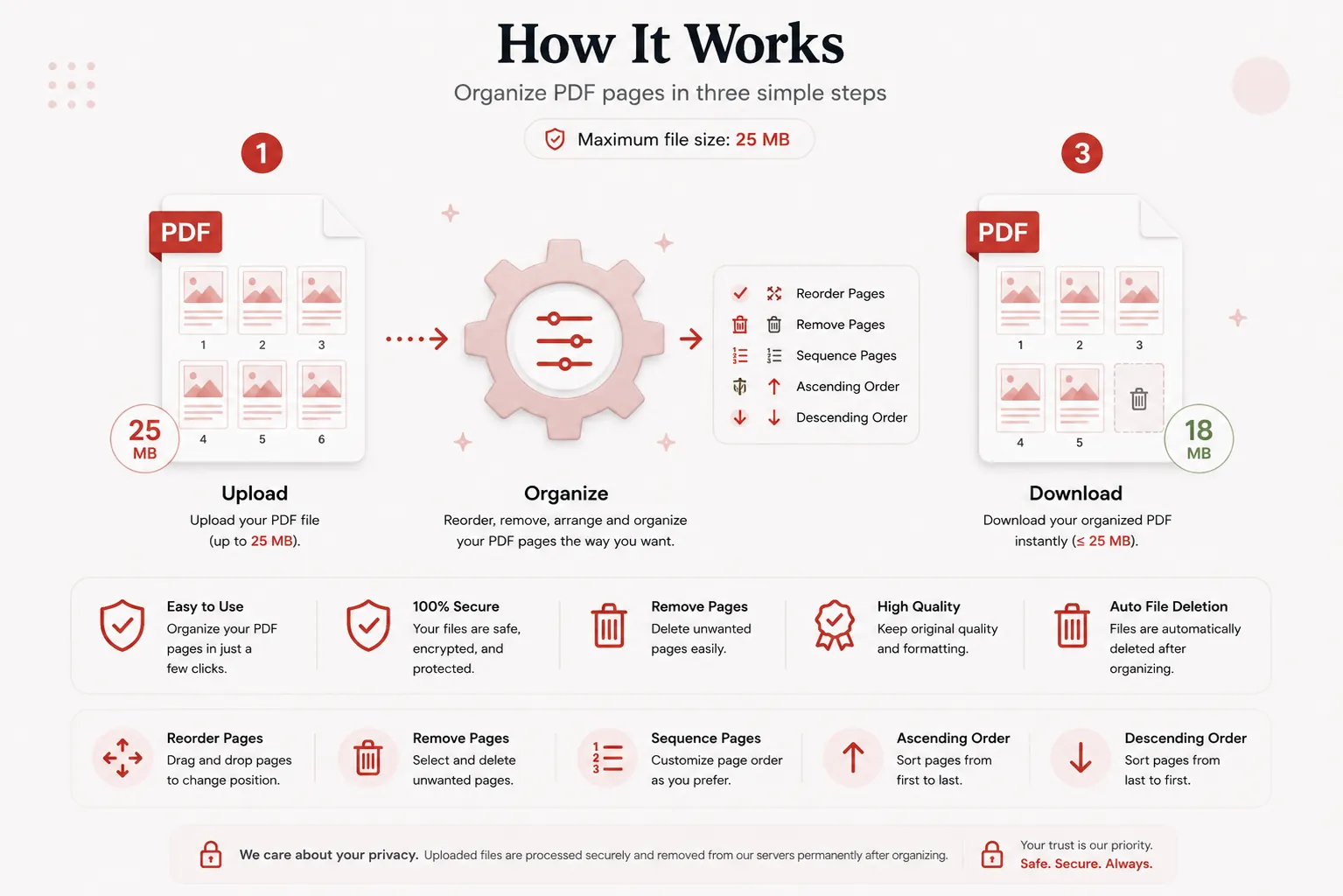
Upload Your PDF
Click Select File or drag and drop your PDF file into the upload dropzone.
Specify Page Order
Type your target page range or sequence rule into the page selection input field.
Download Organized PDF
Click Organize PDF Pages and download your newly ordered file instantly.
Why Choose Our Free PDF Page Organizer?
Our PDF page organizer is engineered for students, legal assistants, administrative professionals, researchers, and editors who need to structure PDF documents. Rearrange chapters, remove blank pages, and extract essential sections without breaking fonts or losing vector layouts.
Preserve Original Layout Quality
Your organized PDF retains exact typography, margins, embedded graphics, and vector elements across all pages.
Fast In-Memory Engine
Upload your document and receive an organized PDF within seconds without heavy desktop software.
Secure File Shredding
Files are processed securely over encrypted channels and deleted automatically post-processing to safeguard confidential personal and corporate files.
Works on Every Device
Compatible with Windows, macOS, Linux, Android and iPhone browsers.
What is a PDF Page Organizer?
A PDF page organizer is an online document tool that allows users to manipulate the page structure of a Portable Document Format (PDF) file. You can reorder page sequences, slice custom sections, remove unwanted blank pages, or extract specific pages into a new document.
Scanned documents or multi-author PDFs frequently arrive out of order. Organizing pages ensures your document presents information in a clear, logical sequence before sharing with clients or team members.
Our free online PDF page organizer makes structuring files simple. Upload your document, specify your custom page rule, and download your reordered PDF without installing desktop applications.
Why Organize PDF Pages?
Structuring PDF page sequences provides essential document benefits:
- Fix misaligned page sequences from scanned documents.
- Remove unnecessary, blank, or cover pages before sending reports.
- Extract specific chapters or sections for quick reading.
- Reorder presentation slide decks before hosting meetings.
- Prepare clean legal, medical, or academic submissions.
- Streamline long-term digital archivism.
Why Choose Doccraft?
| Feature | Doccraft Suite | Many Other Tools |
|---|---|---|
| Free to Use | ✅ | ✅ |
| No Registration | ✅ | Sometimes |
| Secure Processing | ✅ | ✅ |
| Custom Page Range Rules | ✅ | Rarely |
| Works on Mobile | ✅ | Some |
| High Quality Layout Output | ✅ | Varies |
Why Users Trust Doccraft Suite
🔒 Secure File Processing
Your files are encrypted during transmission and processed safely in memory.
🗑 Automatic File Deletion
Uploaded and processed files are purged automatically from servers post-processing.
👤 No Registration Required
Organize PDF pages immediately without signing up or providing emails.
⚡ Rapid Processing
Optimized stream routines reorder page indices in just a few seconds.
💻 Works Everywhere
Compatible with Windows, macOS, Linux, Android and iPhone browsers.
📄 Sharp Reading Quality
Maintains original typography, vector layers, and page layout dimensions.
Privacy and File Security
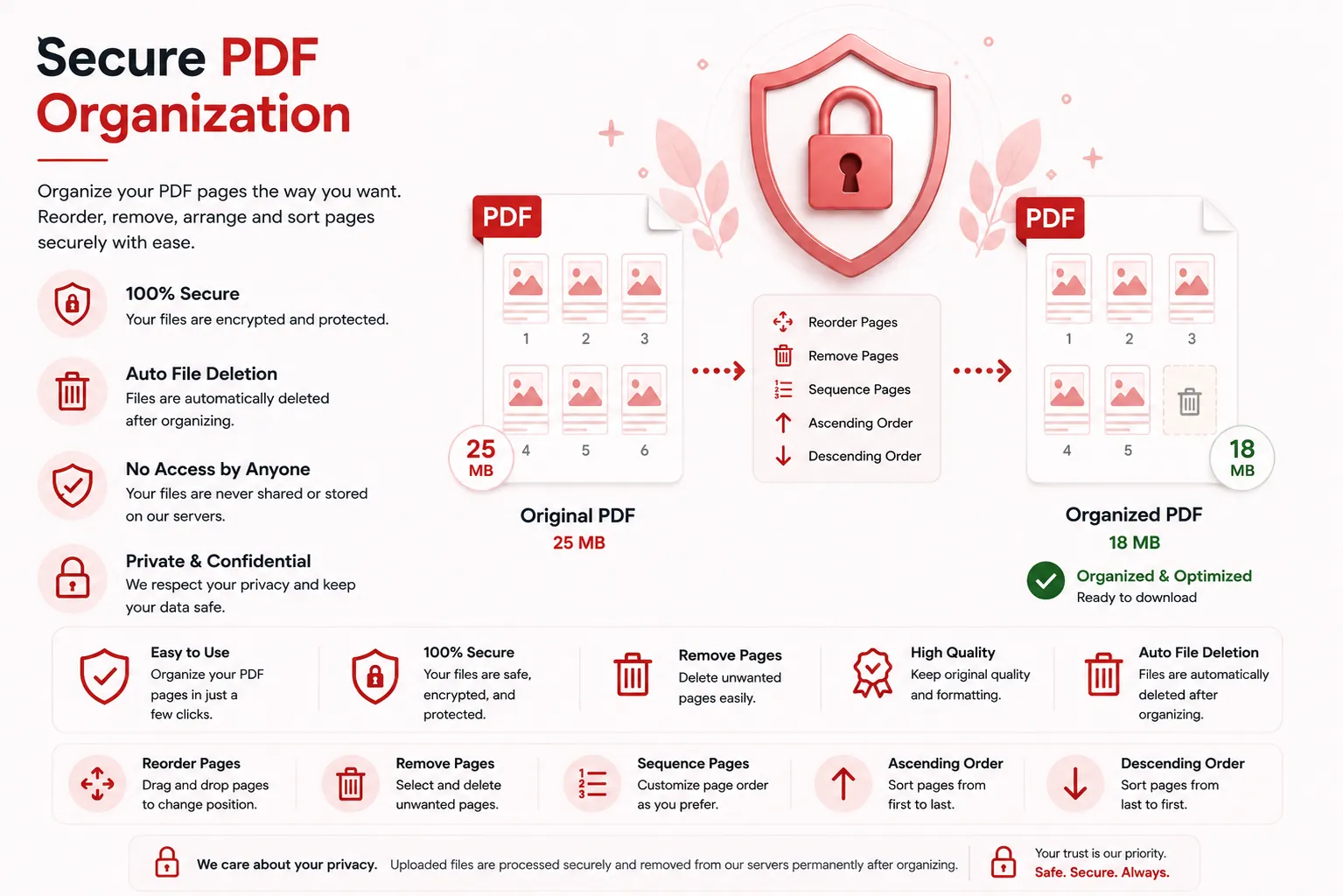
Your document confidentiality is strictly protected. Every uploaded PDF file is processed securely over encrypted HTTPS connections, and access is restricted exclusively to the automated processing engine. Files are never publicly accessible or stored permanently.
To enforce privacy standards, uploaded source files and generated PDFs are permanently erased from processing servers after download.
Whether you're organizing financial statements, legal briefs, medical charts, or academic papers, your documents remain completely private.
Common Uses for PDF Page Organization
Administrative Staff
Fix out-of-order scans and remove blank pages before filing.
Students & Educators
Extract specific assignment chapters or reorder lecture slides.
Legal Professionals
Rearrange exhibit pages and legal evidence documents into exact sequences.
Business Teams
Reorder proposal slide decks and meeting report summaries before client presentations.
Publishers & Editors
Structure book proofs and magazine layout pages efficiently.
Medical Records Staff
Organize patient chart scans into chronological order.
Tips for Best PDF Organizing Results
- Use comma-separated values (e.g.
2,1,4,3) to swap specific page locations. - Use hyphenated ranges (e.g.
5-12) to extract specific continuous chapters. - Type
oddorevento filter specific alternating pages. - Ensure your source PDF file is not password-protected before uploading.
- Download and review your organized PDF file before sharing or printing.
Free Online PDF Page Organizer
Searching for a free PDF page organizer? Our online tool allows you to reorder, extract, and structure PDF pages in just a few clicks. Preserve text legibility, vector objects, and page formatting while creating structured documents. Compatible with Windows, macOS, Linux, Android, and iPhone, our organizer delivers a fast, secure, and reliable way to arrange PDF pages without installing desktop software or registering an account.
Perfect For
- Reordering scanned PDF document pages
- Removing blank pages from reports
- Extracting specific chapters from e-books
- Structuring presentation slide decks
- Organizing legal exhibit documents
- Arranging medical record scans chronologically
- Preparing clean client proposals
- General document editing workflows
Benefits of Organizing PDF Pages
Organizing PDF pages improves reading flow and document presentation. Structuring pages ensures readers access information in the exact sequence intended, eliminating confusion and enhancing professional communication.
Frequently Asked Questions
Is this PDF Organizer free?
Yes. You can organize and reorder PDF pages without paying or registering.
Will my document quality change?
No. Text, vectors, and embedded images remain sharp. The tool only re-indexes page ordering.
How do I specify a new page sequence?
Type page numbers or ranges separated by commas into the rule input field (e.g. 3,1,2, 5-8).
Are my documents secure?
Yes. Uploaded files are processed securely in memory and automatically deleted post-processing.
Does this work on mobile devices?
Yes. Use the organizer on Android, iPhone, Windows, macOS and Linux browsers.