
Word to PDF Converter
Convert Microsoft Word (DOC and DOCX) files into high-quality PDF documents while preserving fonts, images, tables, and formatting. Fast, secure, and free to use.
Converting your document...
Your document is being processed. Please wait a few seconds and do not close or refresh this page.
Processing your document...
Conversion Complete!
document.pdf
Your Word document has been successfully converted to PDF. Your download will start automatically. If it doesn't, you can download it again below.
DOC
Supported
DOCX
Supported
25 MB
Maximum File Size
Secure
File Processing
Features
✓ DOC & DOCX Support
Convert Microsoft Word documents into PDF instantly.
✓ Preserve Fonts
Maintain typography, paragraphs, tables and formatting.
✓ High Quality PDF
Create print-ready PDF documents with excellent quality.
✓ No Registration
Convert files without creating an account.
✓ Free Online Tool
No software installation required.
✓ Multiple Devices
Use on desktop, tablet and mobile.
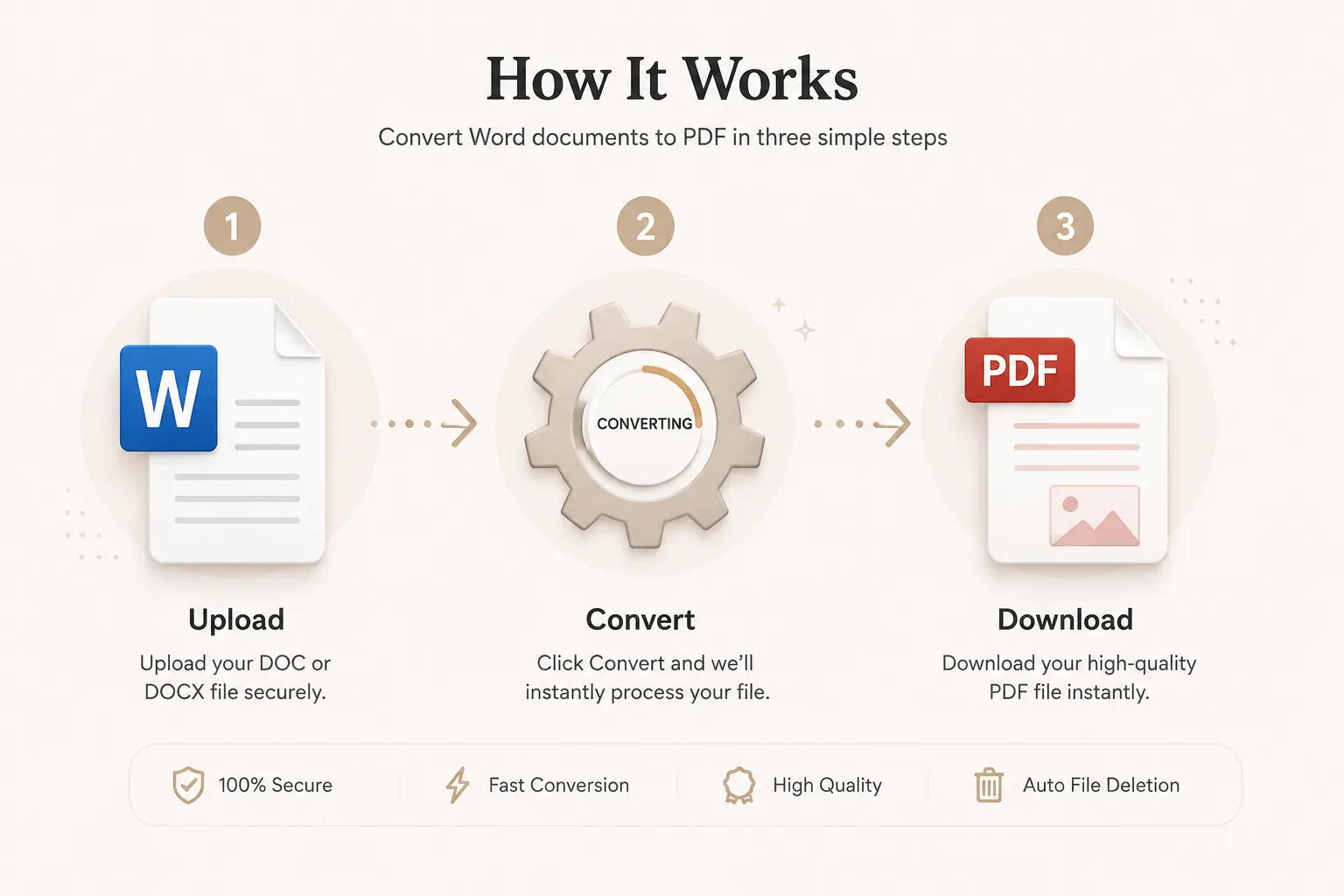
How to Convert Word to PDF
Convert your Microsoft Word document into a PDF in just three simple steps. No registration or software installation is required.
Upload Your Word File
Click Select File or drag and drop your DOC or DOCX file into the upload area.
Convert to PDF
Click the Convert button. Your document is processed while preserving fonts, images, tables, and formatting.
Download Your PDF
Your PDF will be ready in seconds. Download it instantly and share or print it whenever you need.
Why Choose Our Free Word to PDF Converter?
Our Word to PDF converter is designed for students, businesses, teachers, developers, lawyers, HR professionals, and anyone who needs professional PDF documents. Convert DOC and DOCX files into high-quality PDF documents while preserving formatting, fonts, tables, images, headers, footers, hyperlinks, and page layouts.
Preserve Original Formatting
Your converted PDF keeps the same fonts, spacing, margins, tables, images, bullets, numbering, headers, footers, and page orientation.
Fast Conversion
Upload your Microsoft Word document and receive your PDF within seconds without complicated software.
Secure Processing
Files are processed securely and automatically removed after conversion to protect your privacy.
Works on Every Device
Compatible with Windows, macOS, Linux, Android and iPhone browsers.
What is a Word to PDF Converter?
A Word to PDF converter is an online tool that transforms Microsoft Word documents (DOC and DOCX) into Portable Document Format (PDF) files. PDF documents preserve the original layout, fonts, tables, images, hyperlinks, headers, footers, page numbers, and formatting, ensuring that your document appears exactly the same on every device and operating system.
Unlike editable Word documents, PDFs provide a consistent viewing experience and are widely used for contracts, invoices, resumes, reports, academic papers, business proposals, legal documents, presentations, manuals, and printable forms. Whether you're sharing files with clients, submitting assignments, or archiving important documents, converting Word to PDF helps maintain professional formatting.
Our free online Word to PDF converter makes the process quick and simple. Upload your DOC or DOCX file, convert it in seconds, and download a high-quality PDF without installing additional software.
Why Convert Word Documents to PDF?
Converting a Word document to PDF offers several advantages. PDF files preserve the original formatting, ensuring that fonts, tables, spacing, images, and page layouts remain unchanged regardless of the device or operating system used to open the file.
- Preserve fonts and document formatting.
- Prevent accidental edits before sharing.
- Ideal for printing and professional distribution.
- Compatible with Windows, macOS, Linux, Android and iPhone.
- Smaller file sizes for email attachments.
- Professional appearance for resumes, reports and proposals.
- Easy to archive and store documents.
- Widely accepted by businesses, schools and government agencies.
Supported Word File Formats
Our converter supports the most common Microsoft Word document formats.
| Format | Description |
|---|---|
| DOC | Legacy Microsoft Word documents. |
| DOCX | Modern Microsoft Word documents. |
Both formats are converted into standard PDF files suitable for viewing, printing and sharing.
Why Choose Doccraft?
| Feature | Doccraft Suite | Many Other Tools |
|---|---|---|
| Free to Use | ✅ | ✅ |
| No Registration | ✅ | Sometimes |
| Secure Processing | ✅ | ✅ |
| Works on Mobile | ✅ | Some |
| High Quality Output | ✅ | Varies |
| No Software Installation | ✅ | Some |
Why Users Trust Doccraft Suite
🔒 Secure File Processing
Your files are securely processed and protected during conversion.
🗑 Automatic File Deletion
Uploaded files are automatically removed after processing.
👤 No Registration Required
Convert Word files without creating an account.
⚡ Fast Conversion
Most Word documents are converted in just a few seconds.
💻 Works Everywhere
Compatible with Windows, macOS, Linux, Android and iPhone.
📄 High Quality PDFs
Preserves formatting, fonts, tables, images and layouts whenever possible.
Privacy and File Security
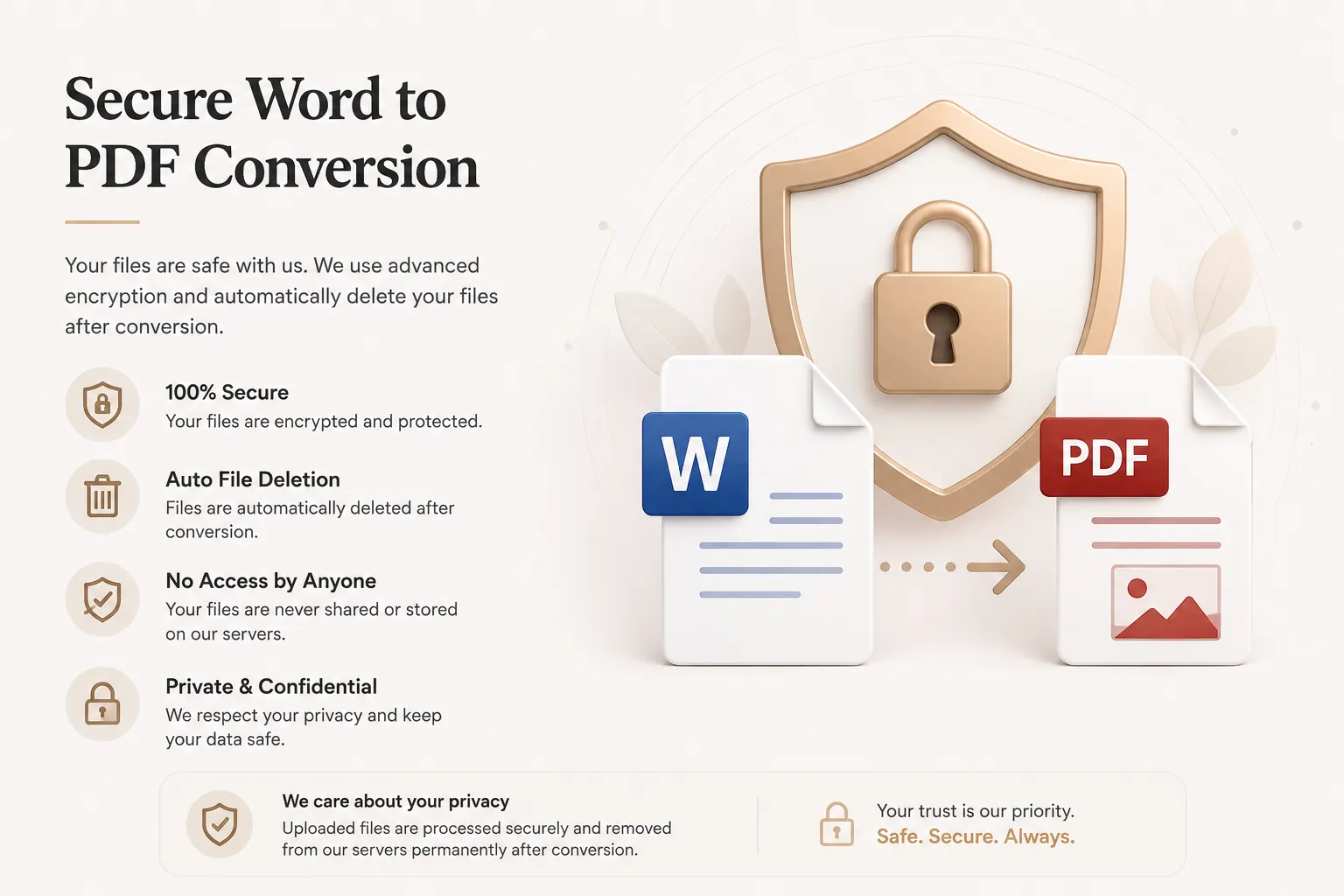
Your privacy is important. Every uploaded document is processed securely, and access is restricted to the conversion process only. Files are not publicly accessible during or after conversion.
To protect user data, uploaded files and generated PDFs are automatically removed after processing. This helps ensure confidential documents remain private.
Whether you're converting resumes, contracts, invoices, financial reports, research papers or business proposals, your documents are handled with security and privacy in mind.
Common Uses for Word to PDF Conversion
Students
Convert assignments, dissertations, projects and reports before submission.
Businesses
Create professional invoices, quotations, contracts and proposals.
Human Resources
Share resumes, offer letters and employee documentation.
Legal Professionals
Protect contracts and legal paperwork from accidental editing.
Government Forms
Generate standardized PDF files accepted by government portals.
Researchers
Publish papers while maintaining formatting consistency.
Tips for the Best Word to PDF Conversion
- Save your Word document before uploading.
- Use embedded fonts whenever possible.
- Review page margins and page breaks.
- Compress oversized images to reduce PDF size.
- Ensure hyperlinks are correctly inserted.
- Proofread your document before converting.
- Use the latest DOCX format for maximum compatibility.
- Download the PDF and review it before sharing.
Free Online Word to PDF Converter
Looking for a free Word to PDF converter? Our online tool lets you convert DOC and DOCX files into high-quality PDF documents in just a few clicks. Preserve fonts, images, tables, formatting and layouts while creating professional PDF files for work, school and personal use. Compatible with Windows, macOS, Linux, Android and iPhone, our converter provides a fast, secure and reliable way to turn Microsoft Word documents into PDFs without installing software or creating an account.
Perfect For
- Students submitting assignments
- Teachers sharing lecture notes
- Businesses creating invoices
- HR teams sending resumes
- Legal professionals sharing contracts
- Government documentation
- Project reports
- Research papers
- Business proposals
- Academic documents
Benefits of Converting Word to PDF
PDF files are universally accepted and preserve document formatting across all devices. Unlike Word documents, PDFs prevent accidental layout changes, making them ideal for contracts, invoices, assignments, resumes, brochures, manuals, reports, and presentations.
Frequently Asked Questions
Is this Word to PDF converter free?
Yes. You can convert DOC and DOCX files into PDF without paying.
Will formatting change?
No. Fonts, tables, images, spacing and layouts are preserved as much as possible.
Can I convert DOC files?
Yes. Both DOC and DOCX formats are supported.
Are my files secure?
Yes. Uploaded files are processed securely and automatically removed after conversion.
Does this work on mobile?
Yes. Use the converter on Android, iPhone, Windows, macOS and Linux browsers.