
Add Draggable Watermark to PDF
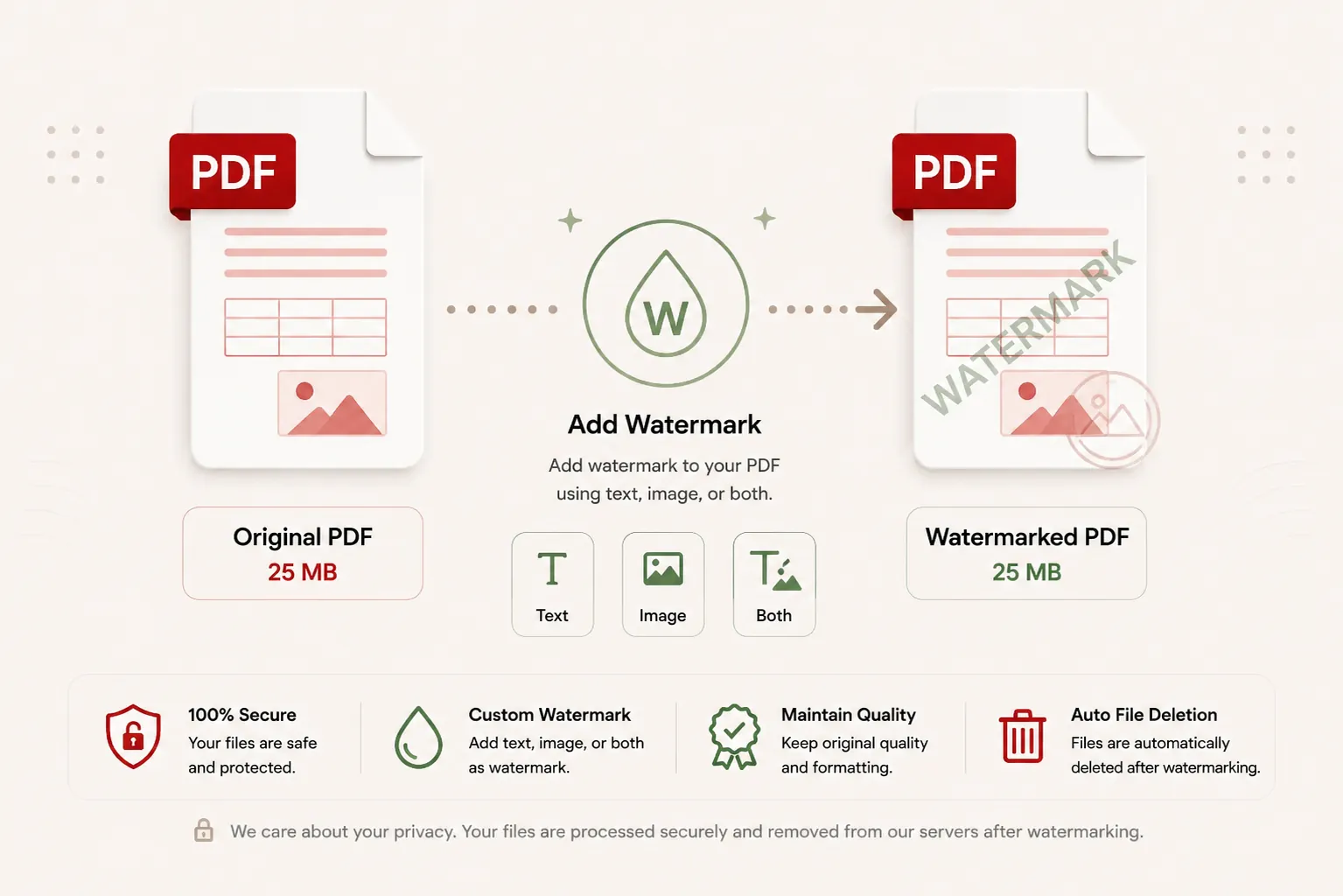
Drag and drop text or logo watermarks directly onto your page preview. Customize size, opacity, color, and rotation angle in real time.
Stamping Document Stream...
Applying watermark layers at exact target coordinates across PDF pages. Do not close or refresh this page.
// Stamping watermark text and logo overlays onto PDF canvas vectors...
Document Watermarked Successfully!
watermarked_document.pdf
Your custom watermark has been applied across pages and your file download will start automatically.
Draggable Position
Move watermarks anywhere
Text & Logo
Support both together
Fast Render
Instant background processing
Zero Storage
Files purged post-download
Features
✓ Text & Image Watermarks
Stamp text messages, corporate logos, or both simultaneously onto PDF pages.
✓ Draggable Canvas Positioning
Click and drag watermarks to target page locations with visual previews.
✓ Full Opacity & Scale Control
Adjust transparency, font size, rotation angles, and image scales fluidly.
✓ No Registration
Watermark PDF files immediately without creating an account.
✓ Free Online Tool
No heavy desktop software installation required.
✓ Multiple Devices
Use seamlessly on desktop, tablet, and mobile browsers.
How to Watermark a PDF Online
Stamp text or logo watermarks onto your PDF documents in three simple steps. No registration or software installation is required.
Upload Your PDF
Click Select File or drag and drop your PDF document into the upload zone.
Position Watermark
Select Text or Image mode, customize text/logo properties, and drag the overlay to your target position.
Download Watermarked PDF
Click Apply Watermark to PDF and download your protected document instantly.
Why Add Draggable Text and Logo Watermarks to PDF Documents?
In business, academic, and creative workflows, sharing unwatermarked PDF files online creates risk of unauthorized duplication, content theft, or unapproved redistribution. Applying text watermarks—such as "CONFIDENTIAL", "DRAFT", or brand logos—signals document status and protects your intellectual property.
DocCraft’s Draggable Watermark PDF Tool allows you to stamp customized text overlays, logo images, or both simultaneously directly onto your PDF pages. You can click and drag watermarks to exact target page positions, adjust font size, color, logo scale, transparency opacity, and rotation angles with live browser-based canvas previews.
Why Choose Doccraft?
| Feature | Doccraft Suite | Many Other Tools |
|---|---|---|
| Free to Use | ✅ | ✅ |
| No Registration | ✅ | Sometimes |
| Secure Processing | ✅ | ✅ |
| Interactive Canvas Dragging | ✅ | Rarely |
| Text & Logo Simultaneous Stamping | ✅ | Rarely |
| Works on Mobile | ✅ | Some |
Why Users Trust Doccraft Suite
🔒 Secure File Processing
Your files are encrypted during transmission and processed safely in memory.
🗑 Automatic File Deletion
Uploaded and watermarked files are purged automatically from servers post-processing.
👤 No Registration Required
Watermark PDF files immediately without signing up or providing emails.
⚡ Rapid Processing
Optimized stamping routines apply vector watermarks in just a few seconds.
💻 Works Everywhere
Compatible with Windows, macOS, Linux, Android and iPhone browsers.
📄 Sharp Vector Output
Maintains crisp typography, vector layers, and original page layouts.
Frequently Asked Questions
Can I drag and drop the watermark to any custom position on the page?
Yes! DocCraft features interactive canvas dragging. You can click and move text or image logos anywhere on the live preview canvas to set exact target coordinates.
Can I add both a text watermark and an image logo to my PDF?
Yes, DocCraft supports adding Text-only, Image-only, or Both Text and Image logo watermarks simultaneously to your document.
Will adding a watermark reduce document text quality?
No. Watermark overlays are merged into document page layers natively, keeping original vector fonts, graphics, and text crisp.
Are my watermarked documents stored on your servers?
No. All PDF processing occurs in stateless runtime memory and files are purged immediately after download.
Does this work on mobile devices?
Yes. Use the watermark tool on Android, iPhone, Windows, macOS and Linux browsers with full touch drag support.